Instagram post dimensions 2026: The essential guide
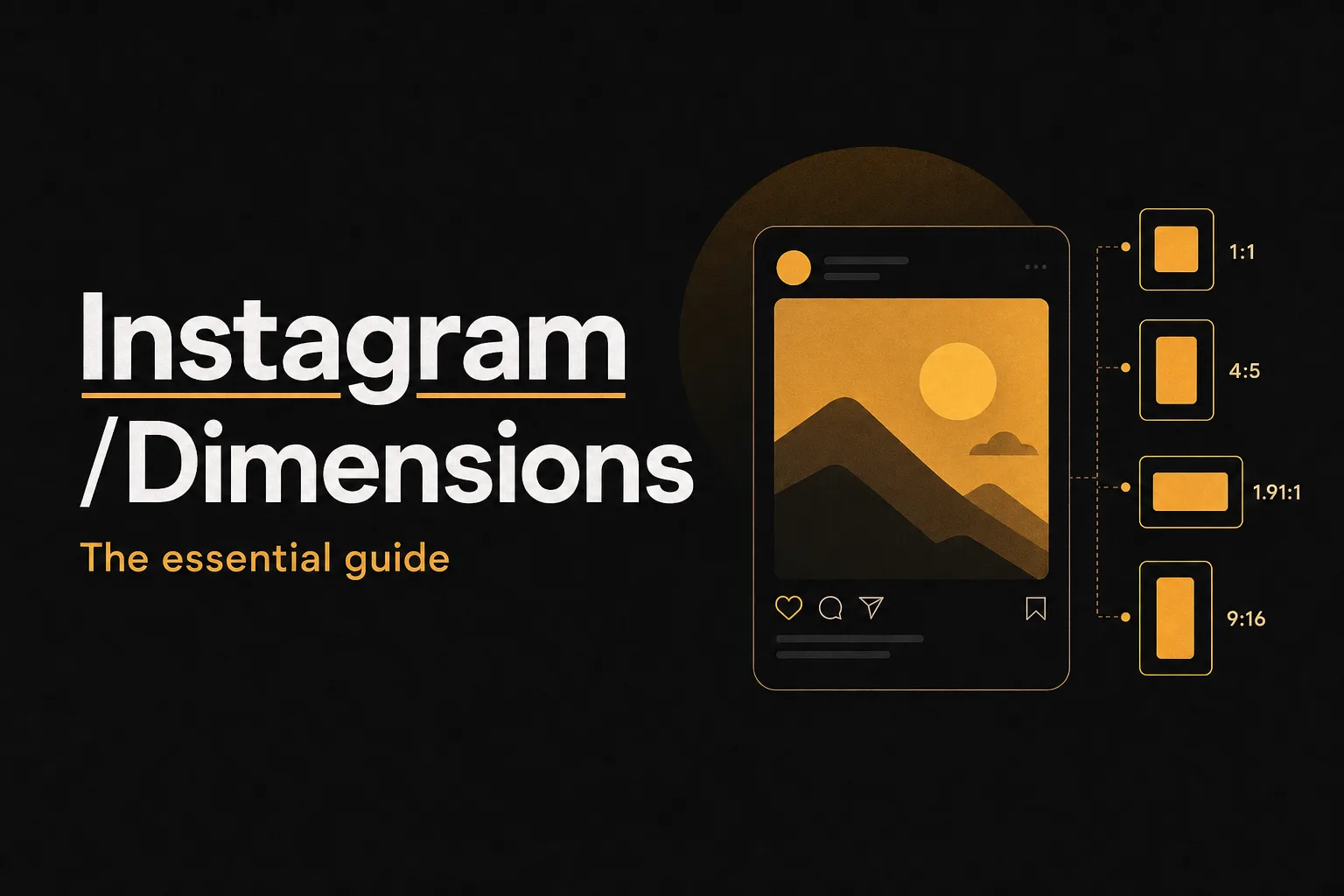
Instagram's visual landscape in 2026
Instagram has never been more visual, or more precise about how it displays your content. In 2026, the platform rewards creators who understand exactly how each format works, from the pixel dimensions of a feed post to the safe zone margins inside a Reel. Get the dimensions wrong and your images crop awkwardly, your text disappears, and your profile looks inconsistent. Get them right and everything snaps into place. This guide covers every Instagram surface type with exact pixel dimensions, aspect ratios, and practical tips for applying them. Whether you're a solo creator, a brand manager, or a social media strategist, this is the only reference you'll need.
Complete Instagram dimensions reference for 2026
The table below includes every major Instagram format, with both pixel dimensions and aspect ratios. Design tools like Canva, Adobe Express, and Figma often require aspect ratio inputs rather than pixel values, so both are listed here.
- Square post: 1080 x 1080 pixels, 1:1 ratio
- Portrait post (4:5): 1080 x 1350 pixels, 4:5 ratio
- Portrait post (3:4): 1080 x 1440 pixels, 3:4 ratio
- Landscape post: 1080 x 566 pixels, 1.91:1 ratio
- Stories: 1080 x 1920 pixels, 9:16 ratio
- Reels (video): 1080 x 1920 pixels, 9:16 ratio
- Reels cover image: 1080 x 1920 pixels, cropped to 1:1.55 on grid
- Profile photo: 320 x 320 pixels, 1:1 ratio
- Story Highlights icon: 110 x 110 pixels, 1:1 ratio
- Instagram Guides cover: 1080 x 1350 pixels, 4:5 ratio
Each format serves a different purpose, and using the correct dimensions for all of them is what separates polished, professional profiles from ones that look rushed or inconsistent.
Feed post dimensions explained
Feed posts remain the foundation of any Instagram presence. Instagram supports three aspect ratios for feed posts, and choosing the right one depends on your content type and how you want your grid to look.
Square (1080 x 1080 pixels, 1:1)
The square format is the classic Instagram shape. It works well for product shots, portraits, and graphic text posts. Because it's perfectly symmetrical, it's easy to design for and looks clean in any grid layout. Recommended minimum resolution is 1080 x 1080 pixels, though Instagram can display up to 1440 x 1440 pixels for higher-quality screens.
Portrait 4:5 (1080 x 1350 pixels)
The 4:5 portrait format takes up more vertical space in the feed, which means it occupies more of the screen as someone scrolls. This generally leads to higher engagement because the post is harder to skip past. It's the most widely recommended feed format for photos and graphics in 2026\.
Portrait 3:4 (1080 x 1440 pixels), the emerging format
The 3:4 ratio (1080 x 1440 pixels) is gaining traction in 2026 as creators push for even more vertical screen real estate on mobile. This format sits between the 4:5 and the full 9:16 Stories ratio, giving you a taller canvas without going full-screen. It's particularly effective for fashion, travel, and lifestyle content where the vertical composition feels natural. Instagram does cap feed posts at 4:5 in the main feed display, so a 3:4 image may be slightly letterboxed or cropped depending on placement. That said, many creators are using this format for carousel posts and finding strong results. Upload at 1080 x 1440 pixels and check the preview before publishing to confirm how it renders.
Landscape (1080 x 566 pixels, 1.91:1)
Landscape posts work well for wide scenic shots, panoramas, and certain types of infographics. They take up less vertical space in the feed, which means they scroll past quickly. Use this format when the horizontal composition is essential to the image, not as a default choice.
Stories and Reels dimensions
Stories and Reels both use the full-screen 9:16 vertical format. At 1080 x 1920 pixels, they fill the entire smartphone screen, which is exactly why they drive such strong engagement. There's nothing competing with your content, no surrounding feed posts, no distractions. When shooting video for Reels, record in 1080p or higher and keep the aspect ratio at 9:16. Instagram will compress files that exceed its limits, so there's no benefit to uploading at 4K unless you want slightly sharper compression artifacts.
Reels cover image dimensions
The Reels cover image is a detail that many creators overlook, but it matters a lot for grid aesthetics. When someone visits your profile, Reels appear in the grid as thumbnails. If you don't set a custom cover image, Instagram picks a frame from your video automatically, and the result is often unflattering. Upload a cover image at 1080 x 1920 pixels (9:16 ratio) for full quality. Be aware that when displayed in the profile grid, this image is cropped to a roughly 1:1.55 ratio. That means the top and bottom of your 9:16 cover will be cut off in the grid view. Keep your most important visual elements, your subject's face, your text, your logo, centered vertically in the frame so nothing critical gets cropped.
Profile photo and Story Highlights dimensions
These two elements appear on your profile page every time someone visits. They're small, but they're the first things people notice. Getting them right is a basic part of brand consistency.
Profile photo (320 x 320 pixels, 1:1)
Instagram displays profile photos at various sizes depending on where they appear: larger on your profile page, smaller next to posts and comments. The recommended upload size is 320 x 320 pixels at a 1:1 (square) ratio, though Instagram will crop the display to a circle. Upload the highest resolution version you have, up to 320 x 320, and center your subject in the frame so nothing important sits near the edges. For brand accounts, use your logo on a clean background. For personal accounts, a clear headshot with minimal background clutter works best. Avoid small text in profile photos because it becomes unreadable at smaller display sizes.
Story Highlights icon (110 x 110 pixels, 1:1)
Story Highlights icons appear as small circles below your bio. Instagram displays them at 110 x 110 pixels, cropped into a circle. Even though the display size is small, upload your icons at a higher resolution (at least 400 x 400 pixels) so they look sharp on high-resolution screens. Consistent Highlights icons are one of the easiest ways to make a profile look professionally designed. Many brands create a set of custom icon graphics in matching colors or a consistent visual style. Tools like Canva have free Highlights icon templates you can customize in minutes.
Instagram Guides dimensions
Instagram Guides let creators and brands publish curated, editorial-style content that links to posts, products, or places. The cover image for a Guide displays at 1080 x 1350 pixels, using the standard 4:5 portrait ratio. If you're using Guides for content marketing, treat the cover image like a magazine cover: clear headline, strong visual, and enough contrast to be readable at small sizes. Because Guides appear in the Explore tab and on your profile, a well-designed cover can drive meaningful traffic to your curated content.
Safe zones and text placement
Knowing the correct pixel dimensions is only half the job. You also need to place your visual elements within the safe zone, the area of the frame that will definitely be visible regardless of how Instagram crops or displays your content.
Why safe zones matter
Instagram crops content in several situations: when displaying a 9:16 Reels cover in the square grid, when showing a portrait post as a thumbnail, and when rendering Stories on devices with rounded corners or notches. If your text or key visual elements sit too close to the edges, they risk being cut off entirely.
Safe zone guidelines by format
- Feed posts (all ratios): Keep text and logos at least 14% of the image width away from all edges. For a 1080-pixel-wide image, that's roughly 150 pixels of padding on each side.
- Stories and Reels: Avoid placing important content in the top 250 pixels or the bottom 250 pixels of a 1080 x 1920 frame. The top area is where the profile name and progress bar appear, and the bottom is where the reply box and action buttons sit.
- Reels cover image: For grid display, center your key content vertically within the middle 1080 x 1350 pixels of the 1080 x 1920 frame. Anything above or below that zone may be cropped in grid view.
- Profile photo and Highlights icons: Keep all important content within the central 70% of the circle. Corners are cropped by Instagram's circular display mask.
Text placement best practices
Beyond safe zones, readable text requires adequate contrast and size. Use a minimum font size of 24pt for body text in Stories and Reels, and at least 18pt for captions overlaid on feed images. Dark text on light backgrounds or light text on dark backgrounds with a semi-transparent overlay will always outperform text placed directly over busy imagery. For carousel posts, keep recurring text elements like titles or page numbers in the same position on every slide. Consistency makes your carousel feel like a cohesive piece of content rather than a random collection of slides.
Design templates and tools for Instagram dimensions
You don't need to set up every Instagram format from scratch. Several free and paid tools offer pre-sized templates for every format listed in this guide.
Free tools with Instagram templates
- Canva: Offers free templates for Instagram posts (square and portrait), Stories, Reels covers, and Highlights icons. You can resize designs between formats with one click using the Magic Resize feature (available on Pro).
- Adobe Express: Includes a library of Instagram templates across all main formats. Free tier available, with more customization on paid plans.
- CapCut: Primarily a video editor, but includes preset canvas sizes for Reels and Stories. Good option if you're editing short-form video content.
- Figma: For designers who want full control, Figma's community library has free Instagram frame templates. You can define frames at exact pixel dimensions and export at any resolution.
How to use templates effectively
Start with a template sized correctly for your target format, then customize it with your brand colors, fonts, and imagery rather than using the template as-is. Templates are a starting point, not a finished product. The goal is to use them to skip the setup work, not to produce content that looks identical to everyone else using the same template. If you manage multiple Instagram accounts or post at high frequency, consider building a small set of custom brand templates in Canva or Figma. Store them in a shared folder so your whole team works from the same correctly sized files. This eliminates dimension errors before they happen.
Why correct dimensions matter for engagement
Using the right dimensions isn't just a technical checkbox. It has a direct effect on how your content performs. Images that are correctly sized maintain their full resolution when displayed. Images that Instagram has to resize or crop often lose sharpness, and awkward crops break the visual composition you carefully designed. Beyond resolution, the format you choose affects how much screen space your post occupies as someone scrolls. A portrait post at 4:5 takes up roughly 56% more vertical screen space than a landscape post. More screen space means more viewing time, which generally translates to higher engagement rates. This is why the 4:5 portrait format consistently outperforms landscape across most content categories. Profile photos and Highlights icons are lower stakes for engagement, but they contribute to the first impression your profile makes. A blurry or off-center profile photo signals a lack of attention to detail, which can undermine trust before someone even reads your bio.
Quick reference: aspect ratios at a glance
If you work with design tools that ask for aspect ratios rather than pixel dimensions, here's the complete list:
- Square post: 1:1
- Portrait post (4:5): 4:5
- Portrait post (3:4): 3:4
- Landscape post: 1.91:1
- Stories: 9:16
- Reels: 9:16
- Reels cover (grid crop): 1:1.55
- Profile photo: 1:1
- Story Highlights icon: 1:1
- Instagram Guides cover: 4:5
Bookmark this page as your go-to reference whenever you're setting up new content or onboarding a designer to your Instagram workflow. Dimensions change less often than Instagram's algorithm, but when they do change, keeping a single updated reference saves a lot of rework.