How to create viral skeleton exercise videos with AI
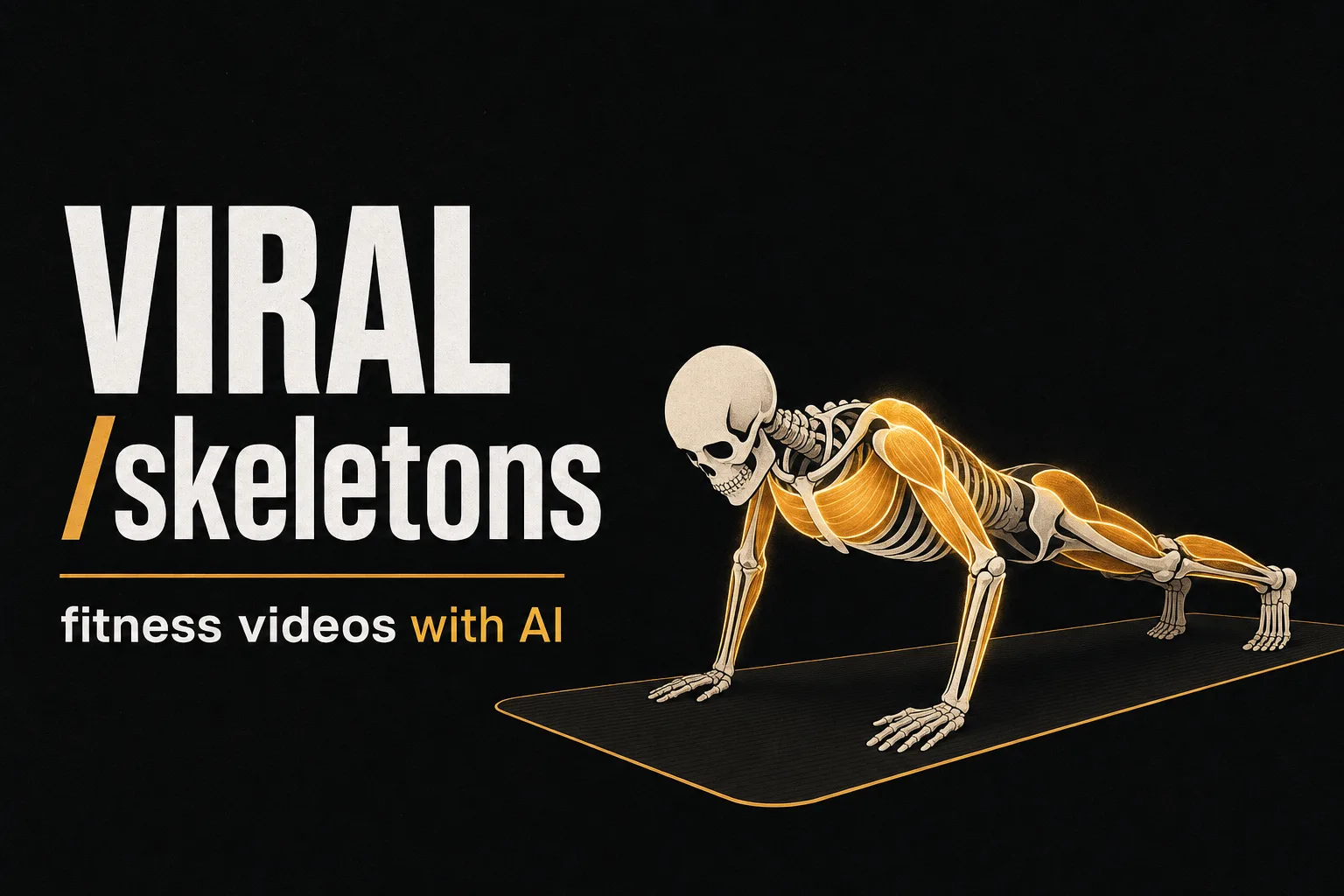
Skeleton videos are the most explosive trend on YouTube in 2026. New channels are averaging 3.9 million views per video, and the fitness niche is one of the highest-potential versions: a transparent skeleton showing in real time what happens to your body when you perform an exercise.
The format works because it combines visual curiosity, implicit education, and extreme retention. And the best part: it can be produced entirely with AI, no camera, no equipment, and no editing experience needed.
In this article, we show you how to do it step by step with Vuela.
What is a skeleton exercise video
It's a video where a crystal skeleton (or transparent, or X-ray) replicates the exact movements of a person exercising. The result is a visual piece showing anatomy in action: muscles contracting, bones moving, joints rotating.
There's a pure educational version (like "what happens to your body if you do 100 squats a day") and a direct fitness version (the skeleton performs the exercise and the correct technique is explained).
Both work. Both generate millions of views.
Why fitness skeleton videos go so viral
Instant visual curiosity. A transparent skeleton doing push-ups generates an automatic click. The thumbnail is irresistible because it shows something the human eye can't normally see.
Education that doesn't feel like education. Viewers learn which muscles work in each exercise without feeling like they're in a class. That drives watch time, likes, and shares.
Per-second retention. Every frame shows something new: a muscle tensing, a joint rotating, a tendon stretching. There's no visual "filler" — every second delivers information.
High CPM. The fitness + anatomical education niche attracts premium advertisers paying $10 to $25 CPM. It's one of YouTube's best-paying verticals.
The trend in numbers
An analysis of 59 skeleton videos from a single YouTube channel revealed 228 million total views, averaging 3.9 million views per video.
Top-performing formats:
| Format | Average views |
|---|---|
| "What if you were raised by [animal]?" | 6.3M |
| "What happens to your body if [scenario]?" | 3M+ |
| "How many [food/drink] will end you?" | 3M+ |
| Exercise and fitness with skeleton | 2M-5M |
The "socrates skeleton" trend hit its peak on Google Trends on March 24, 2026, going from 0 to 100 in just two weeks. But the base skeleton format has been growing for months and is still trending.
The channels doing it
The trend started on TikTok with @theoretico5 in early March 2026 ("what if you spent one week as an ancient Greek?") and quickly jumped to YouTube Shorts and Instagram Reels. The "socrates skeleton" went from 0 to 100 on Google Trends in just 2 weeks, peaking March 24, 2026.
Today there are dozens of channels dedicated exclusively to skeleton videos:
| Channel | Content | Link |
|---|---|---|
| Skele Adventure | "What if...?" scenarios with skeleton — the most viral in the niche | @SkeleAdventure |
| ZkeletonIA | AI-generated skeleton videos | @ZkeletonIA |
| If True | "What if" scenarios with animated skeleton | @if_true |
| Skelly Situations | Everyday and curious situations from a skeleton's perspective | @SkellySituations |
The format works both for Shorts (30-60 seconds showing one exercise) and long-form videos (5-15 minutes with complete routines or detailed technique explanations).
How to create skeleton exercise videos step by step
Step 1: Find your reference video
Search YouTube for any fitness channel where someone is performing an exercise: squats, deadlifts, push-ups, pull-ups... The key is that the person is visible full-body executing the movement.
Download the video at the highest quality possible using any YouTube video download tool.
Step 2: Study the trend
Before creating your version, study the skeleton videos that are already working. You'll see skeletons running races, doing exercises, reenacting historical moments, explaining science... The format is always the same: skeletal character + action + narration or text.
Step 3: Create your crystal skeleton with AI
Generate your character image. Here's the prompt we recommend:
"Full body crystal skeleton, transparent glass-like skin showing all muscles and bones underneath, anatomical detail, standing pose, neutral background, ultra realistic, 8k"
You can create variations:
- Transparent crystal: muscles and bones visible through the skin
- X-ray: black background, glowing skeleton
- Neon: skeleton with luminous edges
- Holographic: semi-transparent effect with reflections
Try different prompts until you find your style. This character will be the visual identity of your channel.
Step 4: Replace the person with your skeleton
Go to Vuela → Images → Editing. Upload the first frame of the original video and pass your crystal skeleton image as reference. Ask it to:
- Replace the person with the crystal skeleton
- Maintain the position and framing
- Remove any watermarks, logos, or text from the original channel
The result is your initial frame with the skeleton in the same position as the original person.
Step 5: Transfer the movement with Motion Transfer
Go to Tools → Motion Transfer. This is where the magic happens:
- Upload your skeleton image as the reference
- Upload the original video as the movement source
- Hit transfer
Vuela will transfer all movements from the original video to your crystal skeleton. Every squat, every push-up, every movement is replicated exactly.
Step 6: Handle cuts with Vuela's video editor
This is key. Most fitness videos have cuts: the person changes exercises, angles, or positions. When there's a cut, you need to run a separate Motion Transfer for each segment.
This is where Vuela's video editor comes in — your CapCut alternative without leaving the platform:
- Upload the original video directly to Vuela
- Identify the cuts — each scene change is a cut point
- Cut the segments at those points
- Delete segments you don't need
- Run Motion Transfer for each segment separately
- Merge the transformed segments in the editor
The editor lets you work with all videos in your gallery, cut, delete, and merge without exporting or importing anything. The entire flow stays inside Vuela.
Step 7: Publish
Your video is ready. Upload it directly to YouTube from Vuela or download it for TikTok, Instagram Reels, or any other platform.
Vuela's video editor: why you no longer need CapCut
Until now, editing video segments meant leaving Vuela, going to CapCut or another editor, cutting, exporting, re-importing... A broken flow that doubled production time.
Vuela's new built-in video editor eliminates that step. Directly inside the platform you can:
- Cut any video at the exact points you need
- Delete unwanted segments
- Merge clips from your generated video gallery
- Manage all your content without switching tools
The result: your complete production flow — from finding the reference video to publishing the final result — stays 100% inside Vuela. No external apps. No export/import. No wasted time.
8 video ideas to start today
| Exercise | Title hook |
|---|---|
| Squats | "What really happens to your knees when you do squats" |
| Deadlifts | "Why deadlifts destroy your back (if you do them like this)" |
| Push-ups | "Watch every muscle that activates during a push-up" |
| Plank | "60 seconds of plank: this is what happens inside your body" |
| Running | "What happens to your joints every time you run" |
| Pull-ups | "How many muscles work during a pull-up? More than you think" |
| Burpees | "The exercise that activates the MOST muscles at once (in X-ray)" |
| Jump rope | "What your skeleton endures every time you jump rope" |
How much can you earn with this niche
The fitness + anatomical education niche is one of YouTube's best-paying verticals. Health, supplement, and sports equipment advertisers pay $10 to $25 CPM.
A single viral video with 1M views can generate between $10,000 and $25,000 in ad revenue. And the advantage of the skeleton format is that every exercise is a new video: with basic exercises alone, you have content for months.
Plus, the format works across multiple platforms: YouTube (Shorts and long-form), TikTok, Instagram Reels, and Facebook Reels. A single video can be distributed across all of them.
Create your first skeleton video with Vuela
The format is proven. The numbers are there. And now you can do everything — from the skeleton image to the final edit — without leaving Vuela.