Best AI image generation tools 2026: ranked and compared
AI image generators have split into clear lanes. Some are built for fine art. Some are built for accurate text inside an image. Some are built for one job that most businesses actually need: turning a product into clean, on-brand marketing visuals. Picking the wrong one wastes hours on prompts that never land.
This ranking covers the best AI image generation tools in 2026, free and paid. Each pick is rated on three things that decide real value: free tier, image quality, and commercial use rights. There is a comparison table near the top, short honest write-ups for each tool, a section on how to choose, and an FAQ at the end.
Comparison table: best AI image generators in 2026
A quick view before the details. Free tiers change often, so these were checked in 2026 and should be confirmed on each provider's site before you commit.
| Tool | Best for | Free tier | Quality | Commercial use |
|---|---|---|---|---|
| Vuela | Marketing and product images | No, paid from $9/mo flat | High | Yes, on paid plans |
| Midjourney | Artistic and stylized images | No standing free tier | Very high | Yes, on paid plans |
| Google Imagen / Gemini | Photorealism and editing | Limited free access | Very high | Yes, check tier terms |
| Flux | Control and customization | Free via some hosts | High | Varies by version and host |
| Ideogram | Text inside images | Daily free credits | High | Yes, on paid plans |
| Leonardo | Game and concept art | Daily free credits | High | Yes, on paid plans |
| Recraft | Vector and brand graphics | Limited free tier | High | Yes, on paid plans |
| Adobe Firefly | Commercial-safe images | Monthly free credits | High | Yes, designed for it |
| Canva | Quick social graphics | Free with limits | Medium to high | Yes, with conditions |
1. Vuela, best for marketing and product images
Most image tools stop at a pretty picture. Vuela is built for the next step: turning that image into something you can sell with. It generates and edits images, creates product shots, applies styles, and builds mockups, all aimed at marketing output rather than gallery art.
The reason it ranks first for business use is scope. You can generate a product image, then keep going in the same place: write the product description, spin up social posts, or turn the visual into a video ad with an AI presenter. For a small team that needs assets fast, that matters more than chasing the single best render.
Vuela is paid, not free. Plans start at a flat $9 per month, so the cost is predictable and not metered per image. If your main need is clean product and marketing visuals plus the content around them, it is the most practical pick on this list.
Pros: built for product and marketing images, editing and mockups included, flat-rate pricing, connects to video and copy tools.
Cons: no free tier, less focused on fine-art rendering than dedicated art models.
2. Midjourney, best for artistic and stylized images
Midjourney still sets the bar for look and feel. If you want dramatic lighting, painterly detail, or a strong stylistic point of view, few tools match it. Artists and designers use it for concept work, mood boards, and standout visuals.
The trade-offs are real. There is no standing free tier, so you pay to use it. Prompt control has improved but still rewards practice. And it leans artistic, so clean commercial product shots are not its strength.
Pros: top-tier aesthetics, strong community and references.
Cons: no free plan, learning curve, less suited to literal product images.
3. Google Imagen and Gemini, best for photorealism and editing
Google's image models are strong on photorealism and on understanding plain-language edit requests. You can describe a change in normal English and get a sensible result, which makes them friendly for people who do not want to learn prompt syntax.
Access shows up in a few places across Google's products, with limited free use and paid tiers above that. Read the terms for the tier you use, since commercial rights can depend on how you access the model.
Pros: excellent realism, natural-language editing, easy to reach.
Cons: free limits are tight, terms vary by access point.
4. Flux, best for control and customization
Flux is the choice for people who want to get under the hood. It offers strong image quality with more control over the output, and it runs on many third-party platforms, so you can pick a host that fits your workflow or budget.
That flexibility is also the catch. Quality and pricing depend on the version and the host you choose, and licensing differs between versions. It rewards users who are comfortable testing setups rather than wanting one button.
Pros: high control, available through many hosts, free options exist.
Cons: commercial terms vary by version, more setup than mainstream apps.
5. Ideogram, best for text inside images
Putting readable, correct words inside an image used to be where AI fell apart. Ideogram solved much of that. It is the go-to when you need legible text on a poster, a logo concept, a sign, or a quote graphic.
It offers daily free credits to try, with paid plans for heavier use and commercial rights. Outside of text-heavy work, other tools may edge it on raw realism, but for typography in images it is the specialist.
Pros: best-in-class text rendering, daily free credits, good for graphics.
Cons: not the top pick for pure photorealism.
6. Leonardo, best for game and concept art
Leonardo is popular with game artists, illustrators, and anyone making characters, environments, or concept assets. It gives you fine control through models and settings, plus features for keeping a consistent style across a set of images.
It runs on daily free credits with paid tiers for volume and commercial use. The depth of options is great for creators but can feel like a lot if you only want a quick image.
Pros: strong for art and characters, consistency tools, daily free credits.
Cons: more features than casual users need.
7. Recraft, best for vector and brand graphics
Recraft stands out for design work, not just photos. It can produce vector graphics, icons, and brand-consistent sets, which is rare among image generators. Designers use it for assets that need to scale cleanly and match a style.
There is a limited free tier, with paid plans for more output and commercial rights. If you live in raster photos it may be more than you need, but for logos, icons, and on-brand illustration it is a specialist worth knowing.
Pros: vector output, brand style control, good for design systems.
Cons: narrower fit if you only want photographic images.
8. Adobe Firefly, best for commercial-safe images
Firefly's pitch is peace of mind. Adobe trained it with commercial use in mind, which appeals to teams that worry about rights and provenance. It also lives inside Adobe's tools, so it slots into existing creative workflows.
You get monthly free credits, then paid plans or bundles. Quality is solid and it is a safe default for businesses already in the Adobe world, even if a few rivals push harder on pure style.
Pros: built for commercial use, integrates with Adobe apps, free monthly credits.
Cons: best value if you already pay for Adobe.
9. Canva, best for quick social graphics
Canva is the easy on-ramp. Its AI image features sit right next to templates, text, and layout tools, so you can go from a prompt to a finished social post or flyer without switching apps. For non-designers, that simplicity wins.
There is a free plan with limits, and paid tiers unlock more. Raw image quality and control trail the specialist models, but as an all-round design app with built-in generation it is hard to beat for speed.
Pros: very easy, design tools built in, free plan available.
Cons: less control and lower ceiling than dedicated generators.
How to choose the right AI image generator
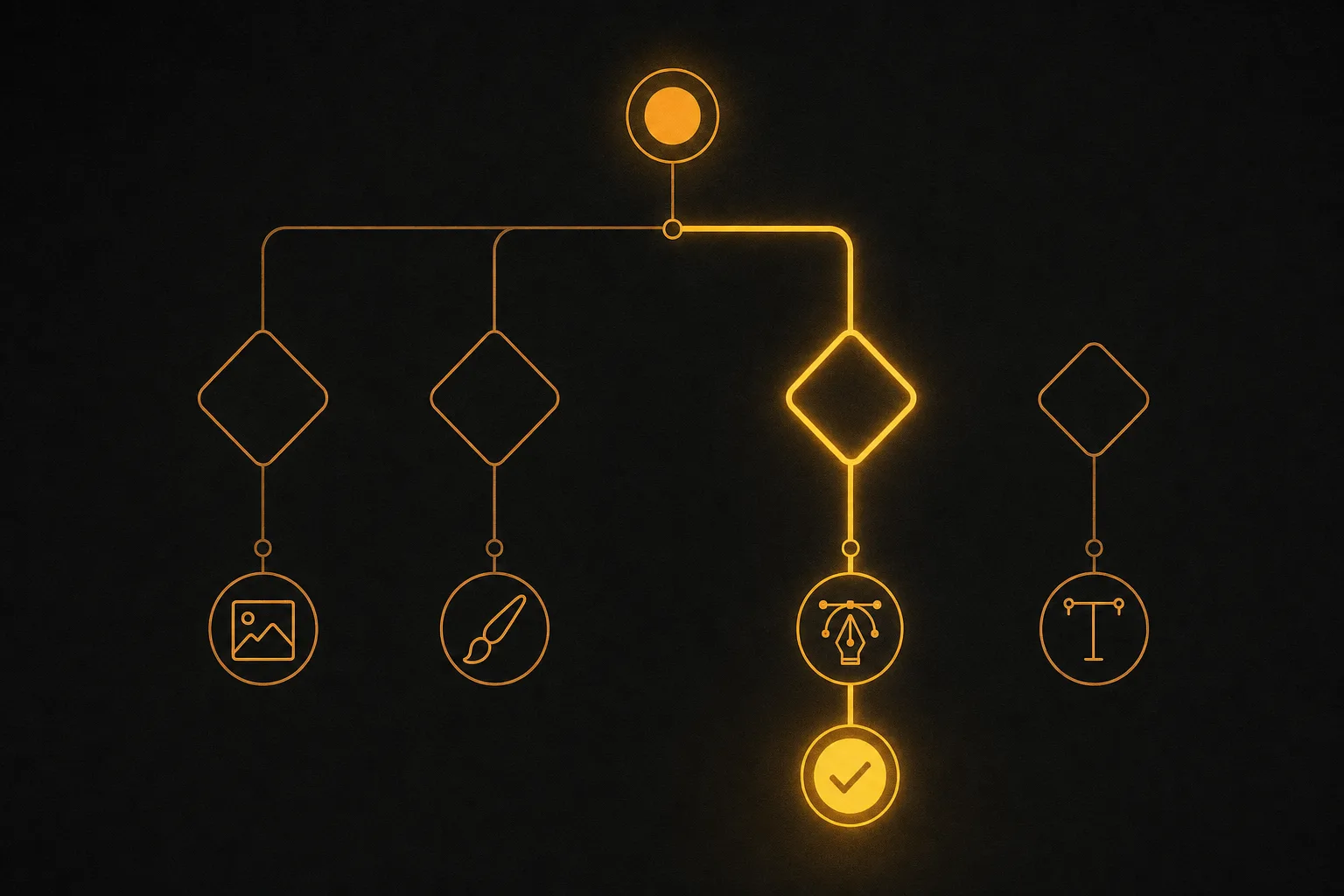
Start with the job, not the hype. The best tool for fine art is rarely the best tool for product photos. Use these questions to narrow it down.
- What do you actually make? Product and marketing visuals point to Vuela. Stylized art points to Midjourney or Leonardo. Text-in-image points to Ideogram. Vectors point to Recraft.
- Do you need free, or do you need reliable? Free tiers are great for testing. For client work or steady output, a flat paid plan removes the per-image anxiety.
- Are the commercial rights clear? Confirm you can sell or publish what you generate on your plan. This is the step most people skip.
- How much control do you want? Flux and Leonardo give you knobs. Canva and Google keep it simple.
- What happens after the image? If you also need product copy, social posts, or video from the same asset, a platform like Vuela saves you from stitching five tools together.
A simple rule: pick one tool that fits your main use case and one free option for quick experiments. You rarely need more than two.
Free vs paid AI image generators
Free tiers are real and useful, but they come with strings. Expect daily or monthly credit caps, slower queues, lower resolution, and sometimes watermarks. Commercial rights are often limited or excluded on free plans, which is the part that trips up businesses.
Paid plans buy you speed, higher quality, fewer limits, and clear usage rights. A flat-rate plan like Vuela's, starting at $9 per month, also makes budgeting easy because the price does not climb with every image. If image generation is part of how you earn, paid almost always pays for itself.
Frequently asked questions
What is the best AI image generator in 2026?
There is no single winner, because it depends on the job. For marketing and product images, Vuela is the most practical pick since it also handles editing, copy, and video. For artistic work, Midjourney leads. For photorealism, Google's Imagen and Gemini models are excellent, and for text inside images, Ideogram is the specialist.
Which AI image generator is best for commercial use?
Adobe Firefly is built with commercial use in mind, and Vuela grants commercial rights on its paid plans for marketing and product work. Always confirm the rights for your specific plan, since free tiers often limit or exclude commercial use. Terms change, so check before you publish.
Are there free AI image generators that are actually good?
Yes. Ideogram, Leonardo, Recraft, Adobe Firefly, and Canva all offer free credits or a free tier with genuinely good output. The catch is limits on volume, speed, resolution, and commercial rights. They are great for testing, but heavy or professional use usually needs a paid plan.
What is the best AI tool for product and marketing images?
Vuela. It is built for product shots, edits, styles, and mockups, and it connects image creation to product descriptions, social posts, and video ads. For a business that needs sellable visuals fast rather than gallery art, that end-to-end scope beats a tool that only renders an image.
Can Claude generate images?
Not by itself: Claude has no image model, so it draws only with code (charts, SVG, diagrams and layouts). Connected to an image generator it can request real photos and illustrations from the chat. Here is what Claude can generate, with examples.
Do I need more than one AI image generator?
Usually not. Most people are well served by one paid tool that matches their main use case, plus one free option for quick experiments. Stacking too many tools adds cost and friction without improving results.