Best AI avatar generator in 2026: 8 tools ranked
An AI avatar generator turns a script, a photo, or a short clip into a talking presenter on video. No camera, no studio, no actor. In 2026 the tools are good enough that a single person can produce spokesperson videos, training modules, and UGC-style ads in minutes.
The problem is choice. Some tools make stiff corporate presenters. Others nail short-form ad creatives but cap your languages. A few do everything but cost a fortune. This guide ranks the 8 best AI avatar generators of 2026 by avatar quality, language support, free tier, and best use, with a comparison table up top and a clear way to pick.
Quick comparison of the best AI avatar generators
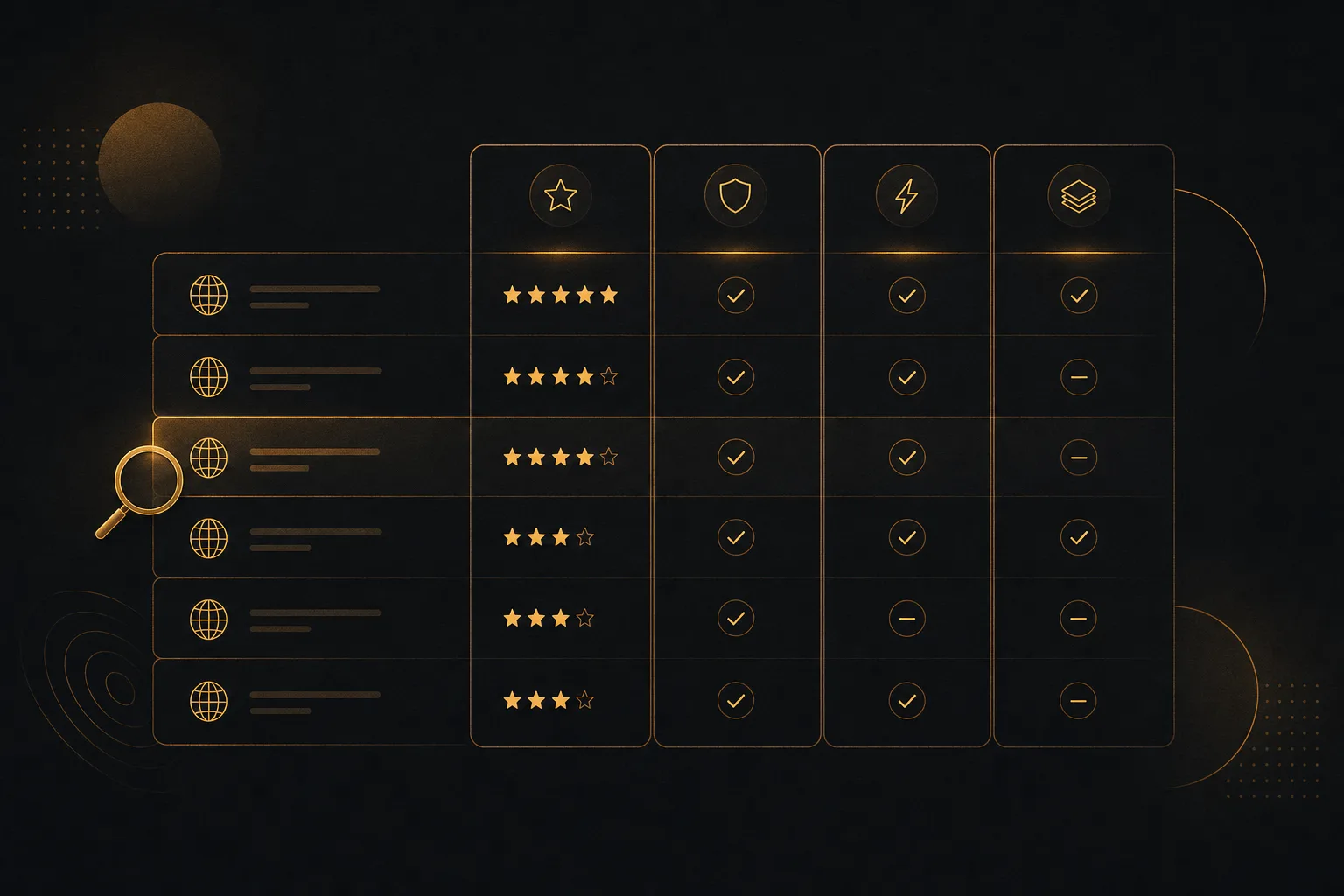
Free tiers and limits were checked in 2026 and change often, so treat them as a starting point and verify on each tool before you pay.
| Tool | Avatar quality | Languages | Free tier | Best use |
|---|---|---|---|---|
| Vuela | High, lifelike talking avatars | Many, with matching voice dubbing | No, paid from 9 dollars a month flat | All-in-one avatars, spokesperson and UGC ads |
| HeyGen | Very high realism | Many | Limited free with watermark | Realistic avatar clones and short videos |
| Synthesia | High, studio presenter look | Many | Limited free demo | Training and corporate explainers |
| D-ID | Good, photo-driven | Many | Free trial credits | Talking photos and quick avatars |
| Hedra | High, expressive faces | Several | Daily free credits | Character and creative talking heads |
| Argil | Good, creator clones | Several | Limited free | Personal brand and recurring content |
| Captions | Good for short-form | Several | Free with watermark | Mobile-first social clips |
| Vidnoz | Decent, template-led | Many | Daily free credits | Budget avatars and quick drafts |
1. Vuela, best all-in-one for talking avatars and ads
Vuela is the pick if you want talking avatars plus everything around them in one place. It generates spokesperson and authority videos from a script, an image, or an existing video, so the avatar is only one part of the workflow instead of a separate tool you have to stitch in.
Where Vuela stands out is the surrounding toolkit. You can produce UGC-style ads with AI presenters from a product image or URL, clone a winning viral format with your own product, and run motion transfer or character swap when you need a specific look. The same project can then be translated and dubbed into many languages with a natural matching voice, turned into vertical shorts automatically, and paired with AI voiceover, voice cloning, music, and on-brand images.
That breadth matters because most avatar projects do not end at the avatar. You usually need captions, a translated cut, a short-form version, and a thumbnail. Vuela keeps all of it under one login and one flat plan.
Avatar quality: high, with lifelike talking avatars and motion transfer for tighter control.
Languages: many, with video translation and dubbing that matches the original voice.
Free tier: none. Vuela is paid from 9 dollars a month on a flat rate, no per-seat pricing.
Best for: creators, marketers, and small teams who want avatars, spokesperson videos, and UGC ads without buying four separate tools.
2. HeyGen, best for realistic avatar clones
HeyGen built its reputation on realism. Its avatars and personal clones look convincing on camera, with strong lip-sync and natural delivery. It is a favorite for talking-head videos where the face needs to read as real.
You can create a custom avatar from your own footage and reuse it across scripts. Language coverage is broad, and the translation feature is solid. The free tier is limited and adds a watermark, so most serious use moves to a paid plan.
Avatar quality: very high realism, especially for cloned faces.
Languages: many.
Free tier: limited, with a watermark.
Best for: realistic avatar clones and polished short videos.
3. Synthesia, best for training and corporate video
Synthesia is the safe enterprise choice. Its presenters have a clean, studio look that suits onboarding, compliance, and product training. The editor feels like building a slide deck with a presenter on top, which is exactly what L&D teams want.
Avatar realism leans professional rather than candid, so it shines in formal settings and feels slightly stiff for casual social ads. Language support is wide, and the platform is built for teams. The free option is more of a demo than a working tier.
Avatar quality: high, with a polished presenter style.
Languages: many.
Free tier: limited demo.
Best for: training, internal comms, and corporate explainers.
4. D-ID, best for talking photos
D-ID made talking photos popular. Feed it a single still image and a script, and it animates the face to speak. That makes it fast for turning a headshot or an illustration into a quick presenter without recording anything.
Quality is good for photo-driven avatars, though it does not reach the full-body realism of footage-based clones. It supports many languages and offers an API, which developers like for embedding avatars in apps. New accounts get trial credits.
Avatar quality: good, photo-driven.
Languages: many.
Free tier: trial credits.
Best for: talking photos, quick avatars, and developer integrations.
5. Hedra, best for expressive character avatars
Hedra focuses on expressive, character-style talking heads. It handles emotion and face movement well, which makes it a strong choice when you want personality rather than a neutral corporate presenter. Creators use it for stylized characters and creative content.
It is less aimed at structured corporate workflows and more at open-ended creation. Language coverage is solid, and it offers daily free credits, so you can test it before committing.
Avatar quality: high, with expressive faces.
Languages: several.
Free tier: daily free credits.
Best for: character avatars and creative talking heads.
6. Argil, best for creator personal brands
Argil is built for creators who want to clone themselves and post often. You record a clone once, then generate new videos from scripts so you can keep a posting schedule without filming every day. It leans into the personal-brand use case.
Realism is good for creator clones, and the workflow is geared toward recurring short content. Language support covers the main markets. The free tier is limited, so steady use needs a paid plan.
Avatar quality: good, tuned for creator clones.
Languages: several.
Free tier: limited.
Best for: personal brands and high-frequency content.
7. Captions, best for short-form social
Captions started as a captioning app and grew into a short-form video suite with AI avatars. It is mobile-first and strong at the things short-form creators care about: punchy captions, quick edits, and social-ready formatting.
Avatar quality is good for fast social clips rather than long polished spokesperson videos. It covers several languages and has a free tier with a watermark. If your output lives on TikTok, Reels, and Shorts, it fits the workflow.
Avatar quality: good for short-form.
Languages: several.
Free tier: free with a watermark.
Best for: mobile-first social clips.
8. Vidnoz, best budget option
Vidnoz is the value pick. It offers a large library of avatars and templates, broad language support, and daily free credits that let you produce drafts at no upfront cost. It is a practical entry point for people testing the avatar workflow.
Avatar realism is decent rather than top-tier, and the template-led approach can feel generic. For low-stakes videos, quick drafts, and tight budgets, it does the job.
Avatar quality: decent, template-led.
Languages: many.
Free tier: daily free credits.
Best for: budget avatars and fast first drafts.
How to choose the right AI avatar generator
Pick the job first, then the tool. The best avatar generator depends entirely on what you are making.
- For ads and UGC: you need presenters that feel native to social and a fast way to test variations. Look for product-image or URL inputs and easy short-form export.
- For training and corporate: prioritize a clean presenter look, slide-style editing, and team features over raw realism.
- For a personal brand: a one-time clone you can reuse across scripts saves the most time.
- For talking photos: a photo-to-video tool is faster and cheaper than a full clone.
- For multilingual reach: check that translation keeps a natural matching voice, not just subtitles.
Two traps cost people money. First, free tiers often add watermarks or cap export length, so the real cost is the paid plan, not the free one. Second, an avatar tool that only makes the avatar leaves you to find captions, translation, and short-form editing elsewhere. If you want one workflow instead of four, an all-in-one like Vuela removes that friction. If you only ever need one polished presenter video a month, a focused tool may be enough.
Frequently asked questions
What is the best AI avatar generator in 2026?
For an all-in-one workflow that covers talking avatars, spokesperson videos, and UGC ads, Vuela is the strongest pick because it adds translation, shorts, voiceover, and images around the avatar. For maximum face realism on a single clone, HeyGen leads. For training and corporate video, Synthesia is the standard. The best choice depends on your main use case.
Are there free AI avatar generators?
Yes, several tools offer free access. Hedra and Vidnoz give daily free credits, while Captions and HeyGen have free tiers that usually add a watermark or cap length. These limits were checked in 2026 and change often, so confirm before you rely on them. Vuela does not have a free plan; it is paid from 9 dollars a month on a flat rate.
Can AI avatars speak multiple languages?
Yes. Most tools on this list support many languages. The difference is quality. Some only swap subtitles, while better tools translate and dub with a natural voice that matches the original delivery and lip movement. If multilingual content is your goal, test the dubbing output, not just the language count.
Which AI avatar tool is best for UGC ads?
For UGC-style ads you want presenters that look native to social and a fast way to spin up variations. Vuela generates UGC ads with AI presenters from a product image or URL and can clone a winning viral format with your own product, which makes it efficient for testing creatives. Captions is a strong mobile-first alternative for short social clips.
Do I need filming or editing skills to use an AI avatar generator?
No. The point of these tools is to skip the camera and the editing timeline. You write a script or upload an image, pick an avatar and voice, and the tool produces the video. All-in-one platforms go further by adding captions, translation, and short-form versions automatically, so a single person can ship finished content.