Best AI UGC video generator in 2026: 7 tools ranked
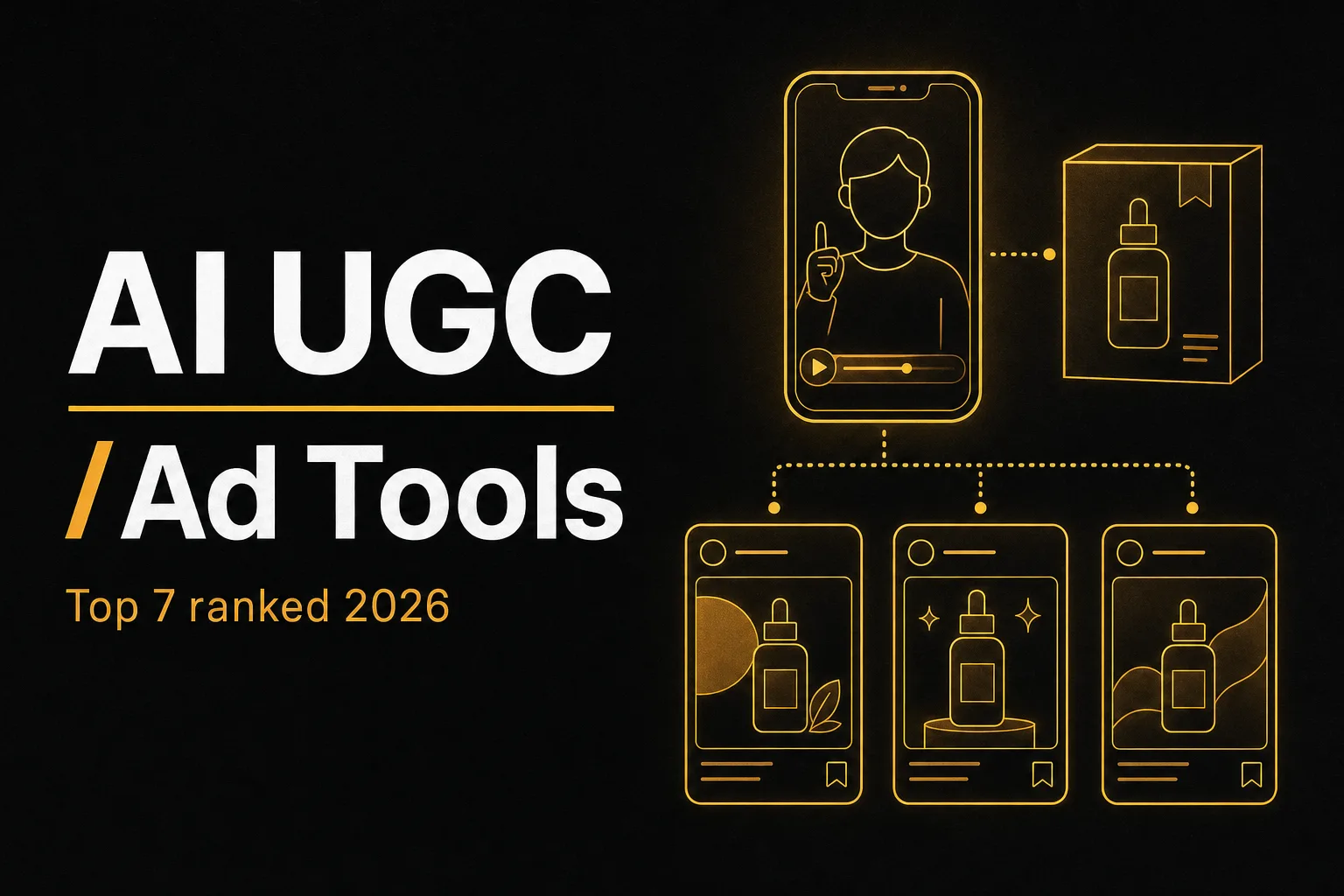
AI UGC tools turn a product photo or a page link into video ads that look like a real person filmed them on their phone. No actors, no studio, no shipping samples to creators. You write a script or let the tool write one, pick an AI presenter, and get a vertical ad in minutes. That is why brands and agencies are racing to test these platforms in 2026.
The problem: most tools look identical from the outside. They all promise realistic avatars and viral ads. The real differences hide in avatar quality, lip sync, how many ad variations you can spin up, language support, and what else the tool can do once your ad is live. This guide ranks the seven best AI UGC video generators, with a comparison table, honest pros and cons, and a short section on how to choose.
Quick comparison of the best AI UGC video generators
| Tool | Best for | Product from image or URL | Ad variations | Starting price |
|---|---|---|---|---|
| Vuela | All-in-one UGC plus full content workflow | Yes, both | Many variations fast | From $9/mo flat |
| Creatify | URL-to-ad batch creation | Yes, both | Batch mode | Paid, free credits |
| Arcads | Performance ad testing at scale | Image-led | Many scripts at once | Paid only |
| HeyGen | Large avatar library and localization | Limited | Persona mixing | Paid, limited free |
| Icon | Agency-style ad pipelines | Image-led | Yes | Paid only |
| Captions | Editing plus AI creators | Limited | Some | Paid, limited free |
| MakeUGC | Product-in-hand actor shots | Image-led | Yes | Paid, low-cost trial |
Free tiers and credit limits were checked in 2026 and change often, so confirm current terms on each tool's pricing page before you commit.
1. Vuela: the best all-in-one AI UGC ad generator
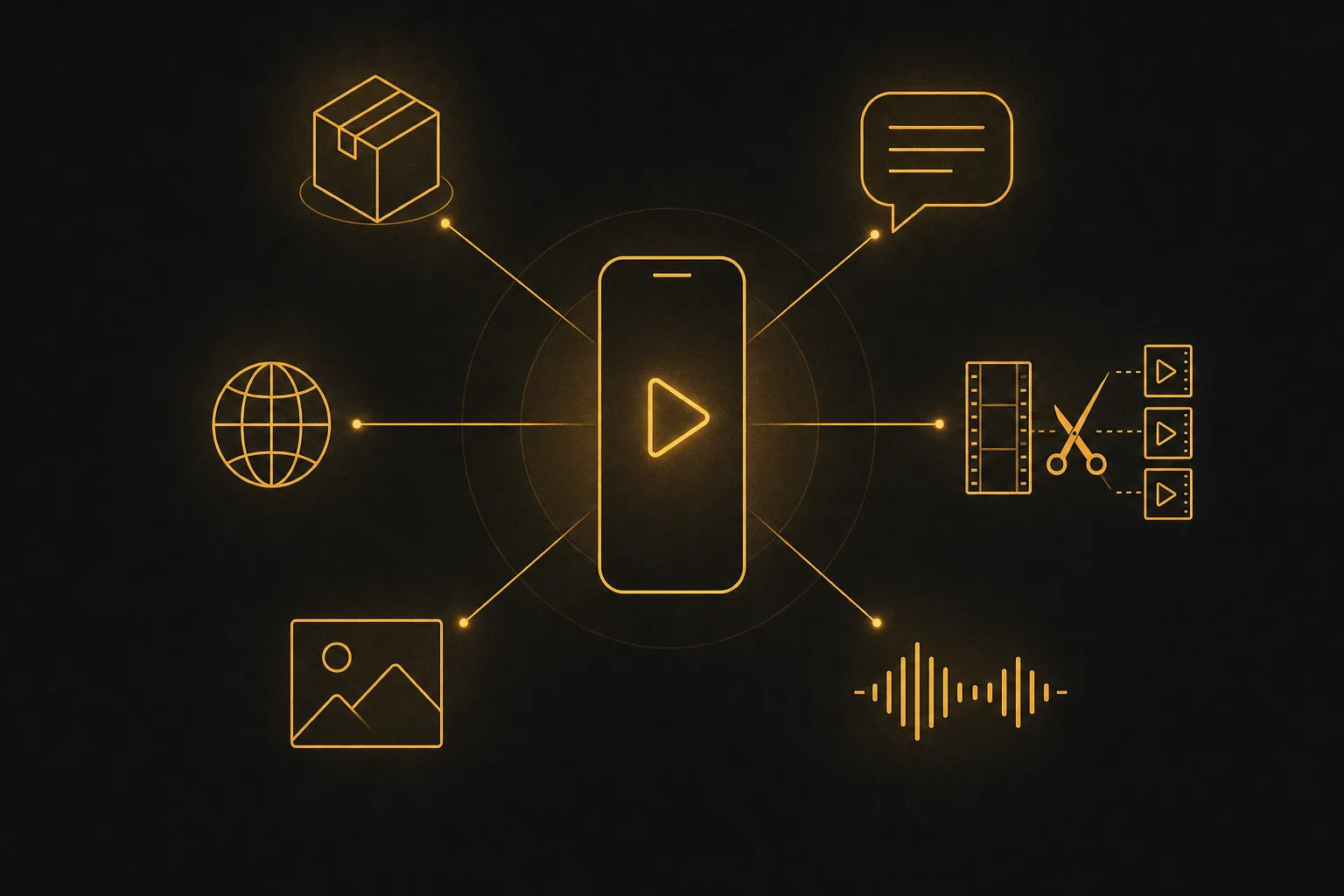
Vuela tops this list because it does not stop at the ad. You can create UGC-style ads with AI presenters from a product image or a URL, then handle everything that comes next inside the same platform: translating the ad into other languages, cutting long videos into vertical shorts, generating product images, and writing the social copy that goes with the post.
For UGC specifically, you give Vuela a product photo or paste a product page link. It pulls the visual and builds a video where an AI presenter talks about the product in a natural, handheld style. Because testing is where UGC ads win or lose, Vuela lets you generate many variations quickly, so you can run different hooks, presenters, and angles against each other instead of betting on one cut.
What sets it apart is the surrounding toolkit. Vuela also offers a viral video cloner that reproduces a winning format with your own product, AI video generation from text, image, or an existing video, talking avatars and spokesperson videos, motion transfer and character swap, voiceover and voice cloning, AI music, transcription, and article and product-description writing. So when one UGC ad performs, you can localize it, repurpose it into shorts, and build a full campaign without leaving the tool.
Pros: UGC ads from a product image or URL, many ad variations fast, full content suite around the ad, flat-rate pricing from $9 a month.
Cons: No free plan. It is paid from the start, though the flat rate is low and predictable.
Best for: Brands, marketers, and agencies that want UGC ads plus translation, shorts, images, and copy in one subscription.
2. Creatify: strong URL-to-ad batch creation
Creatify built its name on turning a product URL into a finished ad. Paste a link, pick an avatar, and it pulls the product details to draft a script and assemble the video. Its batch mode generates several variations at once, which suits performance marketers who live on A/B tests.
It supports a wide range of languages, auto captions, a built-in editor for trimming, and a music library. The avatar selection is solid and brand-matched. If your entire workflow is product link in, ad out, Creatify is a focused, capable pick.
Pros: Reliable URL-to-ad, batch variations, broad language support, daily free credits to test.
Cons: Focused on ad creation only. You still need other tools for shorts, translation dubbing, and product images.
Best for: Ecommerce teams that want fast URL-to-ad output at volume.
3. Arcads: built for performance ad testing
Arcads is aimed squarely at media buyers. The pitch is winning ads with AI actors, and the workflow reflects it: write or generate multiple scripts, assign them to different AI actors, and produce a wave of variations to test in one sitting. The actor delivery leans emotional and direct, which works well for direct-response hooks.
It is a paid tool with no free plan, and it assumes you already think in terms of creative testing and iteration. For agencies running constant ad experiments, that focus is a feature, not a limitation.
Pros: Many script and actor variations at once, convincing actor delivery, testing-first workflow.
Cons: Paid only, narrower scope than an all-in-one suite, less emphasis on URL-to-ad.
Best for: Performance marketers and agencies who test ad creative daily.
4. HeyGen: the biggest avatar library
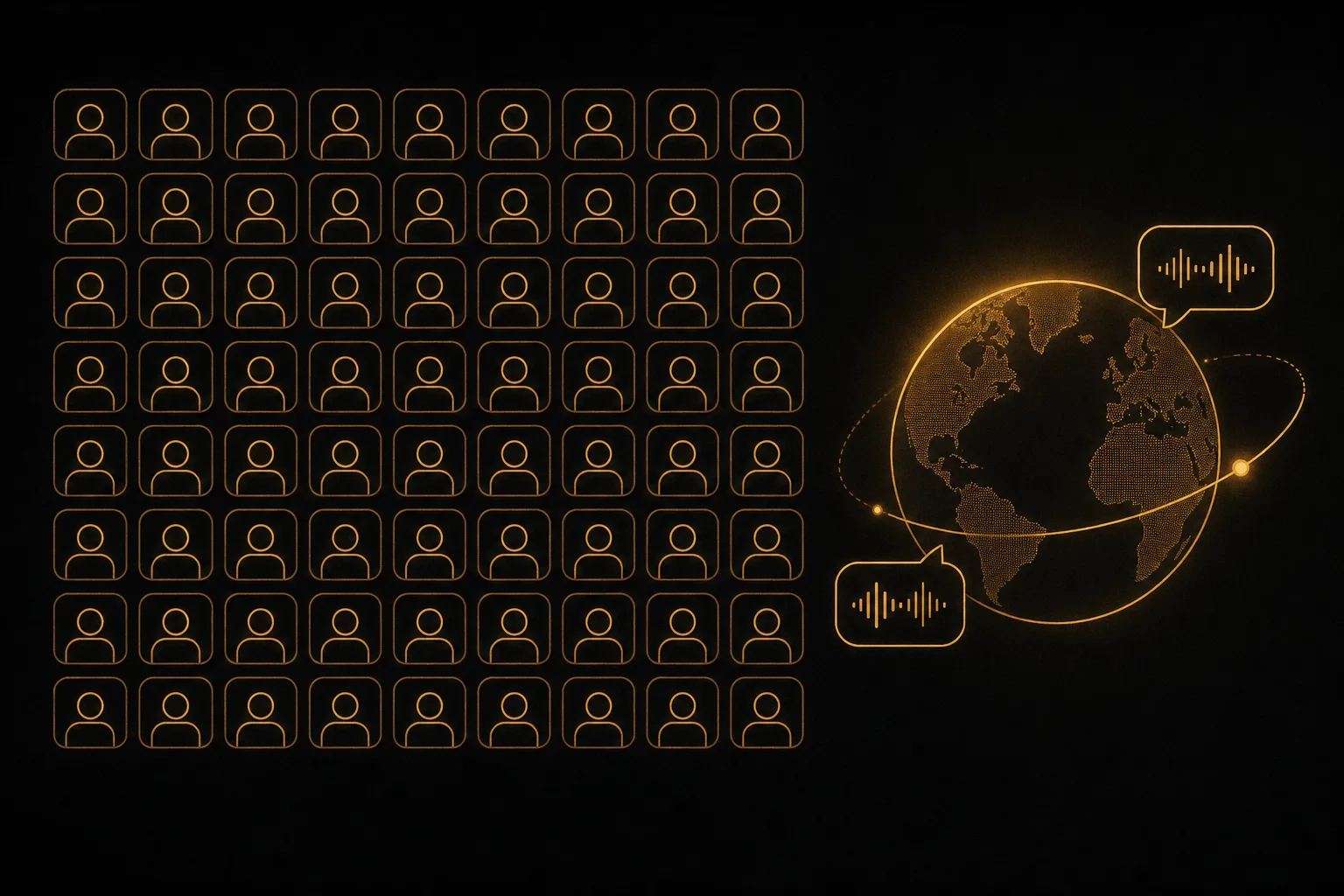
HeyGen offers one of the largest avatar libraries, with over a thousand pre-made presenters plus custom avatars from a photo. Its real strength is localization: support for a very high number of languages with accurate lip sync, so one ad can become many regional versions. You can also mix faces, voices, and tones to deploy many persona variations for testing.
HeyGen is a broad avatar and video platform rather than a pure UGC-ad specialist, so the handheld, authentic UGC look takes a bit more setup than tools built only for that style. Still, for sheer avatar choice and language reach it is hard to beat.
Pros: Huge avatar library, excellent multilingual lip sync, persona variation for testing.
Cons: Less product-from-URL focus, UGC authenticity needs more tuning, free use is limited.
Best for: Teams that need many avatars and heavy localization.
5. Icon: agency-style ad pipelines
Icon positions itself around the full ad production pipeline: generate scripts, produce variations with AI creators, and organize the output the way an agency would. It suits teams that think in campaigns and creative batches rather than one-off clips.
Like most tools here it is image-led for the product input and paid only. The appeal is structure: if you produce a steady stream of UGC ads and want a system around them, Icon's workflow fits that rhythm.
Pros: Pipeline-oriented, good for steady ad output, AI creators plus scripting.
Cons: Paid only, oriented to higher-volume users, less of a one-link-to-ad shortcut.
Best for: Agencies and in-house teams running ongoing UGC ad production.
6. Captions: editing plus AI creators
Captions started as an AI video editor and added AI creators on top. That heritage shows: strong auto captions, eye contact and editing features, and a smooth mobile experience. You can generate AI presenter clips and polish them with editing tools in the same place.
If you already shoot some of your own footage and want AI clips plus serious editing in one app, Captions is a natural fit. For pure product-link-to-ad speed, the dedicated UGC tools are quicker.
Pros: Excellent captions and editing, AI creators, mobile-friendly.
Cons: Less specialized for UGC ad variations and URL-to-ad, free use limited.
Best for: Creators who want editing and AI presenters together.
7. MakeUGC: product-in-hand actor shots
MakeUGC focuses on the look that makes UGC convincing: AI actors naturally holding and presenting your product. It offers a large library of realistic actors, motion control to recreate specific movements, custom avatar creation, and an editor with captions, music, and B-roll. A low-cost trial lets you test before subscribing.
The product-in-hand effect is its signature, and it works well for physical goods. Language support is more modest than some rivals, and there is no free plan, so factor that into your test.
Pros: Realistic product-in-hand shots, motion control, large actor library, cheap trial.
Cons: Fewer languages, no free plan, focused on ad creation only.
Best for: Physical product brands that want actors visibly holding the product.
How to choose the right AI UGC tool
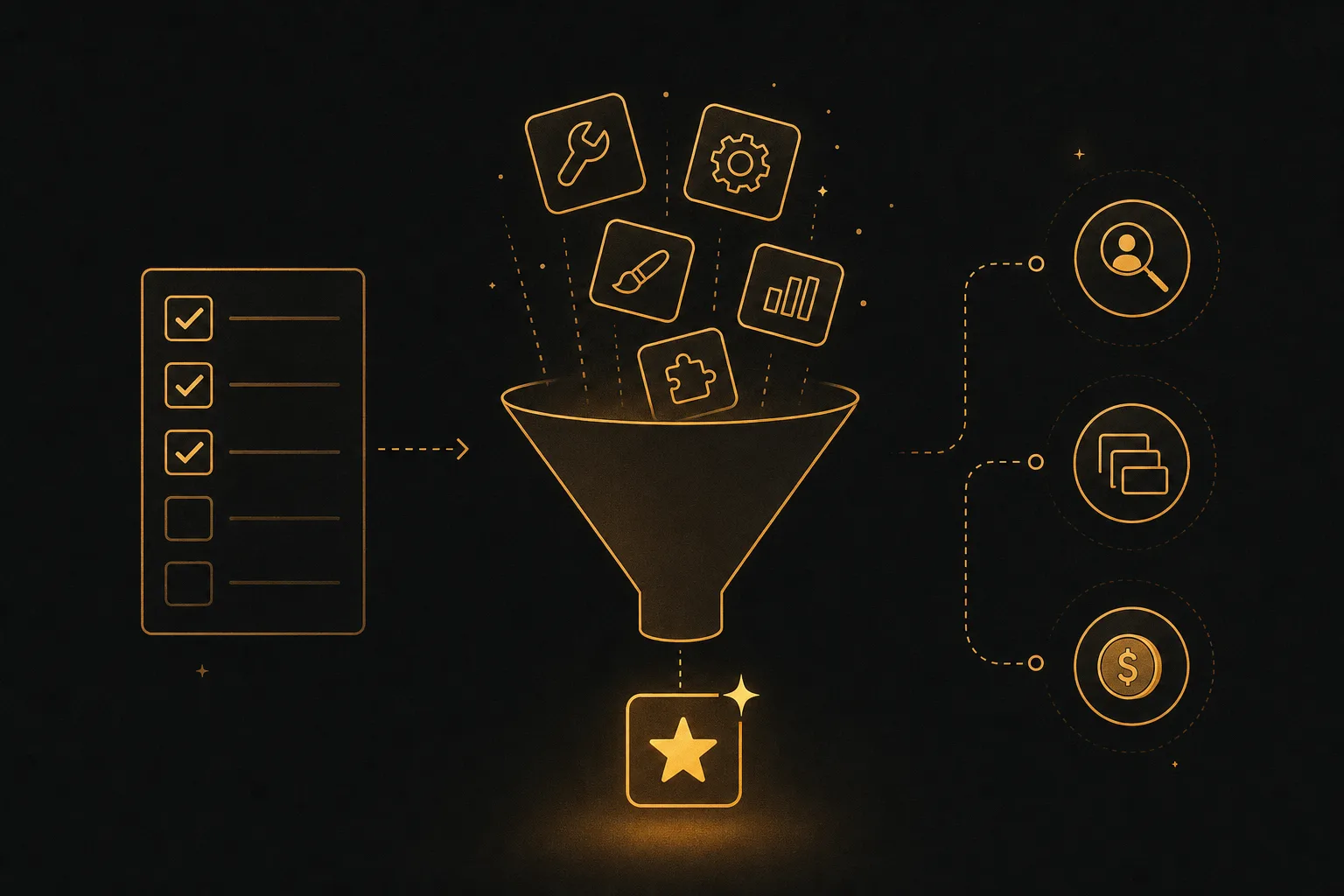
The best tool depends on how you actually work. Run your shortlist through these factors before paying for a full month.
- Input method: If you sell online, prioritize tools that build an ad from a product image or URL. That single feature saves the most time.
- Avatar realism and lip sync: Generate one test ad and watch the mouth, eyes, and hands closely. Bad lip sync kills the UGC illusion instantly.
- Ad variations: UGC is a numbers game. Favor tools that produce many hooks, presenters, and angles at once so you can test and scale winners.
- Languages and dubbing: Selling in more than one market? Check both language count and lip-sync accuracy in each language.
- What happens after the ad: A winning ad needs localizing, repurposing into shorts, and matching copy. An all-in-one tool like Vuela covers that without extra subscriptions.
- Pricing model: Per-video pricing can spike when you test heavily. A flat-rate plan keeps costs predictable as volume grows.
- Usage rights: Confirm you fully own the output and can run it as paid media.
For most brands and agencies, the deciding factor is scope. A pure ad maker is fine if you only need clips. If you want UGC ads plus translation, shorts, images, and copy in one place at a flat rate, Vuela is the strongest all-rounder in 2026.
Frequently asked questions
What is AI UGC?
AI UGC is user-generated-style content made with artificial intelligence instead of a real creator. The tool uses an AI presenter to talk about your product in a casual, handheld style, often built from a product image or a page link, so the ad feels filmed by a customer rather than a studio.
Are AI UGC ads as effective as real creator videos?
They can be, especially for top-of-funnel testing. AI UGC lets you produce dozens of variations cheaply and quickly, so you find a winning hook fast. Many brands use AI UGC to test angles, then double down on the best performers, sometimes blending in real creators later.
Can I make an AI UGC ad from just a product photo or link?
Yes. Tools like Vuela and Creatify build an ad directly from a product image or URL. They pull the product details, draft a script, and assemble a video with an AI presenter, so you can go from link to finished ad in minutes.
Is there a free AI UGC tool?
Several tools offer limited free use, such as daily free credits or free exports with a watermark, though limits change often and were checked in 2026. Vuela does not have a free plan, but its flat-rate plans start at $9 a month and include the full content suite, not just UGC ads.
How many ad variations should I make?
Start with several hooks across a few presenters, then test. UGC performance is unpredictable, so volume matters more than polishing one cut. Tools that batch many variations at once make this practical without multiplying your time.