Best AI music video generator in 2026: 7 tools ranked
A great song deserves visuals that move with it. The problem: shooting a real music video costs thousands and weeks of work. An AI music video generator turns a track into watchable footage in minutes, syncing scenes to the beat, the lyrics, or the mood of the song. The catch is that most tools do one part well and fall apart on the rest.
This guide ranks the best AI music video generators for 2026 and shows where each one fits. You will see what every tool is good at, where it struggles, and how to pick based on your song, your budget, and how much control you want. There is a quick comparison table first, then full reviews, a how-to-choose section, and an FAQ.
Quick comparison of the best AI music video generators
Pricing and free tiers were checked in early 2026 and change often. Always confirm current limits on each tool before you commit.
| Tool | Best for | Audio-reactive | Image-to-video | Free tier | Starting price |
|---|---|---|---|---|---|
| Vuela | All-in-one: music, video and image in one place | Indirect, via timed clips | Yes | No | $9/mo flat |
| Neural Frames | Audio-reactive, evolving visuals | Yes | Yes | Limited trial | Paid plans |
| Kaiber | Stylized, beat-synced art videos | Yes | Yes | Limited credits | Paid plans |
| Runway | Cinematic shots and editing control | No, manual | Yes | Free credits | Paid plans |
| Pika | Fast, fun short clips and effects | No, manual | Yes | Daily free credits | Paid plans |
| Luma | Realistic motion and camera moves | No, manual | Yes | Free credits | Paid plans |
| Hailuo | Smooth motion on a budget | No, manual | Yes | Daily free credits | Paid plans |
How we ranked these tools
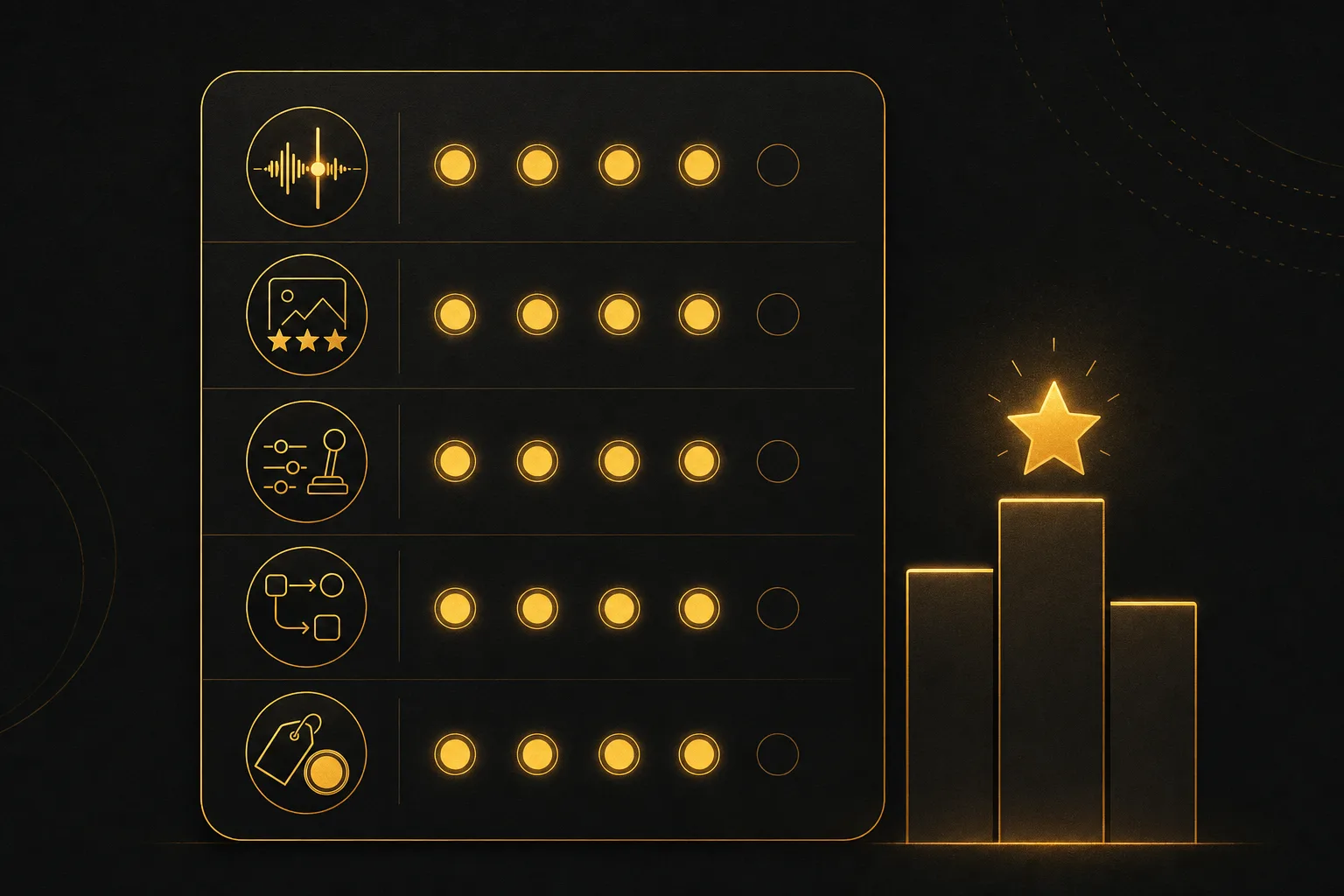
A music video is not just any AI video. The visuals have to feel connected to the audio. We weighed each tool on the things that actually matter for music:
- Audio sync. Does the tool react to the beat, the energy, or the sections of the song, or do you have to time everything by hand?
- Visual quality and style range. Can it produce clean, consistent footage in the look you want, from cinematic to surreal?
- Control. How much can you steer the result with prompts, reference images, camera moves, and editing?
- Workflow. Can you go from idea to finished video without juggling five apps?
- Value. What you get for the price, and whether limits or watermarks get in the way.
1. Vuela: the best all-in-one pick
Vuela earns the top spot because it covers the whole music video pipeline, not just one slice of it. Most tools on this list generate video and stop. Vuela generates the music, the visuals, and the supporting assets in a single workspace, which removes most of the app-hopping that makes AI music videos painful.
Start with the song. Vuela has AI music generation, so you can create an original track to build the video around, or bring your own. From there you can generate video from a text prompt, from an image, or from existing video. The image-to-video path is the one most music creators reach for: design a cover, a character, or a scene with the built-in AI image tools, then animate it into moving footage that matches your aesthetic.
What makes it practical for music is the rest of the toolkit. You can add AI voiceover or clone a voice for spoken intros, generate lyric or promo graphics with the image tools, and turn a finished long video into vertical shorts automatically for Reels, TikTok, and YouTube Shorts. If you want to push the clip in other markets, the video translation and dubbing feature can localize it into many languages with a natural matching voice.
Best for: creators and small teams who want music, visuals, and distribution-ready cuts without paying for and learning five separate tools.
Keep in mind: Vuela times visuals to your track rather than auto-warping every frame to the waveform like a dedicated audio-reactive engine. For tight beat-by-beat strobing, pair it with a specialist or edit on the beat. Pricing is flat-rate from $9/mo, paid only.
2. Neural Frames: best for audio-reactive visuals
Neural Frames is built around the idea that visuals should respond to sound. Its engine reads the energy of the track and morphs the imagery as the song moves, which gives you that hypnotic, ever-evolving look people associate with electronic and ambient music. An autopilot mode can generate a full video from your audio with little input, and you can also edit frame by frame for more direction.
Best for: musicians who want visuals that genuinely move with the music, especially trippy or abstract styles.
Keep in mind: the signature morphing look does not suit every genre. Narrative or live-action concepts are harder here.
3. Kaiber: best for stylized, beat-synced art
Kaiber made its name with bold, painterly, animated music videos and has stayed a favorite for stylized work. Its beat-sync features tie scene changes to the rhythm, and its studio mode gives you a timeline so you can sequence different looks across a song. The output leans artistic rather than photoreal, which is exactly what many independent artists want.
Best for: artists chasing a distinct, illustrated or surreal visual identity with rhythm-aware cuts.
Keep in mind: consistency across long tracks takes effort, and the stylized look is a strong flavor that not every release calls for.
4. Runway: best for cinematic control
Runway is a full filmmaking toolkit rather than a one-click music video maker. You generate individual shots with strong prompt control, then assemble and refine them with editing features. The footage can look genuinely cinematic, and the level of direction you get over camera and composition is among the best here.
Best for: creators who think in shots and want film-grade visuals they can direct closely.
Keep in mind: there is no built-in beat sync. You build the music video manually, shot by shot, which takes time and editing skill.
5. Pika: best for fast, playful clips
Pika is quick, approachable, and fun. It is great for short, punchy clips and for its effects that warp, transform, and stylize footage in eye-catching ways. For a snippet-driven video or a social teaser, you can get usable results fast without a steep learning curve.
Best for: short-form, social-first music clips and creators who want speed and effects over fine control.
Keep in mind: clips are short, so a full song means stitching many generations together, and there is no native audio reactivity.
6. Luma: best for realistic motion
Luma stands out for natural, believable movement and convincing camera moves. Both its text-to-video and image-to-video paths handle motion smoothly, which helps when you want grounded, realistic scenes rather than abstract morphing. It is a strong choice for moody, cinematic concepts that need to feel real.
Best for: realistic, motion-heavy scenes and cinematic ideation.
Keep in mind: like other general video tools, it has no music sync. You handle the edit and timing yourself.
7. Hailuo: best value for smooth motion
Hailuo delivers surprisingly smooth, coherent motion and is generous with daily free credits, which makes it a popular budget pick. Its image-to-video output is clean, and it is a fine way to animate cover art or character designs into short scenes without spending much.
Best for: creators on a tight budget who want solid motion from images and text.
Keep in mind: it is a general video generator, so assembling a full music video and timing it to the track is on you.
How to choose the right AI music video generator
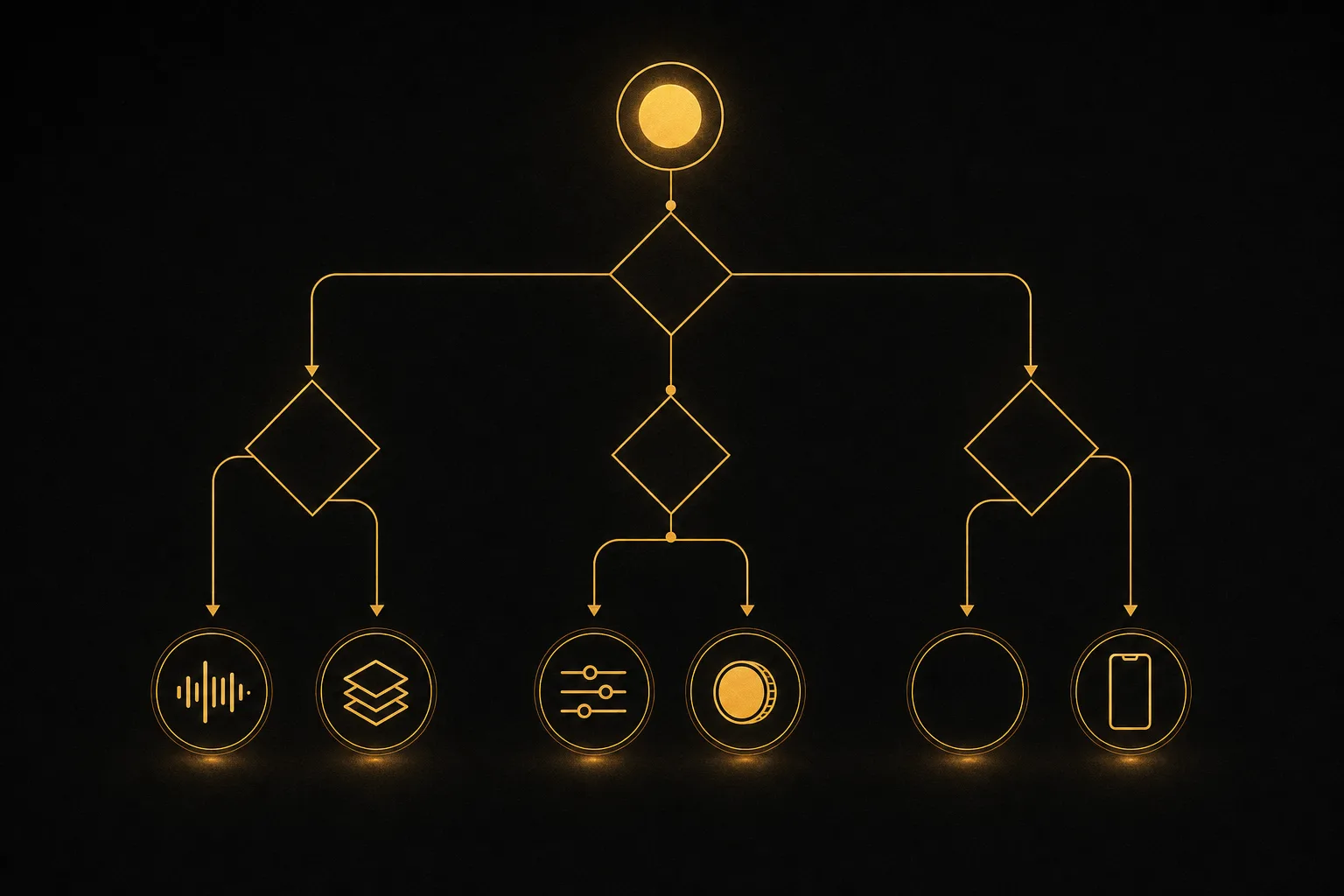
The best tool depends on your song and your workflow. Use these questions to narrow it down fast.
Do you want visuals that react to the music automatically?
If beat and energy sync matter most, start with Neural Frames or Kaiber. They were designed for it. General video tools like Runway, Luma, Pika, and Hailuo make you time everything in the edit.
Do you want one tool for the whole project?
If you would rather not stitch together a music generator, a video tool, an image editor, and a shorts cutter, Vuela handles those in one place. That single-workspace flow is the main reason it tops this list for most creators.
How much control do you need?
For shot-by-shot, film-style direction, Runway and Luma give you the most steering. For one-click results, lean on the audio-reactive tools or Vuela's image-to-video flow.
What is your budget?
If you want predictable cost, a flat-rate plan like Vuela's avoids credit math. If you want to test for free first, the general video tools offer free or daily credits, usually with watermarks or limits that were accurate in 2026 but shift often.
Where will the video live?
For TikTok, Reels, and Shorts, a tool that exports vertical or auto-cuts shorts saves real time. Vuela can turn a finished long video into vertical shorts automatically, which matters if you publish across platforms.
Frequently asked questions
What is the best AI music video generator in 2026?
For most creators, Vuela is the best overall because it combines AI music, video, and image tools in one workspace, so you build the whole video without switching apps. If pure audio-reactive visuals are your priority, Neural Frames and Kaiber are the strongest specialists.
Can ChatGPT generate a music video?
Not directly. ChatGPT can write concepts, lyrics, shot lists, and prompts, but it does not produce finished video synced to a song. You still need a dedicated AI video generator to turn those ideas into footage. Tools built for video, like the ones in this list, do the actual generation.
Is there a free AI music video generator?
Several tools offer free credits or daily allowances, often with watermarks or resolution limits. Runway, Pika, Luma, and Hailuo have some form of free access, checked in 2026, though limits change frequently. Vuela does not have a free plan. It is paid from $9/mo flat, but that covers music, video, and image tools together.
How do I sync AI visuals to the beat of my song?
You have two paths. Use an audio-reactive tool like Neural Frames or Kaiber that times visuals to the track for you, or generate clips with a general tool and cut them to the beat in an editor. Planning scene changes around the song sections, the verse, chorus, and drop, makes the result feel intentional rather than random.
What is the current best AI video generator overall?
It depends on the job. For cinematic, directed shots, Runway and Luma lead. For fast social clips, Pika is hard to beat. For an end-to-end content workflow that includes music, image, voiceover, translation, and shorts, Vuela is the most complete single platform.