Best AI voice generator in 2026: 7 tools ranked and compared
AI voices have stopped sounding like robots. The best tools now read a script with real pacing, breaths, and emotion, and some can clone a voice from a short sample. The hard part is picking one. There are dozens of apps, and most reviews list the same names without telling you which fits your actual job.
This guide ranks the best AI voice generator options for 2026 and compares them on the things that matter: voice quality, language coverage, voice cloning, and free tiers. We also cover how to choose and answer the common questions. If you produce video, pay attention to the workflow point near the end, because a great voice trapped in a tool with no video around it slows you down.
The best AI voice generators in 2026 at a glance
Here is the quick comparison. Free tier details were checked in 2026 and change often, so treat them as a starting point, not a promise.
| Tool | Best for | Voice quality | Languages | Voice cloning | Free tier |
|---|---|---|---|---|---|
| ElevenLabs | Pure voice quality and cloning | Excellent | 30+ | Yes | Monthly free characters |
| Vuela | Voiceover inside a full video workflow | Very good | Many | Yes | Paid from 9 dollars per month |
| Murf | Studio-style narration for teams | Very good | 20+ | Limited | Free trial with limits |
| PlayHT | Developers and API voice apps | Very good | 30+ | Yes | Free credits to test |
| Speechify | Listening to text and reading aloud | Good | 30+ | Limited | Free tier with limits |
| Google Cloud TTS | Scale and infrastructure | Good to very good | 50+ | No | Free monthly quota |
| Resemble AI | Custom cloned brand voices | Very good | Many | Yes | Free trial |
How we ranked these tools
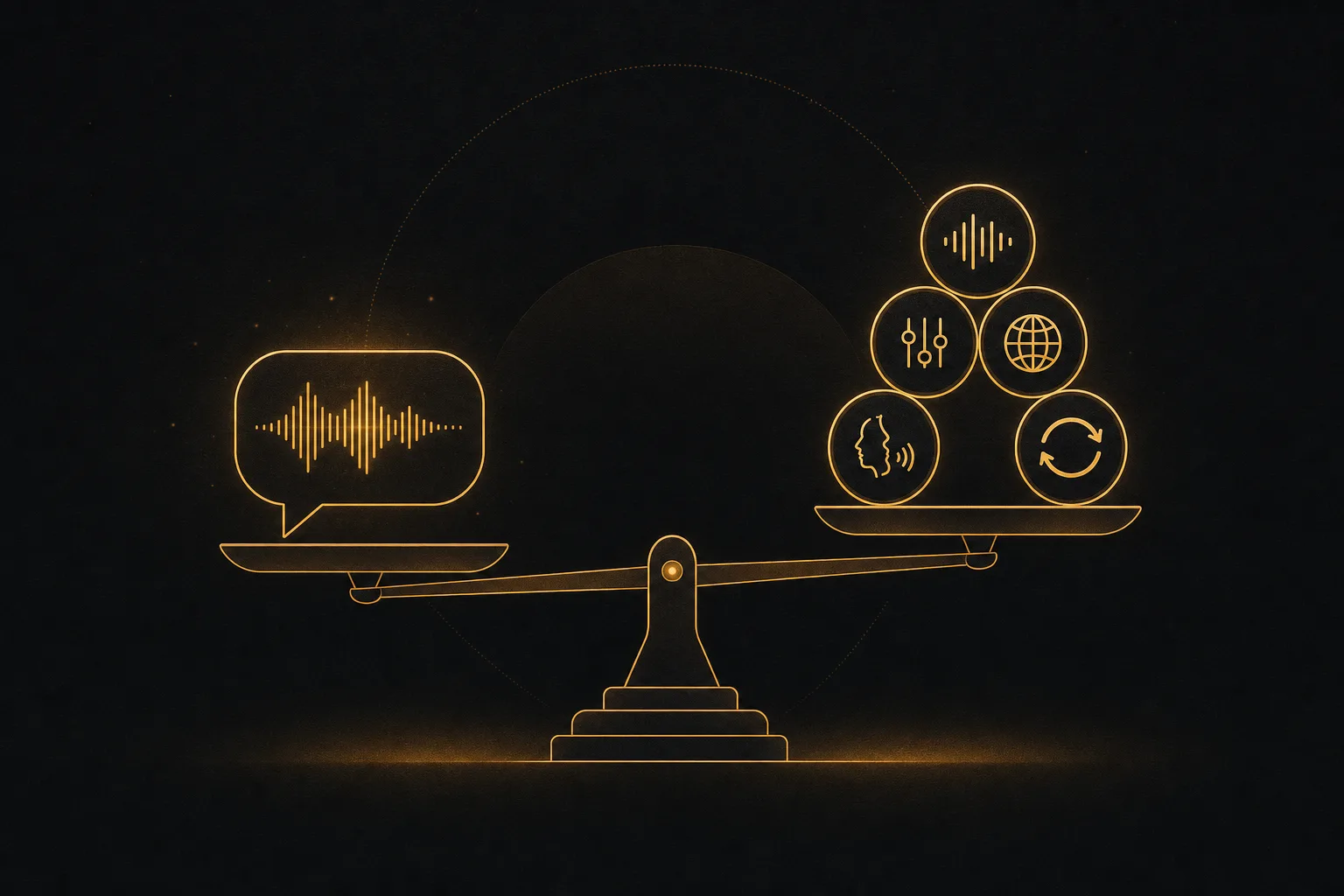
A voice generator is more than a play button. We weighed each tool on five things, in this order of importance for most creators and marketers.
- Voice quality. Does it sound human across a full paragraph, not just one clean line? Natural pacing, breaths, and emotion separate the good from the flat.
- Control. Can you adjust pace, emphasis, pauses, and pronunciation? Fine control turns a decent read into a usable one.
- Languages. How many languages and accents, and do they sound native or translated?
- Voice cloning. Can you build a custom voice from a sample, and does it hold up across long scripts?
- Workflow fit. Does the voice live inside the rest of your production, or do you export a file and stitch it together somewhere else?
That last point is where most rankings stop short. Voice is rarely the final deliverable. It usually rides on top of a video, an ad, or a course. We factored that in.
1. ElevenLabs: best for raw voice quality and cloning
ElevenLabs is the name most people land on first, and for good reason. Its voices are some of the most natural available, with emotion and intonation that hold up across long reads. Voice cloning is strong, both instant clones from a short sample and higher quality clones from more audio.
Language support is broad, and the controls let you shape delivery in detail. There is a monthly free tier with a set number of characters, useful for testing before you commit. The catch is scope. ElevenLabs is a voice specialist. If you need that audio inside a finished video, you export it and bring it somewhere else.
Best for: creators and studios who want the most realistic voice and serious cloning, and who handle video assembly elsewhere.
2. Vuela: best AI voiceover inside a full video workflow
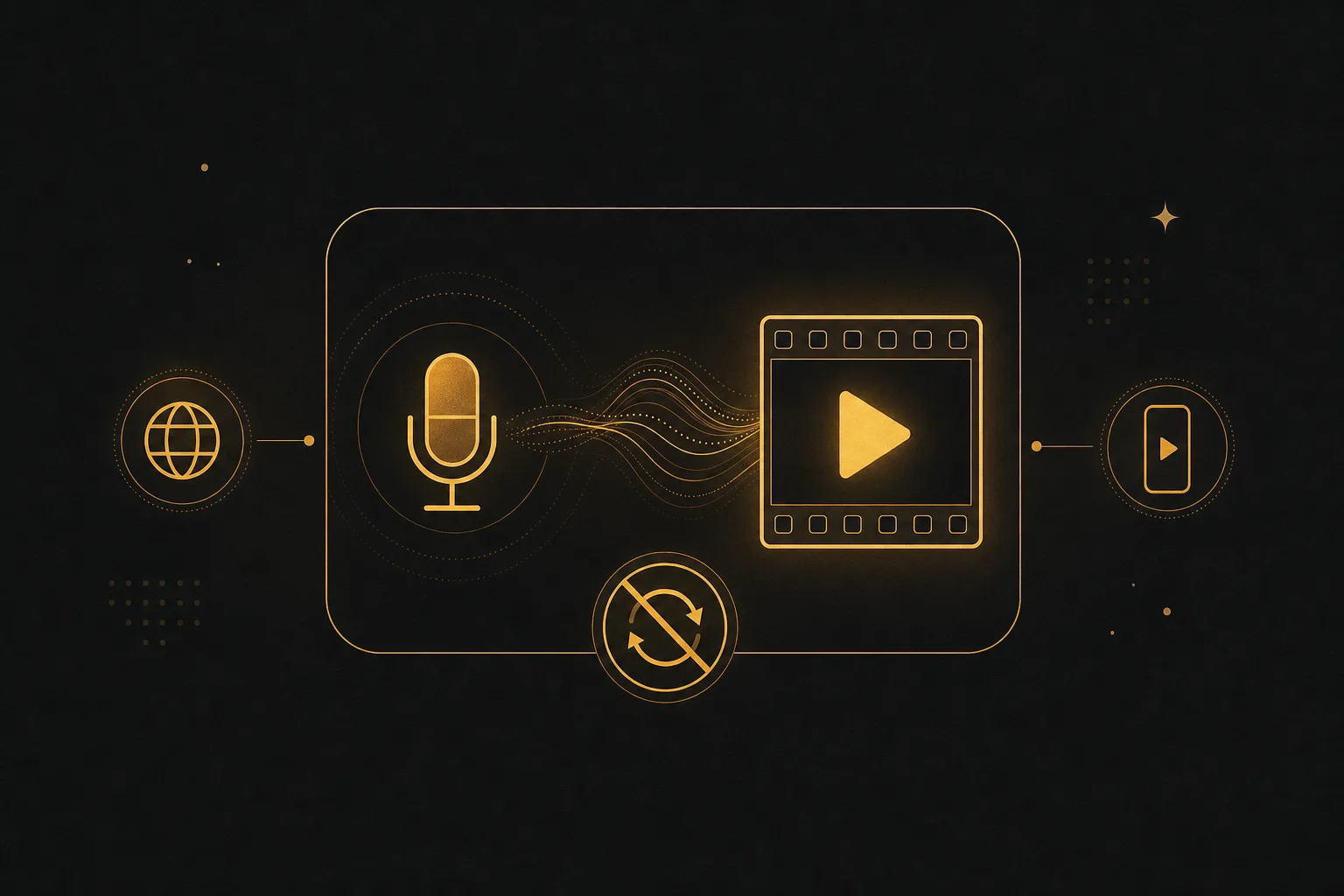
Vuela earns its spot because of where the voice ends up. Most people generating AI voiceover are building a video: a short, an ad, a tutorial, a product clip. Vuela puts text-to-speech and voice cloning in the same place you create and finish that video, so you skip the export, import, and re-sync loop entirely.
Inside Vuela you can write the script, generate the voiceover, clone a voice for a consistent brand sound, and drop it straight onto AI video. From there the platform does the rest of the production around it:
- Generate video from text, from an image, or from an existing video.
- Clone a winning viral format with your own product using the viral video cloner.
- Translate and dub videos into many languages with a natural matching voice.
- Turn long videos into vertical shorts automatically.
- Build UGC-style ads with AI presenters from a product image or URL.
- Create talking avatars and spokesperson videos, plus motion transfer and character swap.
- Generate AI music, images, transcriptions, articles, and social posts.
The voice cloning and dubbing pairing is the standout. You can clone a voice once, then reuse it across every video and language, so your brand sounds the same everywhere. Pricing is flat rate from 9 dollars per month, which is easier to plan around than per-character billing if you publish often. Vuela is paid, so there is no free plan, but the flat rate covers the whole stack rather than voice alone.
Best for: creators, marketers, and small teams who want AI voiceover and cloning without leaving the place they make video.
3. Murf: best for studio-style narration and teams
Murf is built for polished narration: e-learning, explainers, corporate voiceovers, and presentations. The interface feels like a light audio studio. You can adjust emphasis, pitch, and pacing per word, sync voice to slides or video, and collaborate with a team.
Voice quality is very good and the library is large, with 20 plus languages. Cloning exists but is more limited than the specialists. There is a free trial with limits so you can test the editor. Murf shines when a team needs consistent, on-brand narration at volume.
Best for: training, marketing, and ops teams producing steady narration with a shared workspace.
4. PlayHT: best for developers and voice apps
PlayHT leans toward builders. It offers a strong API, low latency options for real-time use, and a deep voice library across 30 plus languages. Voice cloning is available, including instant clones, which makes it a common pick for apps that need custom voices at scale.
The web editor works for one-off projects, but the real strength is programmatic generation. There are free credits to try it. If you are wiring voice into a product, an agent, or an automated pipeline, PlayHT belongs on your shortlist.
Best for: developers adding text-to-speech or cloned voices to software and real-time experiences.
5. Speechify: best for listening and reading aloud
Speechify started as a reading tool, and that heritage shows. It reads articles, PDFs, emails, and books aloud in natural voices, with apps across phone, desktop, and browser. For consuming text on the go, few tools are as smooth.
It also does standard text-to-speech for content, with good voices across many languages and some celebrity-style options. Cloning is more limited than the specialists, and the focus is consumption over production. There is a free tier with limits. If your main need is hearing text rather than producing voiceover for media, Speechify fits well.
Best for: people who want to listen to documents and articles, plus light content narration.
6. Google Cloud Text-to-Speech: best for scale and infrastructure
Google Cloud TTS is the infrastructure pick. It supports 50 plus languages, the widest list here, with neural voices that range from good to very good. It is built to run at scale inside applications, with a generous free monthly quota and predictable per-character pricing after that.
What it does not offer is voice cloning, and there is no polished consumer editor. You work through the API or console. For developers who need reliable, multilingual voice at volume and already live in Google Cloud, it is a sensible default. For a marketer who wants a friendly interface, it is the wrong layer.
Best for: engineering teams needing broad language coverage and dependable scale.
7. Resemble AI: best for custom cloned brand voices
Resemble AI focuses on cloning. You can build a custom voice from a sample, generate speech in many languages with that voice, and even adjust emotion. It is aimed at companies that want one signature voice across products, support lines, and content.
It also offers real-time and API options, plus tools for editing and securing generated audio. There is a free trial to test a clone. If a consistent, owned brand voice is the goal and you are comfortable working in a more technical product, Resemble is a strong choice.
Best for: brands and teams building a single custom voice to use everywhere.
How to choose the best AI voice generator for you
Skip the feature checklist and start with your actual output. The right pick falls out of one question: what are you making?
- You want the single most realistic voice or a high quality clone. Go with ElevenLabs, with Resemble AI close behind for cloning.
- You are making videos and want voiceover, cloning, dubbing, and editing in one place. Use Vuela so the voice lands directly on the video instead of bouncing between apps.
- Your team produces steady narration for courses or explainers. Murf gives you a studio-style editor and collaboration.
- You are a developer building voice into software. PlayHT or Google Cloud TTS, depending on whether you need cloning or pure scale.
- You mainly want to listen to text. Speechify.
Two more checks before you commit. First, test with your own script, not the demo line, since a paragraph reveals pacing problems a single sentence hides. Second, confirm the languages you need actually sound native, not machine translated, because language counts can be generous on paper.
Where voice cloning gets risky, and how to stay safe
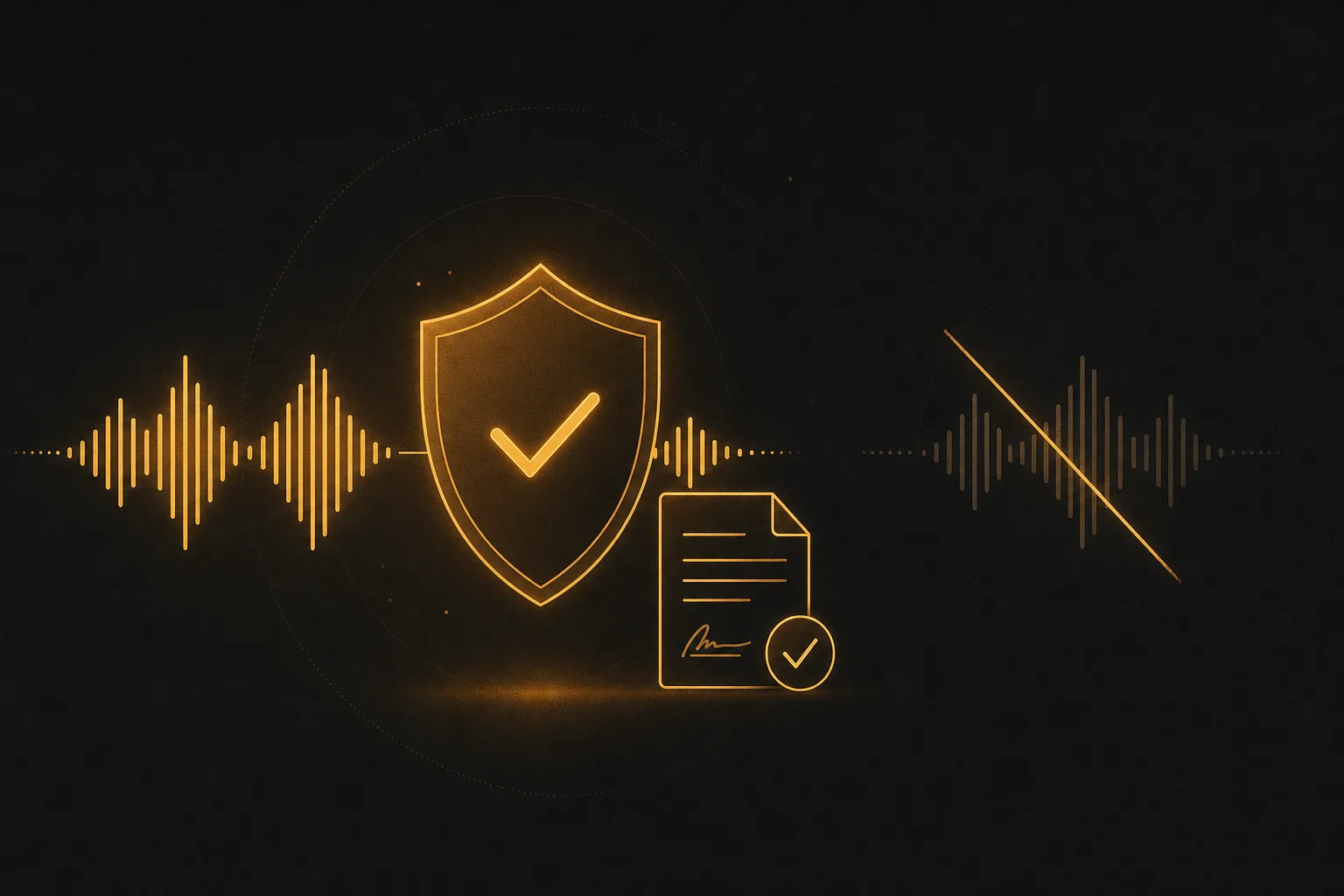
Cloning a voice is powerful and easy to misuse. The rule across the serious tools is consent. Clone your own voice, or a voice you have written permission to use. Cloning a real person without consent can break the platform terms and, in many places, the law. Stick to your own voice or licensed talent and you avoid the problem entirely.
Frequently asked questions
What is the best AI voice generator overall?
For pure voice quality and cloning, ElevenLabs leads. For people producing video who want voiceover, cloning, and dubbing in the same place they edit, Vuela is the stronger fit because the voice never leaves the workflow. The best choice depends on whether voice is your final product or one layer of a video.
Are AI-generated voices free to use?
Many tools offer a free tier or trial, such as monthly free characters or limited credits, and those limits change often, so check current details in 2026. Free outputs sometimes carry a watermark or commercial-use restriction. Paid plans remove limits and usually clear commercial rights. Vuela is paid from 9 dollars per month at a flat rate that covers voice plus the full video toolkit.
Can AI voice generators clone my own voice?
Yes. ElevenLabs, PlayHT, Resemble AI, and Vuela all support voice cloning from an audio sample. Quality and the amount of audio needed vary. Only clone a voice you own or have written permission to use.
Which AI voice generator supports the most languages?
Google Cloud Text-to-Speech has the widest coverage on this list at 50 plus languages, which suits large multilingual apps. For creators, the better question is whether each language sounds native. Tools like Vuela also dub existing videos into many languages with a matching voice, which matters more than a raw count if you publish across markets.
Do I need a separate tool to add the voice to a video?
With most voice specialists, yes. You generate the audio, export it, then import and sync it in a video editor. Vuela removes that step by generating the voiceover inside the same platform where you create and finish the video, so the script, voice, and footage stay together.