Best AI video editor in 2026: 8 tools ranked and compared
An AI video editor does the boring parts for you: it transcribes your footage, finds the best moments, writes captions, removes filler words, and reframes clips for vertical feeds. The right one can turn an hour of editing into a few minutes. The wrong one buries simple tasks under menus you never asked for.
This guide ranks the best AI video editors in 2026 by what they actually do well. You get a quick comparison table, a detailed look at each tool, and a short framework for choosing. Pricing and free tiers were checked in 2026 and change often, so treat them as a starting point, not gospel.
Best AI video editors in 2026 at a glance
Here is the short version. Each tool below earns its spot for a specific job, not for being good at everything.
| Tool | AI features | Ease of use | Free tier | Best for |
|---|---|---|---|---|
| Vuela | Generation, long-to-shorts, auto captions, viral cloning, dubbing | High | No, paid from $9/mo flat | All-in-one content creation |
| CapCut | Auto captions, background removal, templates | Very high | Yes, with limits | Social video on mobile and desktop |
| Descript | Text-based editing, filler removal, voice tools | High | Yes, limited minutes | Podcasts and talking-head video |
| Opus Clip | Auto-clipping, virality scoring, reframing | High | Yes, watermark or limits | Long video into short clips |
| Runway | Generative video, object removal, VFX | Medium | Yes, free credits | Creative and visual effects work |
| Veed | Auto subtitles, translation, screen recording | High | Yes, with watermark | Browser-based quick edits |
| Kapwing | Subtitles, repurposing, collaborative editing | High | Yes, with limits | Teams editing in the browser |
| Adobe Premiere Pro | Text-based editing, audio cleanup, generative fill | Low | Trial only | Professional, frame-perfect edits |
1. Vuela: best all-in-one AI video platform
Vuela sits at the top because it covers the full content workflow, not just trimming clips. It generates video from text, from an image, or from an existing video, then handles the parts most editors hate.
The standout combination is AI editing plus distribution. Vuela turns a long video into vertical shorts automatically, so one recording becomes a week of social posts. It adds auto captions, and its viral video cloner reproduces a winning format with your own product so you stop guessing what works. Video translation and dubbing into many languages with a natural matching voice means one shoot can reach several markets.
Beyond editing, Vuela makes UGC-style ads with AI presenters from a product image or URL, builds talking avatar and spokesperson videos, and does motion transfer and character swap. It also covers AI image generation and editing, voiceover and voice cloning, music generation, transcription, and even article and social copy. That breadth matters if you are a small team that needs to ship video, images, and text without juggling six subscriptions.
Best for: creators, marketers, and small teams who want generation, editing, repurposing, and translation in one place.
Pricing: flat-rate plans from $9 a month, so the cost does not jump per seat or per export.
Watch out for: it is paid only, with no free tier, though the entry plan is low.
2. CapCut: best for fast social video
CapCut is the default for a reason. It runs on phone and desktop, it is free to start, and the learning curve is almost flat. Auto captions are accurate, background removal works without a green screen, and the template library lets you match trending formats in minutes.
The AI tools cover the basics most short-form creators need: speech-to-text captions, auto-cut to music, and simple object removal. It will not generate footage from a prompt, and advanced color or audio work is limited. For raw speed on social clips, though, few tools beat it.
Best for: TikTok, Reels, and Shorts creators who want speed over depth.
Free tier: yes, with paid tiers unlocking more AI features and assets. Limits change often.
3. Descript: best for text-based editing
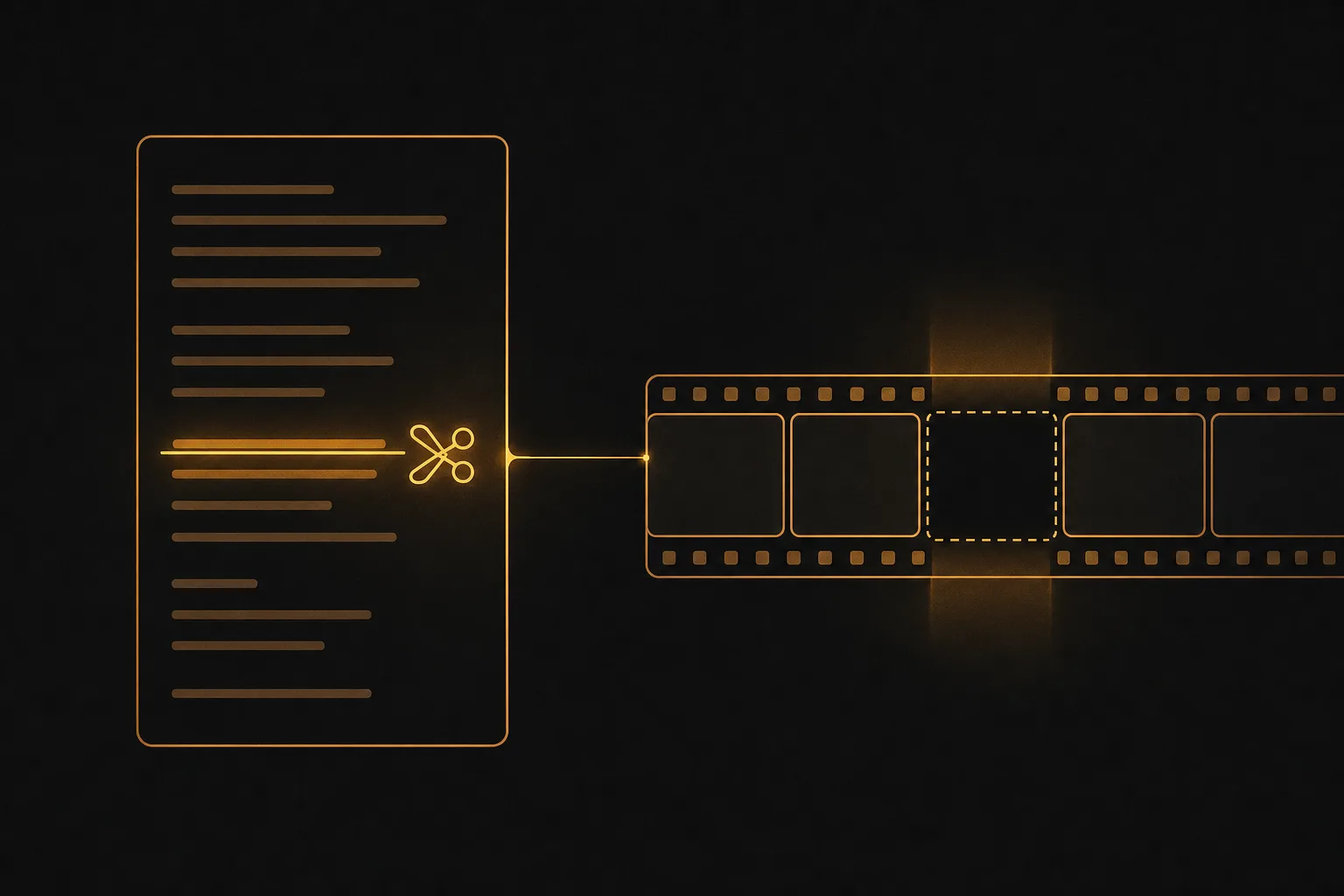
Descript turns your video into a document. You edit the transcript, and the video follows. Delete a sentence in the text and that section disappears from the timeline. For talking-head content, interviews, and podcasts, this is the fastest way to cut.
Its AI strengths are filler-word removal, studio sound for cleaning up audio, and voice features for fixing flubbed lines. Overdub and other voice tools save you from re-recording. Multi-track editing handles podcast workflows well. It is less suited to heavy visual effects or generative footage.
Best for: podcasters, course creators, and anyone editing spoken-word video.
Free tier: yes, with a limited number of transcription and export minutes.
4. Opus Clip: best for turning long videos into shorts
Opus Clip does one thing and does it well. Feed it a long video and it finds the highlight moments, cuts them into short clips, adds animated captions, and reframes the shot to vertical so faces stay centered. It even scores clips by predicted virality.
This is a focused tool, not a full editor. You will not build a long edit from scratch here. But for podcasters and YouTubers who need a steady stream of shorts from existing footage, it removes hours of manual clipping. Vuela covers the same long-to-shorts job inside a broader platform, so compare the two if repurposing is your main need.
Best for: repurposing long videos into many short clips.
Free tier: yes, usually with a watermark or monthly processing limit.
5. Runway: best for generative and visual effects

Runway is the editor for creative and experimental work. It generates video from text and images, removes objects from a scene, extends shots, and applies effects that used to need a VFX suite. Green-screen and rotoscoping tasks that took hours become a few clicks.
The trade-off is the learning curve. Runway rewards people who think like visual artists and have time to experiment. It is overkill for someone who just needs captions on a talking-head clip. For music videos, concept work, and ads with a strong visual idea, it is hard to match.
Best for: filmmakers, designers, and ad creatives who want generative effects.
Free tier: yes, with a set of free credits to test before paying.
6. Veed: best browser-based quick editor
Veed runs entirely in the browser, so there is nothing to install. It auto-generates subtitles, translates them into many languages, records your screen, and cleans up audio. The interface is friendly enough for someone who has never opened an editor.
It handles the everyday jobs well: subtitles, trimming, brand kits, and simple effects. Heavy creative or generative work is not its focus. The free plan adds a watermark, and the best AI features sit behind paid tiers, with limits that shift over time.
Best for: quick edits, subtitles, and screen recordings without a download.
Free tier: yes, with a watermark on exports.
7. Kapwing: best for collaborative editing
Kapwing is built for teams working in the browser. Several people can edit the same project, leave comments, and share assets. Its AI tools add subtitles, repurpose long video into clips, remove backgrounds, and generate simple content from a prompt.
If your workflow involves handoffs, reviews, and multiple editors, the collaboration features pull ahead of single-user tools. For solo creators, it competes with Veed on browser convenience. Free use comes with limits and watermarks that change often, so check current terms.
Best for: marketing teams and agencies editing together.
Free tier: yes, with limits and watermarks on lower plans.
8. Adobe Premiere Pro: best for professional control
Premiere Pro is the standard for professional editors who need precise control over every frame. Its AI layer has grown fast: text-based editing, enhanced speech for noisy audio, scene detection, and generative fill for extending or cleaning up footage.
The power comes with weight. The interface is deep, the learning curve is steep, and it runs as part of a paid subscription with no permanent free tier. If you edit professionally and want AI to assist rather than replace your hands, it belongs in your kit. For fast social clips, it is more than most people need.
Best for: professional editors and studios.
Free tier: trial only, then a paid subscription.
How to choose the best AI video editor for you

Start from the job, not the brand. The right tool depends on three things: what you make, how much control you need, and how you distribute.
- Match the tool to your content. Short-form social clips point to CapCut or Vuela. Podcasts and interviews point to Descript. Repurposing long video points to Opus Clip or Vuela. Visual effects point to Runway. Frame-perfect professional edits point to Premiere Pro.
- Decide how much you want to do by hand. Generative and automated tools save time but give you less control. Professional editors trade speed for precision. Be honest about which you actually need.
- Check the AI features that matter. Look for the ones you will use weekly: auto captions, filler removal, reframing to vertical, translation, and clipping. Ignore features you will never touch.
- Count your real cost. Per-seat and per-export pricing adds up fast for teams. A flat-rate plan like Vuela's $9 entry point is easier to predict.
- Think about distribution, not just editing. The best workflow turns one recording into many posts. Tools that combine editing with auto-shorts, captions, and translation save the most time overall.
If you only edit one type of content, a focused tool is often enough. If you publish across formats and languages, an all-in-one platform earns its keep by cutting the number of tools you pay for and switch between.
Frequently asked questions
What is the best AI video editor for beginners?
CapCut is the easiest place to start. It is free to begin, runs on phone and desktop, and handles captions and trimming with almost no learning curve. Vuela is a strong next step when you want generation, auto-shorts, and translation in one paid platform.
Is there a free AI video editor?
Yes. CapCut, Descript, Opus Clip, Runway, Veed, and Kapwing all offer free tiers, usually with watermarks, limited minutes, or capped AI use. Limits were checked in 2026 and change often, so confirm current terms. Vuela has no free tier but starts at a low flat rate of $9 a month.
Can AI turn a long video into short clips automatically?
Yes. Opus Clip is built for this, finding highlights, adding captions, and reframing to vertical. Vuela does the same long-to-shorts job inside a wider platform that also covers generation, dubbing, and viral cloning, so you stay in one tool.
Which AI video editor is best for social media?
For pure speed on TikTok, Reels, and Shorts, CapCut is hard to beat. For a full social workflow that includes auto captions, vertical shorts, viral cloning, and translation, Vuela handles more of the pipeline without extra subscriptions.
Do AI video editors replace human editors?
Not for high-end work. AI handles repetitive tasks fast: transcription, captions, rough cuts, and reframing. Creative direction, story, and frame-perfect polish still need a person. The best results come from using AI to clear the busywork so you spend your time on the parts that need judgment.