Best free AI image to video tools 2026: top 9 ranked (October update)
· Updated

Turning a still photo into a moving video clip used to need real editing skills. Now you upload one image, type a short prompt, and an AI model adds motion, camera moves, and life to the frame. The catch: in 2026 several big names quietly dropped their free plans. Luma and Pika no longer give free credits, and Runway's free plan stopped generating video. This guide ranks the image to video tools that are still free, and tells you exactly what each free tier gives you.
We checked every free tier on 13 October 2026 against the vendor's own pricing and help pages. Some vendors only show their limits after you log in; where a number comes from recent reports instead of an official page, we say so. Limits change often, so confirm on the tool's own pricing page before you build a workflow around it.
Quick comparison: free image to video tools in October 2026

Here is the short version. Use it to shortlist two or three tools, then read the full notes below.
| Tool | Model on free | Free allowance | Watermark on free | Commercial use on free |
|---|---|---|---|---|
| Vuela | Several AI video models | Paid, from 9 dollars a month | No | Paid plan |
| Kling | Kling 3.0 | Small daily allowance | Yes | No |
| Dreamina | Seedance 2.5 | Daily credits (120 a day reported in August) | Possible | Subject to terms |
| Vidu | Vidu Q4 | 40 credits a month + off-peak mode | Yes | No |
| Google Flow | Veo 3.1 Lite, Gemini Omni Flash | 50 credits a day | Invisible SynthID | Not stated |
| PixVerse | PixVerse V6 | 60 credits a day + 90 at sign-up | Yes | No |
| Krea | Several models | 100 compute units a day, video limited | Not stated | Unclear |
| Wan 2.2 (local) | Wan 2.2, open weights | Unlimited on your own GPU | No | Yes (Apache 2.0) |
| Hailuo | MiniMax H3 | One-time welcome credits, 3 days | Yes | No |
Free tiers change often. Treat these details as a starting point, not a contract.
The 9 best free AI image to video tools in 2026
1. Vuela: the all-in-one pick for product and marketing video
Most tools on this list do one thing: add motion to an image. Vuela does that and everything around it. You upload a photo, write a short prompt, and get a video clip. The difference is what happens next. Vuela is built for people who need finished marketing content, not just a raw five-second clip.
It animates product photos into video, which is the exact use case e-commerce and social sellers care about. From a single product image or URL it can build UGC-style ads with AI presenters. It also generates video from text or from an existing video, clones a winning viral format with your own product, turns long videos into vertical shorts automatically, and translates or dubs your video into many languages with a natural matching voice. Add AI image generation and editing, voiceover, music, and article writing, and one subscription replaces a stack of single-purpose apps.
Vuela is not free. Plans start at 9 dollars a month for 500 credits, with no watermark. If your goal is a few hobby clips, a daily-credit free tool may be enough. If your goal is consistent, watermark-free marketing video that ships, one plan is usually cheaper than juggling several tools.
Best for: creators, e-commerce sellers, and small teams who want one platform for image-to-video plus ads, shorts, dubbing, and image editing.
2. Kling: realistic physics and lifelike movement
Kling earns its reputation on realism. Movement of hair, fabric, water, and limbs follows believable physics, which is where many cheaper tools fall apart. Upload a photo, describe the motion you want, and the result holds together well. Kling still gives free users a small daily allowance (around 66 credits in recent reports; the exact figure only shows inside your account).
Free clips are about five seconds at reduced resolution, carry a watermark and cannot be used commercially. Kling 4.0 is advertised, but in October it is only in early access for top-tier subscribers. For the most lifelike free image to video, Kling 3.0 is still a top choice.
Best for: realistic human and physical motion.
3. Dreamina: Seedance 2.5 with daily credits
Dreamina is ByteDance's creative app and one of the few that still refreshes free credits every day. It runs Seedance 2.5, which follows the source image closely and handles camera moves well. Dreamina's own guide put the allowance at 120 credits a day in August 2026; the official FAQ only promises "free daily credits".
Free output is not guaranteed to be watermark-free, commercial use is allowed subject to Dreamina's terms, and Seedance access is restricted in parts of Europe.
Best for: high quality image to video on a daily allowance.
4. Vidu: consistent characters from a single image
Vidu Q4 is built for image to video: it keeps faces and characters consistent and adds natural motion without warping the frame. The free plan is small, 40 credits a month by the last public figures, plus an off-peak mode that queues free generations when servers are quiet. Free clips are watermarked and not for commercial use.
Best for: animating a character or a product shot with consistent detail.
5. Google Flow: Veo from your own image
Google Flow gives everyone without a Google AI plan 50 credits a day, and you can start a clip from your own image. A Veo 3.1 Lite clip of up to 8 seconds costs 10 credits, so you get about five a day; Gemini Omni Flash costs 4 credits for 4 seconds at 360p or 12 credits for 8 seconds at 720p. There is no 1080p upscale on free and video can be blocked for free users at peak hours. Clips carry Google's invisible SynthID watermark.
Best for: realistic motion with sound, a few clips a day.
6. PixVerse: fast generations with ready templates
PixVerse is built for speed and volume. Its V6 model (March 2026) generates quickly and comes with templates and effect presets, which helps when you need several variations of a clip from the same product photo. New accounts get 90 credits at sign-up and then 60 credits a day, reset at midnight UTC: about two short clips a day.
Free output is low resolution, watermarked and not licensed for commercial use. The template library is a real time-saver for beginners who do not want to write detailed prompts.
Best for: fast iteration and template-driven clips.
7. Krea: a creative playground for experiments
Krea bundles several generative tools, including image to video, in one creative-first interface. The free plan gives 100 compute units a day that refill, although its own pricing page marks video access on free as limited. Krea's page contradicts itself on commercial use for free users, so treat free output as non-commercial until you check.
Best for: creative experiments and style discovery.
8. Wan 2.2: free and unlimited on your own computer
Wan 2.2 is Alibaba's open-weights video model, released under the Apache 2.0 license, and it includes an image to video version. Run it locally and you get unlimited generations, no watermark and full commercial rights. You need a recent NVIDIA GPU with plenty of memory, and clips are about five seconds at 480p or 720p. The family also includes Wan 2.2 Animate for character motion.
Best for: developers who want zero limits and clean commercial rights.
9. Hailuo: a free trial for cinematic clips
Hailuo's new flagship, MiniMax H3, turns a still image into a polished cinematic clip. Its daily free credits are gone: new users get a one-time welcome package (about 200 credits in recent checks) that expires after 3 days. Clips are around six seconds at 768p, watermarked, and not for commercial use.
Best for: trying a cinematic model for a weekend before you pay.
No longer free for image to video
- Luma Dream Machine: no free plan any more; Luma starts at 30 dollars a month.
- Pika: the free plan includes 0 monthly credits; you need a credit pack or a plan from 10 dollars a month.
- Runway: 125 one-time credits, but in recent tests the free plan no longer generates video. Standard costs 15 dollars a month.
- Canva: the free plan has up to 20 AI uses a month, but its Veo-based video clip generator is for paid plans.
- Sora: OpenAI shut down the Sora app in April 2026 and the API in September 2026.
For text to video and the full list of free generators, see the best free AI video generators in 2026.
How to choose the right free image to video tool

The best tool depends on the clip you need, not on which has the longest feature list. Run through these questions.
- What kind of motion do you want? For lifelike physics, pick Kling or Dreamina. For consistent characters, pick Vidu. For templates and effects, pick PixVerse.
- Can you accept a watermark? If the clip is for a client or a paid ad, a watermark kills it. Kling, PixVerse, Vidu and Hailuo watermark free clips; Google Flow only adds an invisible mark; Wan 2.2 run locally adds none.
- How many clips per day? Daily-credit tools like Google Flow, Dreamina, Kling and PixVerse suit steady creators. Vidu's monthly credits suit occasional use.
- Do you need more than one clip? If you also need ads, shorts, dubbing, or product images, stitching free tools together costs you time and consistency. An all-in-one like Vuela can be cheaper than five subscriptions.
- Is your image a screenshot or a chart? Image to video models animate photos, not interfaces or data. For a product screen or a chart, an animated video written as code works better: see how Claude makes videos like that.
- Is it for business? Most free tiers forbid commercial use. Wan 2.2 (Apache 2.0) is the exception; otherwise budget for a paid plan.
A practical move: shortlist two free tools that fit your motion style, generate the same photo on both, and compare. Quality between models varies more than the marketing suggests.
How to turn a photo into a video clip
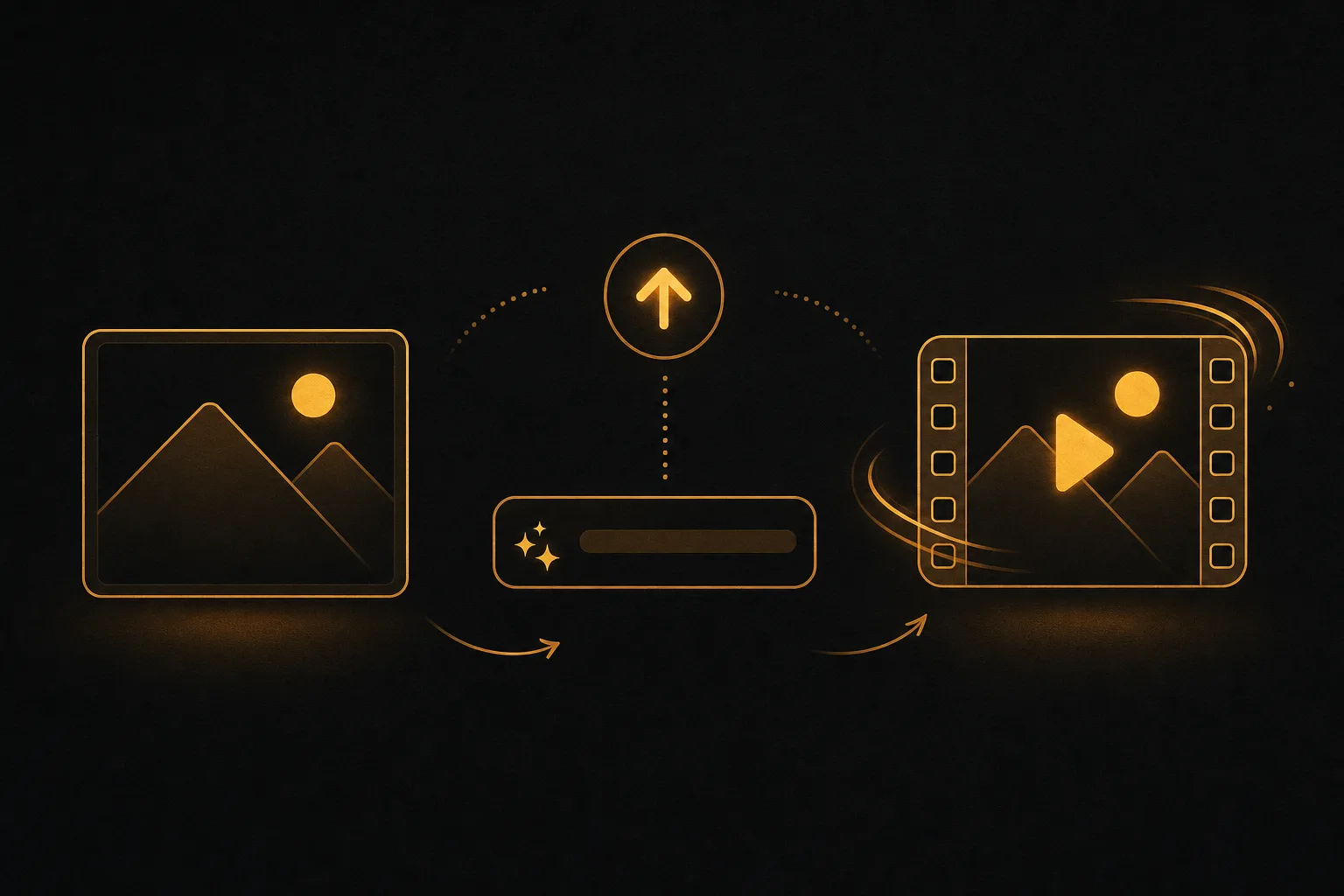
The workflow is similar across every tool here.
- Pick a clear, high-resolution photo. Sharp source images animate far better than blurry ones.
- Upload the image to your chosen tool.
- Write a short motion prompt. Describe what moves and how the camera behaves, for example slow zoom in, hair moving in the wind, gentle parallax.
- Set length and aspect ratio. Vertical for shorts, horizontal for YouTube or web.
- Generate, then review. If the motion is off, adjust the prompt and try again.
- Download and, if needed, remove the watermark by upgrading or switching to a watermark-free tool.
Keep prompts simple at first. Over-describing often confuses the model and produces warped results.
Frequently asked questions
What is the best free AI image to video tool without a watermark?
Wan 2.2 run on your own GPU has no watermark and allows commercial use. Among online tools, Google Flow only adds Google's invisible SynthID mark. Kling, PixVerse, Vidu and Hailuo watermark their free clips. If you need clean video for business without running a model yourself, a paid plan like Vuela removes the limit from 9 dollars a month.
Can I animate a photo into a video for free?
Yes. Google Flow, Dreamina, Kling and PixVerse all give free credits that refresh every day, and Vidu gives monthly credits. Expect limits: a few seconds per clip, two to five clips a day, and usually a watermark. Luma and Pika no longer have free credits.
Can I use free AI image to video clips commercially?
Usually not. Kling, PixVerse, Vidu and Hailuo forbid commercial use on their free tiers, and Google does not state it for Flow's free credits. Wan 2.2 under Apache 2.0 is the exception. Before you use a clip in an ad or a paid project, read the specific tool's license terms.
Which free tool gives the most realistic results?
Kling 3.0 and Seedance 2.5 (in Dreamina) lead on realism, especially for human movement and physical motion like fabric and water. Veo 3.1 in Google Flow is close, and adds sound. For stylized or product-focused clips, the result often comes down to your source image and prompt, not just the model.
What is the best option if I need more than just one clip?
If you only want an animated photo now and then, a free daily-credit tool is fine. If you produce marketing video regularly, ads, shorts, dubbed versions, product images, you will spend more time and money juggling separate free tools than using one platform. Vuela bundles image-to-video with UGC ads, viral cloning, shorts, dubbing, and image editing from 9 dollars a month, which suits anyone shipping content consistently.