AI podcast editor: one raw recording in, the whole episode pack out
Upload your video podcast exactly as it comes out of Riverside, Zoom or StreamYard. Tick what you need and get back the edited episode, Shorts that follow whoever is talking, a clip for each topic and a thumbnail for every piece, all in your brand.
The analysis is free. You see the price of each piece, and a capped total, before you pay.
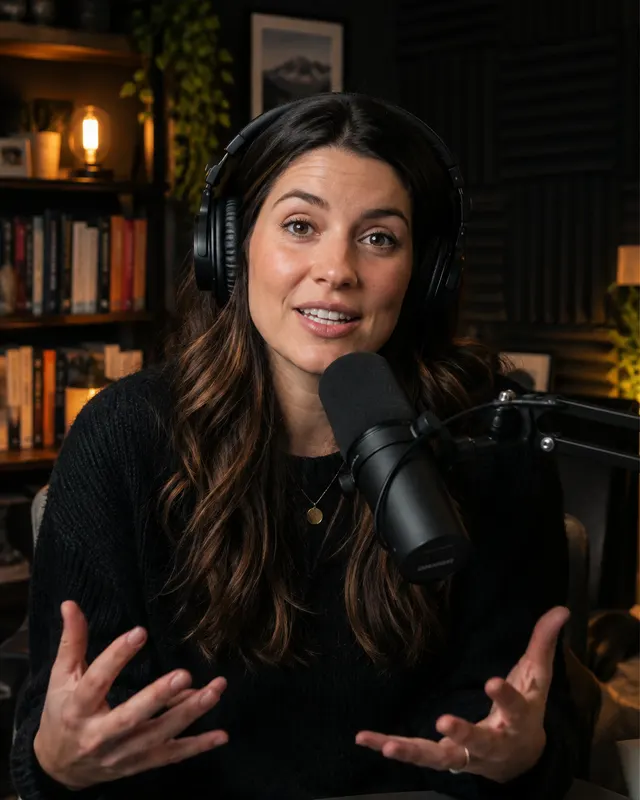
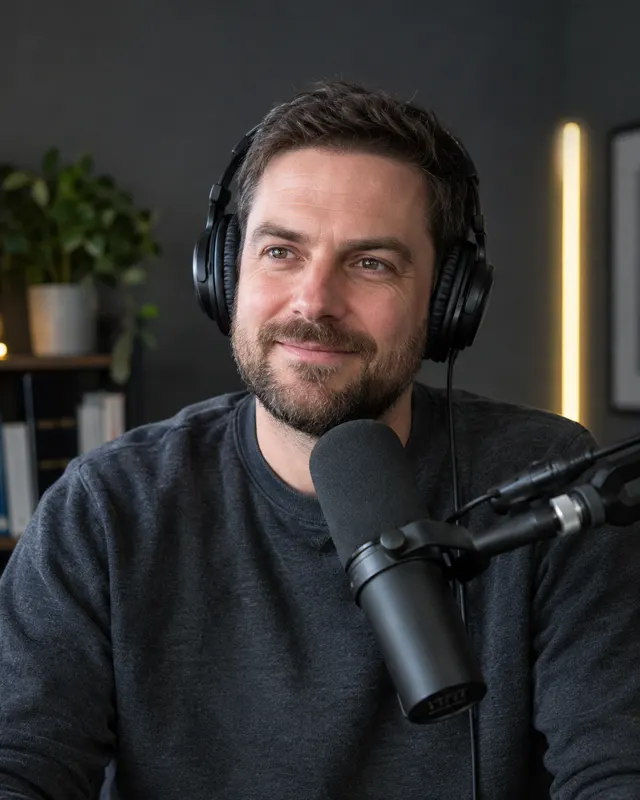

Six pieces from one episode. Pick any of them, or all
Every piece is optional. Tick only what you will publish and pay only for that.
Edited episode
Silences, filler words and retakes cut out, and the sound levelled so every voice plays at the same volume. Ready for YouTube and Spotify.
Illustrated episode
The same episode with animations over the video and editorial boards that show the figures, names and ideas being discussed, made by Vuela's Illustrator.
Vertical Shorts
30 to 75 second cuts in 9:16 that follow whoever is speaking, with subtitles, your logo and the hook on screen. For YouTube Shorts, Reels and TikTok.
Horizontal clips
One clip of 1 to 10 minutes for each topic of the conversation, so every idea can stand on its own on YouTube.
Thumbnails
One for the episode and one for every Short and clip, built from the best shot of each face plus your brand.
Titles, descriptions and social copy
OptionalTitles, an episode description with chapters and copy for your posts, written from what was actually said.
The first show using it: El Test de Turing
El Test de Turing is the first podcast using the editor: its episodes go straight from the Riverside recording to the finished pieces.
Repurpose every episode without losing a weekend to editing
Recording an hour of conversation is work enough. Cutting it into Shorts, pulling clips, designing thumbnails and writing descriptions usually takes longer. Here you tick a list and get everything back together, in one style.
Only need the Shorts and clips? See the podcast clip generatorPodcast thumbnails made from your own footage
Vuela picks the frame where each host or guest looks best, adds the hook of the episode and your brand, and repeats it for every Short and clip. No stock photos and no separate design tool.
Need a thumbnail for another video? Try the AI thumbnail makerHow it works
- 01
Upload the recording
One mixed video file of up to 2 hours, straight from your recording tool. No prep and no rough cut.
- 02
Get the free analysis
Vuela watches the whole episode, finds the topics, the best moments and who speaks in each one, and shows you what it can make.
- 03
Tick the pieces and see the price
Every piece shows its price and the total has a cap, so you know the most you will pay before you pay anything.
- 04
Get an email when it is ready
The pack is processed in the background. When it is finished you get an email and download every file.
One look across every piece
The episode, the Shorts, the clips and the thumbnails share the same subtitles, colours and fonts. You choose where that look comes from.
Your brand kit
The logo, colours and fonts from the brand kit you already keep in Vuela.
Your YouTube channel
Paste your channel and Vuela picks up its look, so the new pieces sit naturally next to your videos.
Neutral
Clean subtitles and layouts with no branding, for shows that prefer to keep it simple.
What you can upload
Built for video podcasts and interviews recorded as one file with the audio mixed.
- Recordings from Riverside, Zoom, StreamYard or your own camera
- One video file with the audio already mixed
- Episodes of up to 2 hours
- Interviews, co-hosted shows and solo episodes
- Publishing straight to YouTube and social networks
- Uploading a separate track per speaker
AI podcast editor questions
What does the AI podcast editor do?
It takes the raw video of a podcast episode and turns it into the pieces you publish: the edited episode, an illustrated version, vertical Shorts, horizontal clips per topic, thumbnails and, if you want them, titles, descriptions with chapters and social copy. You choose which pieces to make.
Which recordings does it accept?
One video file with the audio mixed, up to 2 hours long, from Riverside, Zoom, StreamYard or a camera. Uploading a separate track per speaker is coming soon.
What does the edit remove?
Silences, filler words such as "um" and "uh", and retakes where someone repeats a sentence. It also levels the sound so hosts and guests play at the same volume.
How much does it cost?
Analysing the episode is free. After the analysis you see the price of each piece and a capped total for the whole pack, and you only pay for the pieces you tick.
Do I have to wait with the page open?
No. The pack is processed in the background, so you can close the tab. You get an email as soon as it is ready.
Can it publish to YouTube for me?
Not yet. For now you download every file and publish it yourself. Publishing straight to YouTube and social networks is coming soon.
Do the Shorts and clips match my brand?
Yes. Every piece uses the same style: your Vuela brand kit, the look of your YouTube channel, or a neutral style.
Is this the same as the AI podcast generator?
No. The AI podcast generator creates a new audio episode from a topic or a script. The podcast editor works with an episode you have already recorded on video.
Related tools
Upload your next episode and see everything it can become
The analysis is free, and you see the full price before you pay.