Best AI photo editor in 2026: 8 tools ranked and compared
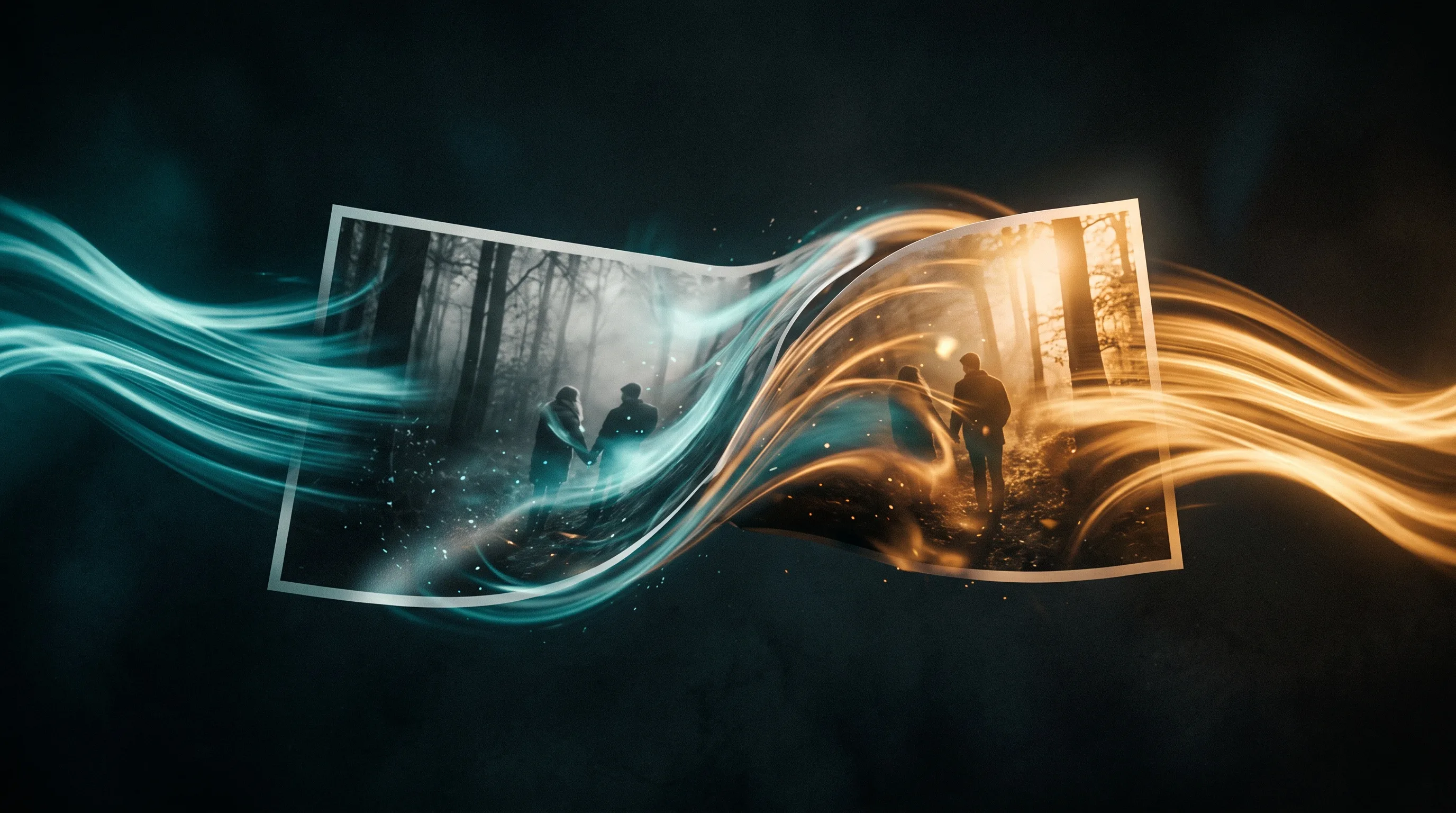
Photo editing split into two jobs this year. One is the old one: fix the exposure, cut out the background, clean up a blemish. The other is new: describe a change in words and let the model repaint the image. Most tools now claim both, and most are much better at one than the other.
This ranking sorts them by the job you actually have. Prices are the cheapest paid plan and were checked in August 2026.
At a glance
| Tool | Best for | From |
|---|---|---|
| Pixlr | Cheapest capable browser editor | $2.49/mo |
| Photopea | Free layered editing | Free, $5/mo to remove ads |
| Freepik | Editing plus a stock library | $8.50/mo |
| Krea | Real-time generative editing | Free, $9/mo |
| Adobe Express | Templates plus Firefly generation | $9.99/mo |
| Recraft | Brand assets and readable text | $12/mo |
| Photoroom | Product cutouts at volume | $12.99/mo |
| Canva | Layouts around the image | $15-18/mo |
Prices are the cheapest paid plan for each tool and were verified in August 2026. Check each provider before you commit, because this category moves fast.
The short answer
If you want a real editor with layers and you do not want to pay, use Photopea. If you want the cheapest capable paid tool, Pixlr at $2.49 a month is hard to argue with. If your images are products, Photoroom removes backgrounds at volume better than a general editor will. If the image needs a legible headline on it, Recraft is the only one on this list that treats text as a design problem rather than an afterthought.
Free does not mean unlimited
Every free tier here is limited in a way that matters, and the limits differ. Photopea is genuinely free and shows ads, which is the most honest arrangement on the list. Krea gives you 100 compute units a day, which is enough to explore and not enough to produce. Canva and Adobe Express keep their best assets and their AI features behind the paid tier.
The pattern worth knowing: tools that charge for compute limit you by usage, and tools that charge for assets limit you by what you are allowed to publish.
Where an AI photo editor stops
All of these edit a still image. If the image is going into a video, that is a different tool and usually a second subscription. Vuela covers the editing tools and the video generation in one plan, which is worth knowing if your images end up as content rather than as final artwork.
It is not the right pick if what you want is a layered editor for retouching. Photopea and Pixlr are better at that, and cheaper.
Frequently asked questions
What is the best free AI photo editor?
Photopea, if you want layers and real editing control: it is free with ads and $5 a month to remove them. Krea is the better free option if you want generative editing rather than retouching, though its free tier is capped at 100 compute units a day.
Is Canva a good photo editor?
Canva is a layout tool with editing attached rather than an editor. It is excellent when the image goes into a design, and weaker than a dedicated editor when the image itself needs work. It also rose to roughly $15 to $18 a month this year.
Which AI editor handles text inside images?
Recraft. Text fidelity is a design goal there rather than a side effect, and it generates vector output, so a logo or a headline survives being scaled. Most image models still garble text.