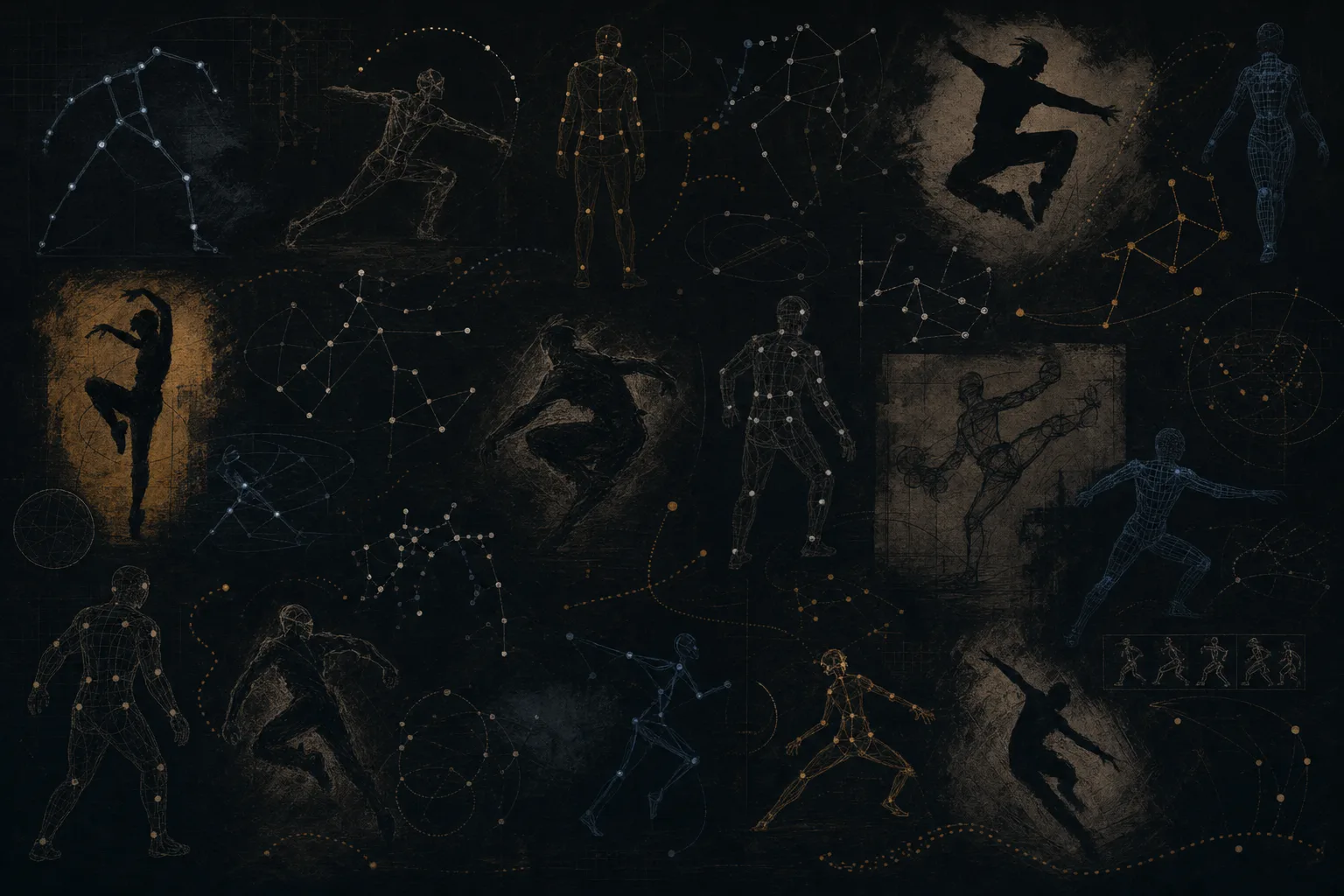
AI Motion Transfer: Copy Dance Moves to Any Character
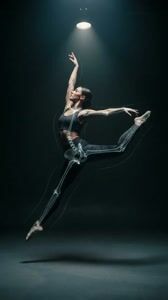
Copy any movement and apply it to any character
Upload a reference video with the motion you want and a target image or video. The AI extracts the pose sequence and transfers it frame by frame, making your target perform the exact same movements.
- Extract and apply motion from any reference video
- Works with real people, illustrations, and 3D characters
- Frame-accurate pose transfer with smooth transitions
Create viral dance and performance content effortlessly
Turn a trending dance into content featuring your brand mascot, AI avatar, or any character. Motion transfer handles full-body movements including hands, face, and subtle gestures for natural-looking results.
- Full-body motion capture including hands and face
- Perfect for trending dances and choreography content
- Generate multiple character variations from one reference
How to Transfer Motion with AI in 3 Steps
Upload the reference motion video
Record or select a video with the movements you want to transfer. The AI extracts the full pose sequence automatically.
Choose your target character
Upload an image or video of the character that should perform the motion. This can be a real person, an illustration, or a 3D model.
Generate the motion transfer
The AI applies the reference motion to your target character, producing a smooth video with natural-looking movement and transitions.
Frequently Asked Questions
What types of motion can be transferred?
The AI handles full-body movements including walking, dancing, hand gestures, and facial expressions. It works best with clearly visible, full-body movements in the reference video.
Can I use an image instead of a video as the target?
Yes, you can use a single static image as the target. The AI will animate it using the reference motion, creating a video from scratch based on the pose sequence.
How long can the reference video be?
Reference videos can be up to 3 minutes long. Clips longer than 30 seconds are generated in parts and joined, keeping the original audio. For best results, use clips with clear, well-lit movements and a relatively static background.
Pricing
The best content. The cheapest price.
Lite
A light plan for casual creators getting started.
$9
per month
500
AI credits / monthly
- 80+ AI Creation tools
- AI Video with cloning & reimagining
- AI Images with Try-On & product shots
- Generate original background music
- Publish SEO-ready articles instantly
- Viral video inspiration
- 19+ preset & custom video styles
Starter
The essential toolkit for exploring AI content creation.
$19
per month
1,050
AI credits / monthly
- 80+ AI Creation tools
- AI Video with cloning & reimagining
- AI Images with Try-On & product shots
- Generate original background music
- Publish SEO-ready articles instantly
- Viral video inspiration
- 19+ preset & custom video styles
Growth
The perfect plan for serious content generation.
$59
$39
per month
2,200
AI credits / monthly
- 80+ AI Creation tools
- AI Video with cloning & reimagining
- AI Images with Try-On & product shots
- Generate original background music
- Publish SEO-ready articles instantly
- Viral video inspiration
- 19+ preset & custom video styles
Business
The complete solution for content-driven businesses.
$99
per month
6,000
AI credits / monthly
- 80+ AI Creation tools
- AI Video with cloning & reimagining
- AI Images with Try-On & product shots
- Generate original background music
- Publish SEO-ready articles instantly
- Viral video inspiration
- 19+ preset & custom video styles
- Priority support
Looking for a custom plan?
Adapted to your business needs (volume and customization)
Explore more AI video tools
Faceless AI Video Generator Tool
Create engaging faceless AI videos perfect for storytelling, explainer videos, and educational content.
AI Image to Video Generator
Upload a photo, describe how it should move and Vuela turns it into a video with sound, usually in under a minute. Premium or Ultra quality.
AI Video Cloner: Clone Any Viral YouTube or TikTok Video
Paste a YouTube, TikTok or Instagram link and analyze it for free. Vuela recreates it with new AI visuals, voice and music: same structure, original video.
Trump AI Video Generator Tool
Create AI-generated videos inspired by political speeches, debates, and viral moments. Perfect for satire, commentary, and social content.
Video to Video AI Generator
Transform any YouTube, TikTok or Instagram video into a brand-new AI-generated version. Extract the script and recreate it with your own style.
AI Video Director Tool
Chat with an AI director that plans your entire video production — scenes, camera movements, dialogues, music and sound effects.
Billie Eilish AI Video Generator Tool
Create AI-generated videos in the moody pop visual style. Perfect for music edits, lyric storytelling and aesthetic fan content.
AI Video Editor Online: Edit, Cut and Generate Video with AI
The AI video editor that writes captions, trims silences, adds music and generates B-roll for you. Edit any video online in minutes, not hours.
Minecraft AI Video Generator Tool
Create captivating Minecraft-style AI videos perfect for educational, storytelling, and gaming content.