How to create the perfect ecommerce product page with AI: images, video, and SEO descriptions
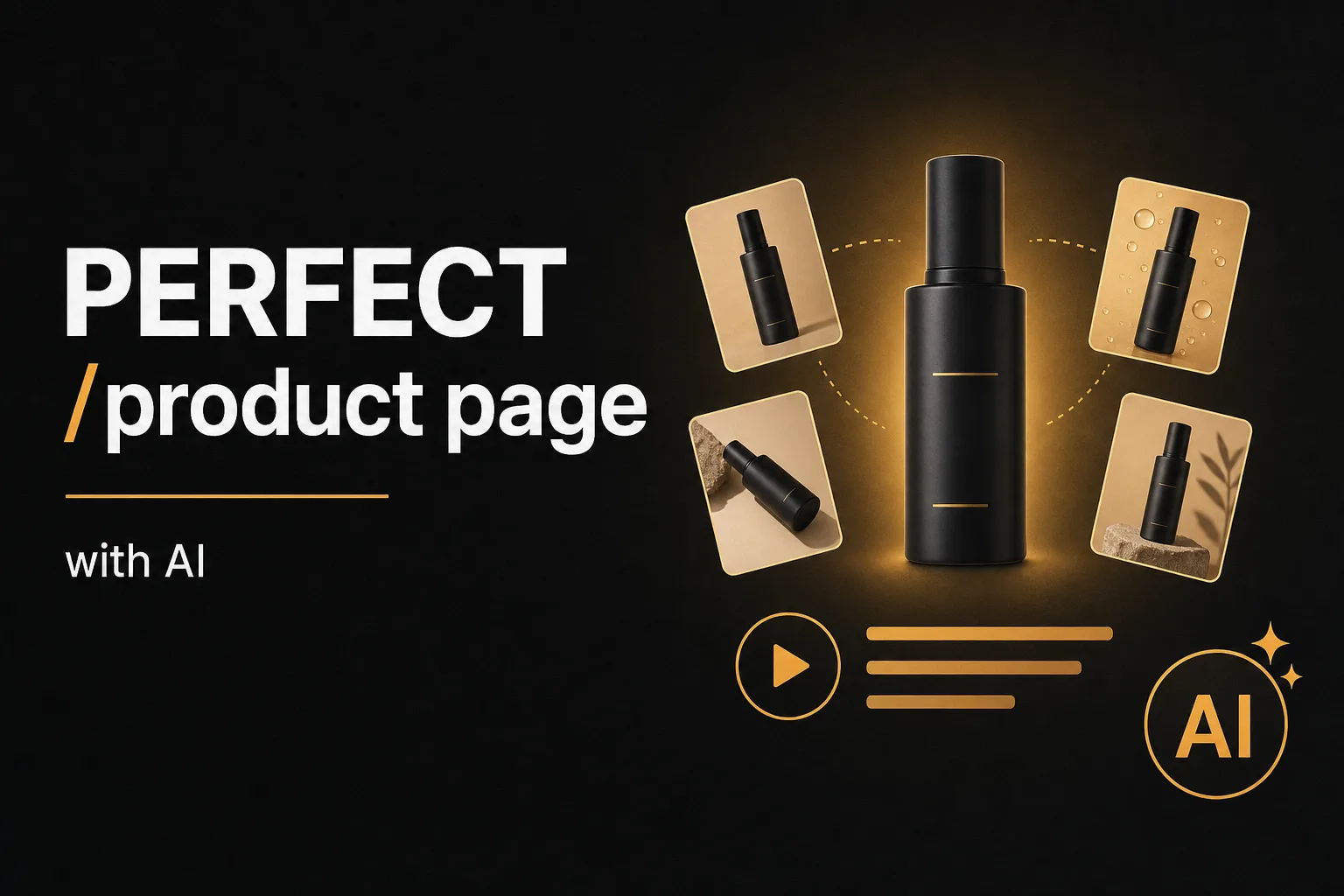
Most product pages start the same way: one supplier photo and four lines of copy. That is not enough to rank, bring traffic, or sell.
In this tutorial you will see how to build the perfect product page in just a few minutes with Vuela: professional product images, a product video, and a product description optimized for SEO and for generative answers (Google AI Overviews, ChatGPT, or Gemini). All from a single image and a basic spec sheet.
The starting point: one image and a basic spec sheet
We start from a poorly optimized product page (in the video, a baby bottle), with a single supplier image and a minimal four-bullet description. We download that product image and build the whole page from it.
Step 1: generate your product images from a single photo
In Vuela, open the image tool and go to the products section, where you will find plenty of mockup templates for your page. The process is always the same: pick the mockup you want, drag in your product image, choose the size (square, vertical, or horizontal), and hit generate. Each image takes about ten seconds.
It is worth opening several options and generating different image types so you end up with a full page:
- A product image carousel with different variants: plain white background, close-up zoom, contextual background, hands holding the product, multiple units, the product in motion, and feature highlights.
- A second carousel variant that is more visual, with scenes and context props.
- A hero or header image with the product front and center.
- A more artistic image, styled for your audience (for example, an illustrated, playful look for a kids product).
When they are ready, you download all the product images and they are set to upload straight to your store.
Step 2: turn the image into a product video
What if you also want a video? From the same image you can animate it. Just describe what you want in a prompt. For example: the camera pulls back and a person presents the product benefit (in the video, "reduces colic and boosts appetite"). Choose the length (six seconds, say) and generate.
In two clicks you have a product video to illustrate the page, run as an ad, or post on social.
Step 3: optimize the description for SEO and AI answers
Images and video alone will not make the page rank. The next step is the description. In Vuela, go to content, create new text content, and open the product description generator ("product description"). Paste in the basic spec sheet you want to optimize.
If you want, you can set the exact structure: name first, then applications, then specifications, supplier, or recommendations. Hit generate and you get a full product description that includes:
- A short description of the product and what type it is.
- Features and technical specifications for the specific model or size.
- Benefits and selling points written for conversion.
- Uses and applications.
- A frequently asked questions section.
That FAQ section is built for the questions users ask in generative answers (Google AI Overviews, ChatGPT, or Gemini). Covering those early buying stages helps your page show up in those answers. The title and meta description also come out optimized for SEO.
Best of all: you can do it in bulk and even via API, so you can optimize every page in your catalog at once.
A complete product page in minutes
Starting from a single image and a basic spec sheet, in a few minutes you have a product page with professional images, a video, and a description optimized for SEO and AI answers. It is the fast way to improve your ecommerce SEO and lift conversions without a photo studio or copywriters.