Corporate Video Maker: Animated Company Videos with AI
Your website or app, animated
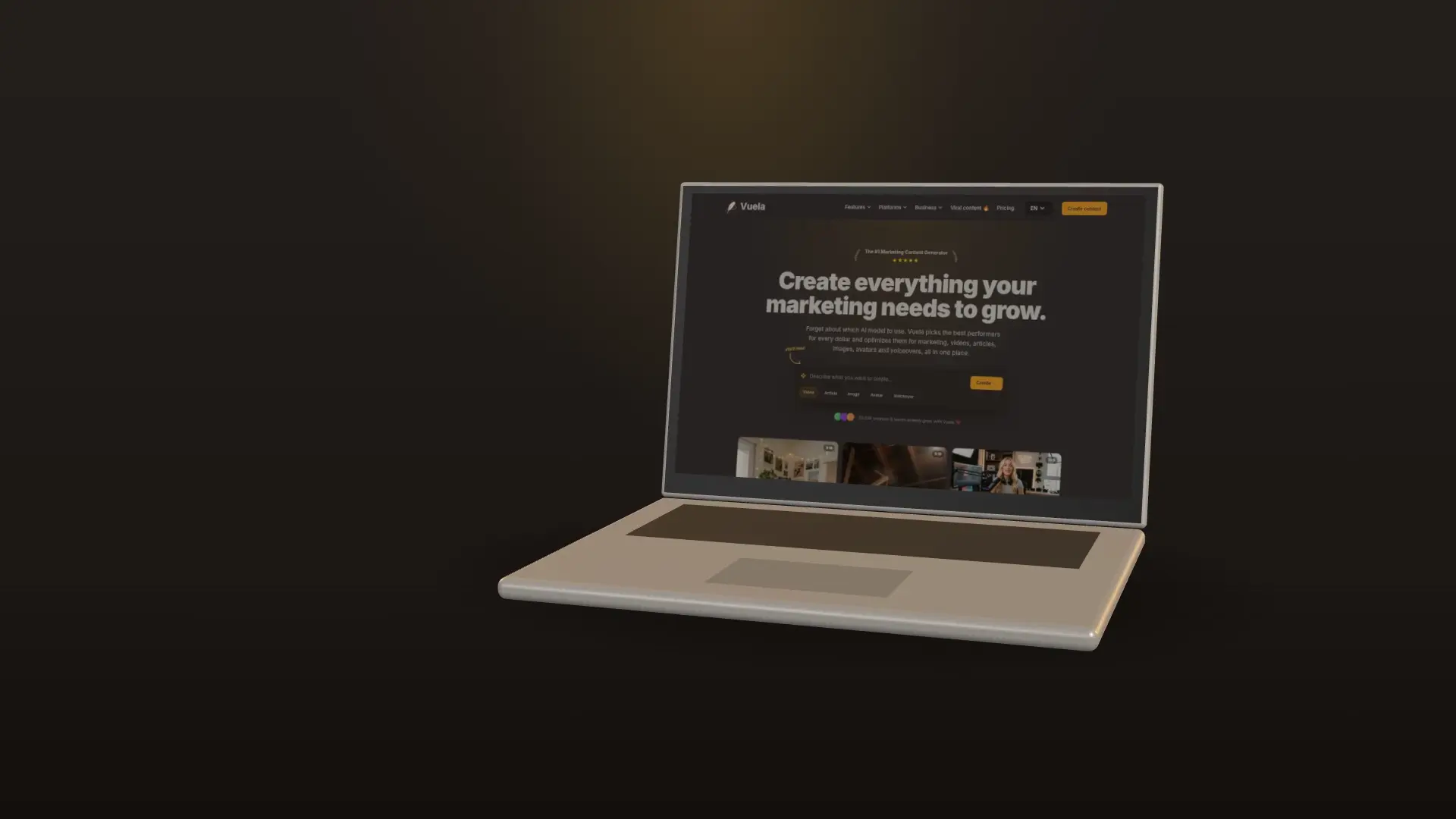
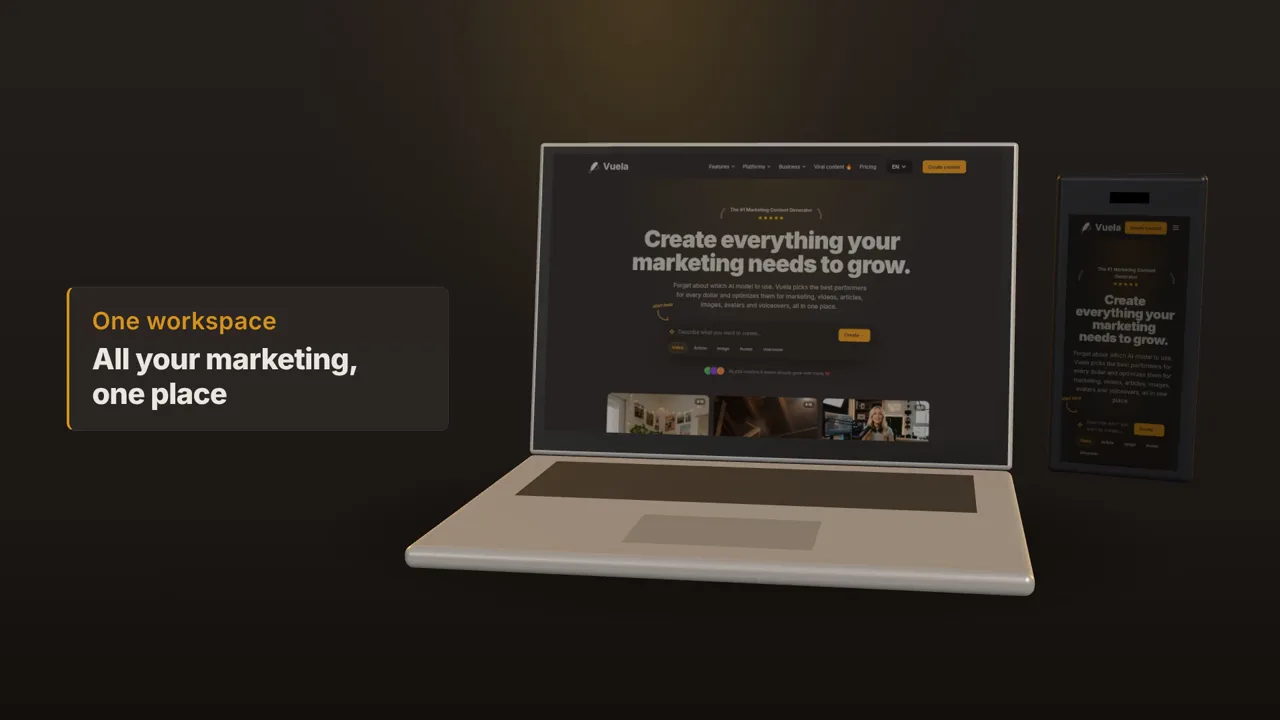
Paste your URL and Vuela visits your site: it takes your logo, your colours, your fonts and screenshots of your product, and rebuilds your interface in motion on laptops and phones. The product video your homepage, sales team and LinkedIn need.
- Logo, colours and screenshots taken from your website
- Your interface recreated on devices, in 3D when it helps
- Corporate tone: no mascots, no gimmicks
Launches and numbers that people remember
Announce a new product, a feature or an offer with bold kinetic typography, or turn your results into animated charts and counters. Every video comes with music and sound effects, and an optional voiceover in your language.
- Announcements with six typographic styles
- Animated charts, counters and comparisons
- 16:9, 9:16 and 1:1, from 10 to 60 seconds
How to make a corporate video in 3 steps
Choose the kind of video
Your website or app, an announcement, or animated data. For a product video, paste your URL and Vuela gathers your brand from it.
Tell it the message
Write what the video should say and to whom. Pick a style, the format and, if you want, a narrator voice.
Publish it
In minutes you get an MP4 with animation, music and sound effects, ready for your website, LinkedIn, a sales deck or an event screen.
Frequently Asked Questions
What is a corporate video?
A video that presents a company, a product or a result to clients, investors or employees. Animated corporate videos are the most flexible kind: no filming, easy to update, and they work on a website, on LinkedIn or in a presentation.
How is this different from hiring a production company?
A production company quotes, films and edits over several weeks. Here you describe the video and get it in minutes, and you can make as many versions as you need. For a filmed interview or a factory tour you still need a crew; for product, launch and data videos you do not.
Can it use my website?
Yes. Paste your URL: Vuela takes your logo, colours, fonts, texts and screenshots from it and recreates your interface in the video. It never accepts cookie banners or logs in anywhere.
How much does it cost?
A 30-second corporate video uses 235 credits, about €4 on the Lite plan. Voiceover adds 15 credits.
Can I use the video commercially?
Yes. The videos you create are yours to use on your website, social media, ads and presentations.
Do I need a designer?
No. The layout, typography, animation and sound are done for you, in a corporate style with your brand.
Pricing
The best content. The cheapest price.
Lite
A light plan for casual creators getting started.
$9
per month
500
AI credits / monthly
- 80+ AI Creation tools
- AI Video with cloning & reimagining
- AI Images with Try-On & product shots
- Generate original background music
- Publish SEO-ready articles instantly
- Viral video inspiration
- 19+ preset & custom video styles
Starter
The essential toolkit for exploring AI content creation.
$19
per month
1,050
AI credits / monthly
- 80+ AI Creation tools
- AI Video with cloning & reimagining
- AI Images with Try-On & product shots
- Generate original background music
- Publish SEO-ready articles instantly
- Viral video inspiration
- 19+ preset & custom video styles
Growth
The perfect plan for serious content generation.
$59
$39
per month
2,200
AI credits / monthly
- 80+ AI Creation tools
- AI Video with cloning & reimagining
- AI Images with Try-On & product shots
- Generate original background music
- Publish SEO-ready articles instantly
- Viral video inspiration
- 19+ preset & custom video styles
Business
The complete solution for content-driven businesses.
$99
per month
6,000
AI credits / monthly
- 80+ AI Creation tools
- AI Video with cloning & reimagining
- AI Images with Try-On & product shots
- Generate original background music
- Publish SEO-ready articles instantly
- Viral video inspiration
- 19+ preset & custom video styles
- Priority support
Looking for a custom plan?
Adapted to your business needs (volume and customization)
Explore more AI video tools
Animated Explainer Video Maker with AI
Turn a product, a service or a process into an animated explainer video in minutes: whiteboard, chalkboard, line art or animated icons, with your brand and voiceover. No animator, no studio.
Website to Video AI Generator
Paste any webpage URL and our AI creates a video from its content — perfect for turning landing pages, articles and product pages into videos.
Faceless AI Video Generator Tool
Create engaging faceless AI videos perfect for storytelling, explainer videos, and educational content.
AI Image to Video Generator
Upload a photo, describe how it should move and Vuela turns it into a video with sound, usually in under a minute. Premium or Ultra quality.
AI Video Cloner: Clone Any Viral YouTube or TikTok Video
Paste a YouTube, TikTok or Instagram link and analyze it for free. Vuela recreates it with new AI visuals, voice and music: same structure, original video.
Trump AI Video Generator Tool
Create AI-generated videos inspired by political speeches, debates, and viral moments. Perfect for satire, commentary, and social content.
Video to Video AI Generator
Transform any YouTube, TikTok or Instagram video into a brand-new AI-generated version. Extract the script and recreate it with your own style.
AI Video Director Tool
Chat with an AI director that plans your entire video production — scenes, camera movements, dialogues, music and sound effects.
AI Motion Transfer: Copy Dance Moves to Any Character
Transfer poses and movement from one video to another. Make any character dance, gesture, or move exactly like your reference clip.