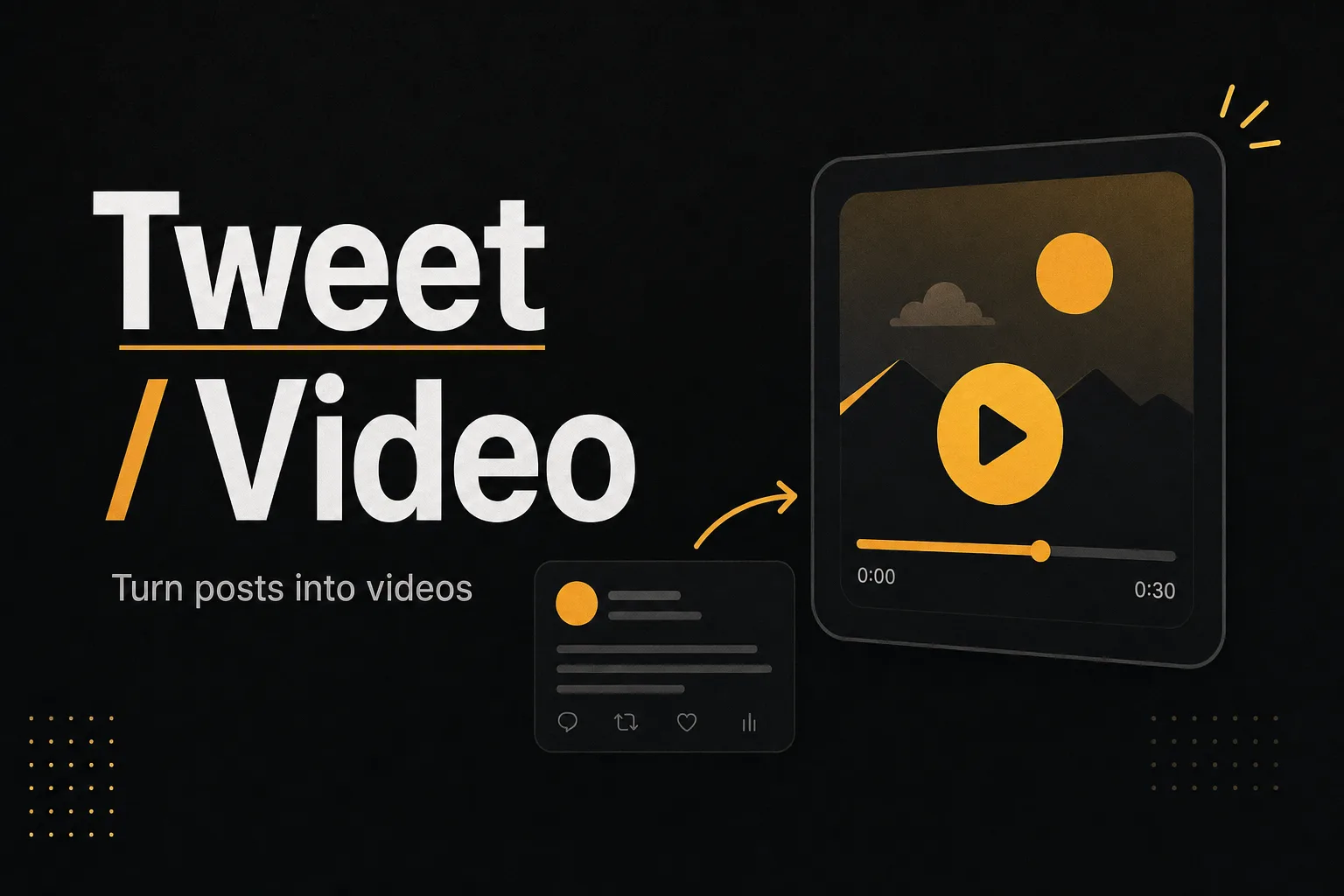
Tweet to Video: Turn X Threads into Viral Short Videos

Turn any X thread into a short video
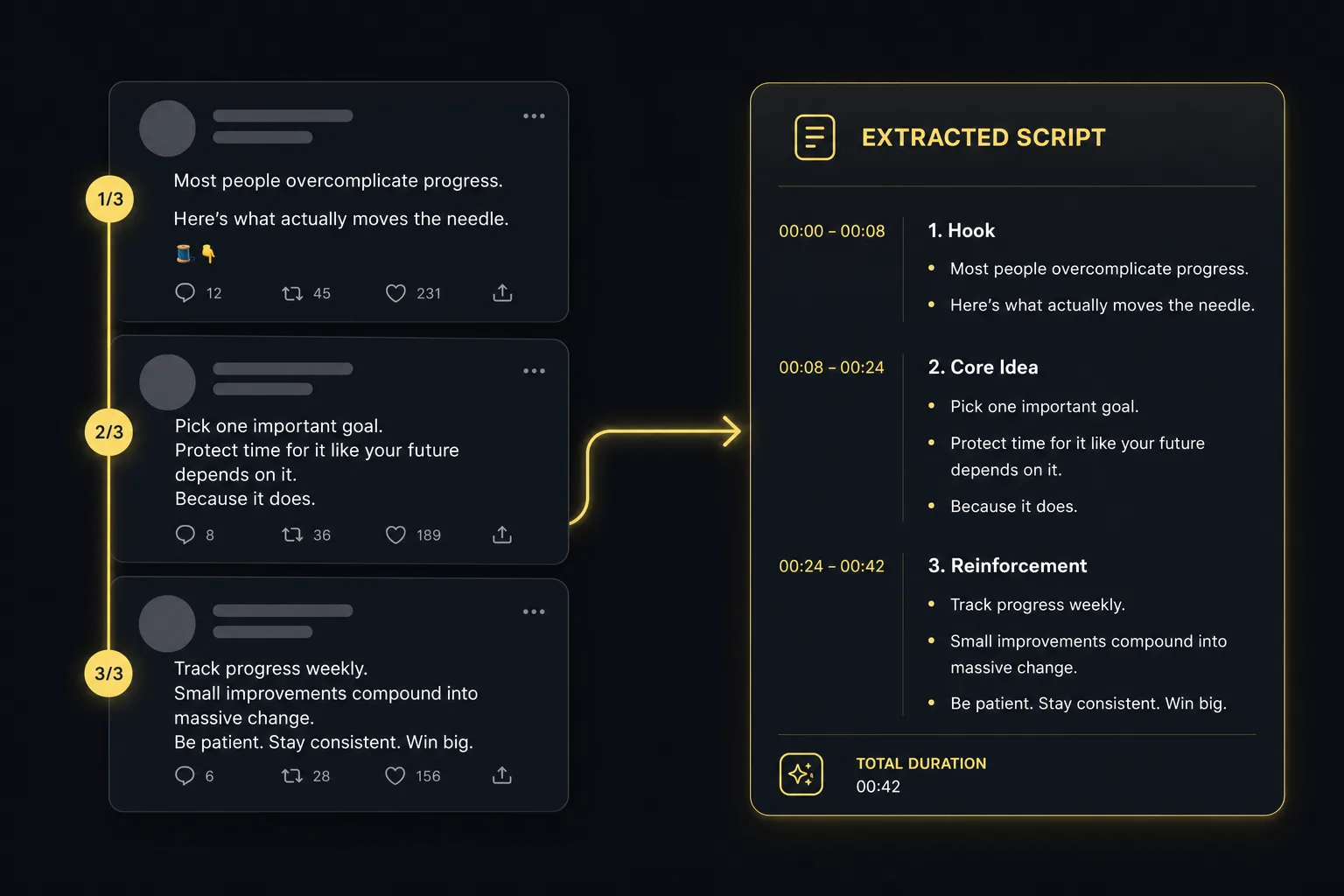
Paste a tweet or thread URL and the AI extracts the message, structures it as a narrated script, and generates a vertical video ready for TikTok, Reels, or Shorts. Perfect for repurposing your best tweets into video content that reaches a new audience.
- Auto-extract thread content and structure
- AI-generated voiceover and on-screen captions
- Vertical 9:16 output for short-form platforms
Keep your voice, scale your reach
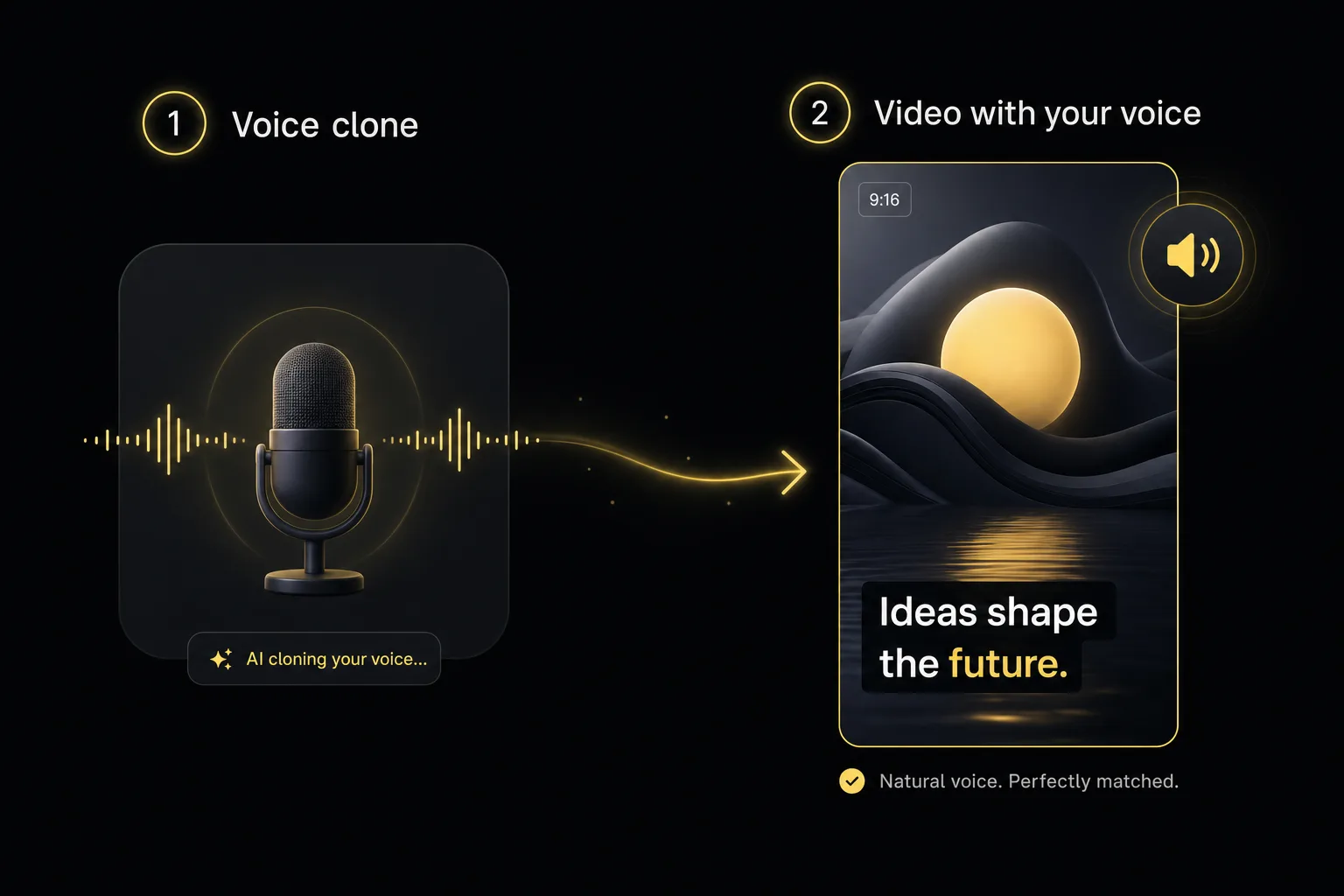
Clone your voice once and every tweet-to-video uses your real narration. The AI matches your tone and pacing while adapting your written voice to spoken delivery. Your audience hears you, not a generic AI voice.
- Voice cloning for personal narration
- Tone adaptation from text to speech
- Brand kit applied to colors and typography
How to Convert a Tweet or Thread to Video in 3 Steps
Paste the tweet or thread URL
Copy the link to any tweet or full thread from X (Twitter) and paste it. The AI extracts the content and any media included.
Pick voice, style, and music
Choose an AI voice or your cloned voice, a visual style, and background music. Preview before generating the full video.
Generate and share
Get a 9:16 video optimized for TikTok, Reels, and Shorts. Download or send straight to your scheduler for cross-platform publishing.
Frequently Asked Questions
Can the AI handle long threads?
Yes, threads of up to 25 tweets are supported. The AI structures the content as a narrative arc with intro, key points, and conclusion. Longer threads can be split into multiple videos automatically.
Are images and videos in the tweet included?
Yes. Any images or videos attached to the thread are extracted and used as B-roll in the final video. The AI also generates additional visuals to match the script.
Can I edit the script before rendering?
Yes. The extracted script is fully editable. Add, remove, or rewrite any line before the AI generates the final video. Useful for adjusting hooks or simplifying long-form threads.
Pricing
The best content. The cheapest price.
Lite
A light plan for casual creators getting started.
$9
per month
500
AI credits / monthly
- 80+ AI Creation tools
- AI Video with cloning & reimagining
- AI Images with Try-On & product shots
- Generate original background music
- Publish SEO-ready articles instantly
- Viral video inspiration
- 19+ preset & custom video styles
Starter
The essential toolkit for exploring AI content creation.
$19
per month
1,050
AI credits / monthly
- 80+ AI Creation tools
- AI Video with cloning & reimagining
- AI Images with Try-On & product shots
- Generate original background music
- Publish SEO-ready articles instantly
- Viral video inspiration
- 19+ preset & custom video styles
Growth
The perfect plan for serious content generation.
$59
$39
per month
2,200
AI credits / monthly
- 80+ AI Creation tools
- AI Video with cloning & reimagining
- AI Images with Try-On & product shots
- Generate original background music
- Publish SEO-ready articles instantly
- Viral video inspiration
- 19+ preset & custom video styles
Business
The complete solution for content-driven businesses.
$99
per month
6,000
AI credits / monthly
- 80+ AI Creation tools
- AI Video with cloning & reimagining
- AI Images with Try-On & product shots
- Generate original background music
- Publish SEO-ready articles instantly
- Viral video inspiration
- 19+ preset & custom video styles
- Priority support
Looking for a custom plan?
Adapted to your business needs (volume and customization)
Explore more AI video tools
Faceless AI Video Generator Tool
Create engaging faceless AI videos perfect for storytelling, explainer videos, and educational content.
AI Image to Video Generator
Upload a photo, describe how it should move and Vuela turns it into a video with sound, usually in under a minute. Premium or Ultra quality.
AI Video Cloner: Clone Any Viral YouTube or TikTok Video
Paste a YouTube, TikTok or Instagram link and analyze it for free. Vuela recreates it with new AI visuals, voice and music: same structure, original video.
Trump AI Video Generator Tool
Create AI-generated videos inspired by political speeches, debates, and viral moments. Perfect for satire, commentary, and social content.
Video to Video AI Generator
Transform any YouTube, TikTok or Instagram video into a brand-new AI-generated version. Extract the script and recreate it with your own style.
AI Video Director Tool
Chat with an AI director that plans your entire video production — scenes, camera movements, dialogues, music and sound effects.
AI Motion Transfer: Copy Dance Moves to Any Character
Transfer poses and movement from one video to another. Make any character dance, gesture, or move exactly like your reference clip.
Billie Eilish AI Video Generator Tool
Create AI-generated videos in the moody pop visual style. Perfect for music edits, lyric storytelling and aesthetic fan content.
AI Video Editor Online: Edit, Cut and Generate Video with AI
The AI video editor that writes captions, trims silences, adds music and generates B-roll for you. Edit any video online in minutes, not hours.