How to make a reel that performs in 2026: full guide
A reel is a short vertical video, and a good one can reach far more people than a regular feed post. The format rewards videos that hook fast, stay watchable to the end, and use sound well. The mechanics are simple. Getting consistent views takes a repeatable process.
This guide walks through how to make a reel from idea to posting, with the exact sizes and length that work in 2026. You will also get a faster AI path for when you want to publish more often without filming everything yourself.
What you need before you start
You do not need expensive gear. A recent phone, decent light, and a quiet room cover most reels. Useful extras:
- A phone stand or tripod for stable, hands-free shots. A stack of books works in a pinch.
- Natural light or a ring light facing you, not behind you.
- A simple editing app, either Instagram's built-in editor or a dedicated tool.
- A content idea with a clear hook, which matters more than any camera.
Reel size, format, and length in 2026
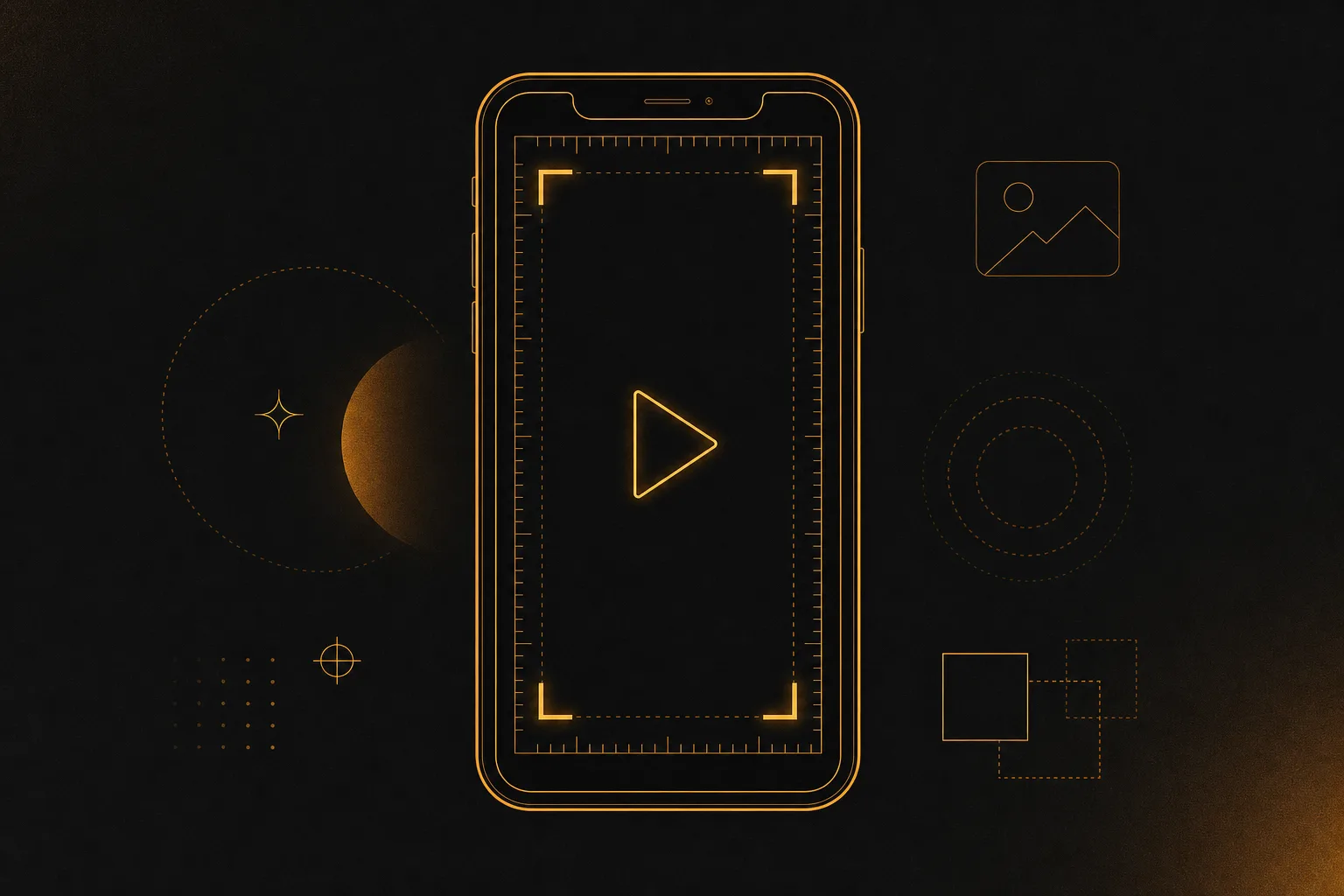
Get the technical basics right so your video does not look cropped or blurry:
- Aspect ratio: 9:16 vertical.
- Resolution: 1080x1920 pixels. Film in the highest quality your phone allows, then export at 1080p or higher.
- Length: reels can run up to 3 minutes, but most strong-performing reels sit between 7 and 30 seconds. Shorter clips are easier to rewatch, and rewatches help reach.
- Safe zone: keep important text and faces in the middle of the frame. The top and bottom edges get covered by the username, caption, buttons, and audio label.
- File: MP4 or MOV, with the audio at a clean, consistent volume.
How to make a reel step by step
- Pick one clear idea. Every reel should do one thing: teach a tip, show a before and after, answer a common question, or entertain. Save reels you like from other creators and note the format, not the exact content. Recreate the structure with your own angle.
- Write your hook first. The first 1 to 3 seconds decide whether people stay. Open with a bold claim, a question, a surprising result, or a strong visual. Examples: "Stop editing your reels like this," or "This took 5 minutes and got 40k views." Put the hook on screen as text and say it out loud.
- Plan your shots. Sketch 3 to 8 short clips that tell the story. A typical structure is hook, then the steps or payoff, then a quick call to action. Short clips cut together feel faster and hold attention better than one long take.
- Record your clips. Use a stand, fill the vertical frame, and film each shot from a couple of angles so you have options. Tap the camera roll method and record in pieces rather than relying on the in-app timer. Good light and clean audio do more for quality than any filter.
- Choose your audio. Sound drives reach. Pick trending music from Instagram's library, a voiceover, or both. If you plan to repurpose the video elsewhere, a voiceover travels better than a licensed song. Watch the audio's reach count and grab tracks that are rising, not already everywhere.
- Edit for pace. Trim dead space at the start and between clips. Cut on the beat where you can. Add quick zooms or speed changes to keep momentum. The goal is no boring second.
- Add captions and on-screen text. Most people watch with sound off, so burn in captions. Keep text centered, high contrast, and large enough to read on a small screen. Use text to reinforce the hook and label each step.
- Add a cover and a strong caption. Pick a clear cover frame or design one so your reel looks good on your profile grid. Write a caption that adds context and ends with a call to action: a question, a save prompt, or "follow for more."
- Add relevant hashtags and tags. Use a small set of specific, on-topic hashtags rather than dozens of generic ones. Tag accounts, products, or locations when they fit naturally.
- Post and watch the first hour. Share to your feed so the reel shows on your profile. Post when your audience is active, then reply to early comments quickly. Early engagement signals tell the algorithm to show your reel to more people.
How to make a reel without filming yourself
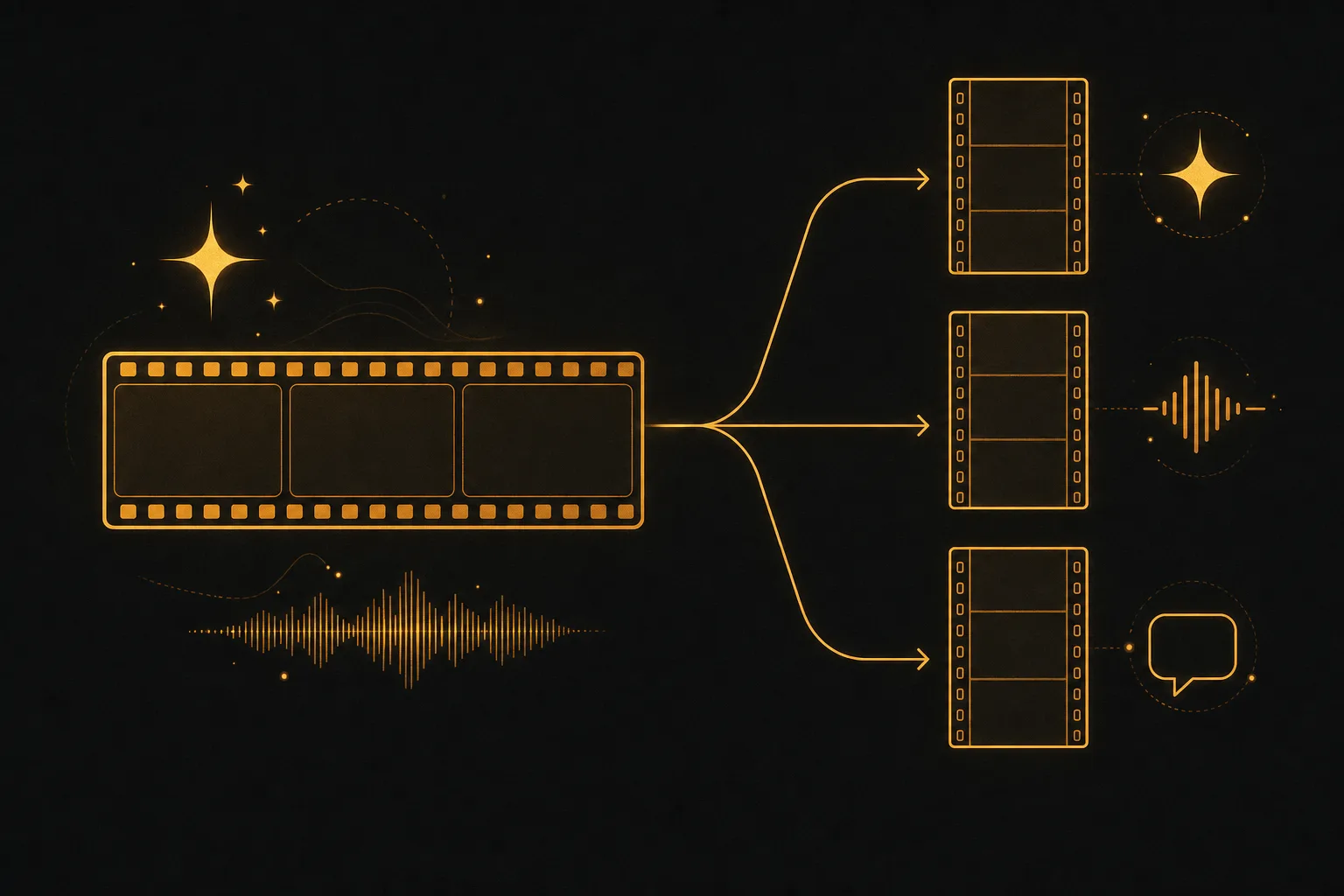
Not everyone wants to be on camera, and not every reel needs a face. You can make strong reels from photos, screen recordings, b-roll, text on motion backgrounds, or AI-generated video. This is also the fastest way to publish more often.
If you want to skip most of the manual work, an all-in-one tool like Vuela covers the heavy parts of reel creation:
- Turn a long video into vertical shorts. Drop in a longer video and Vuela cuts it into ready-to-post vertical clips, so one recording becomes several reels.
- Generate video from text or an image. Describe the scene or start from a product photo and get a video clip without filming.
- AI voiceover and captions. Add a natural-sounding voiceover with text-to-speech, clone a voice, and generate accurate captions automatically.
- Clone a viral format. The viral video cloner reproduces a winning reel structure with your own product or message.
- UGC-style ads and talking avatars. Create presenter-style reels from a product image or URL when you want a face without filming one.
Vuela is a paid tool with flat-rate plans starting at $9/mo, so there is no per-clip or per-seat surprise. Use the AI path for volume and repurposing, and keep filming yourself when a personal, on-camera moment is the point of the reel.
Tips to make your reels perform better
- Front-load value. Show the payoff or promise in the first frames. Do not save the good part for the end.
- Design for the loop. Reels that end where they began get rewatched, and rewatches boost reach.
- Keep it watchable on mute. Captions and clear visuals carry the message even with sound off.
- Stay on one topic. A focused account trains the algorithm on who to show your reels to.
- Post consistently. A steady cadence beats occasional bursts. Batch-create so you always have reels ready.
- Repurpose what works. Turn a strong reel into a few variations and reuse winning hooks with new footage.
- Read your insights. Check views, average watch time, and saves. If people drop off early, your hook needs work. If watch time is low, tighten the edit.
Common mistakes to avoid
- A slow start. No hook in the first seconds means most viewers swipe away.
- Text in the danger zones. Words at the very top or bottom get hidden behind buttons and the caption.
- Low resolution or wrong ratio. Anything not 9:16 at 1080p looks cropped or soft.
- Long, unedited takes. One static clip with no cuts loses attention fast.
- No call to action. Tell people exactly what to do next: save, follow, comment, or share.
A simple weekly workflow
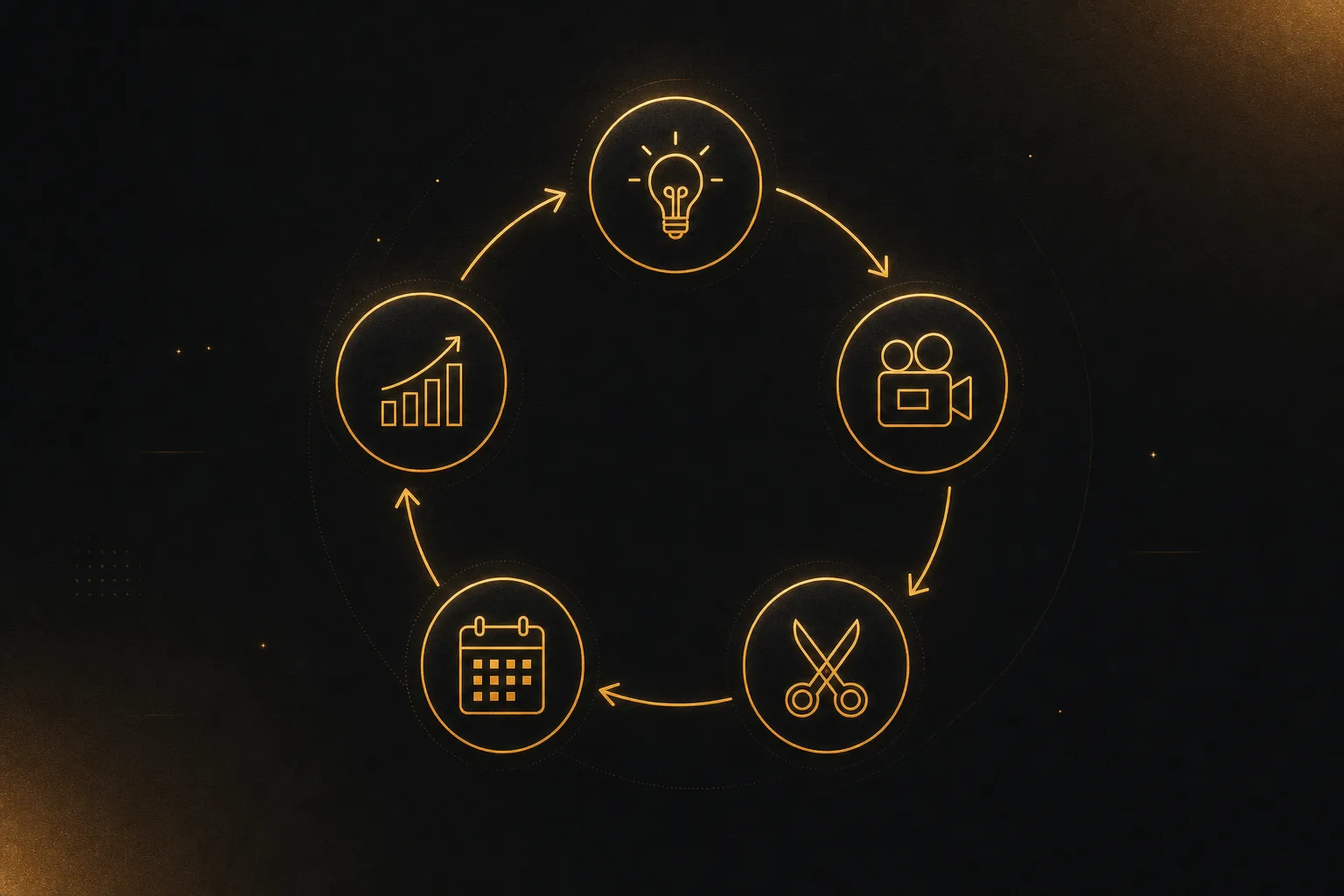
To make reels without burning out, batch the work:
- Brainstorm 5 to 10 ideas and hooks in one sitting.
- Film or generate all the clips in a single session.
- Edit them together, or let an AI tool cut a long video into several shorts.
- Caption and schedule them across the week.
- Review insights at the end of the week and double down on what worked.
Frequently asked questions
What is the best app to make a reel?
Instagram's built-in reel editor handles recording, trimming, audio, and text, and it is enough to start. For faster or more polished reels, dedicated tools help. Vuela is a strong all-in-one pick because it turns long videos into vertical shorts and adds AI voiceover and captions in one place. Use the native editor for quick on-camera reels and a dedicated tool when you want volume or no filming.
How do I create a reel on iPhone?
Open Instagram, tap the plus icon, and choose Reel, or open the Instagram camera and switch to the reel mode. Record or upload your clips, add audio, trim and reorder them, add captions and text, then tap next to pick a cover, write your caption, and share. You can also film clips in the iPhone Camera app first, then upload them into the reel editor for more control.
How do I make a reel with photos and music?
You do not need video at all. In the reel editor, upload several photos, set how long each one shows, and add transitions so they move with the beat. Choose a track from the music library, then add text and captions. AI tools speed this up by animating photos and syncing them to audio automatically, which turns a set of product images into a finished reel.
How long should a reel be?
Reels can run up to about 3 minutes, but most high-performing ones are 7 to 30 seconds. Shorter reels are easier to watch fully and rewatch, and high completion and rewatch rates are what push your reel to more people. Only go longer when the content genuinely needs the time, such as a detailed tutorial.
What size should a reel be?
Use a 9:16 vertical aspect ratio at 1080x1920 pixels. Keep your key visuals and text centered, away from the top and bottom edges where the username, caption, and buttons appear. Export at 1080p or higher in MP4 or MOV so the video stays sharp.
How do I get my reels to go viral?
There is no guaranteed formula, but the pattern is consistent: a hook that stops the scroll, a tight edit with no dead space, trending or well-matched audio, captions for sound-off viewing, and a clear call to action. Post consistently, study your insights, and repeat the hooks and formats that earn the most watch time and saves.