Best free AI text to video generators in 2026 (October update)
· Updated
Type a prompt or paste a script, get a video back. That is the whole promise of text-to-video AI, and in 2026 the tools that deliver it have gotten very good. The catch is the word free. This year Runway's free plan stopped making video, Pika dropped its free credits, InVideo AI removed its free plan from the pricing page and Sora shut down. A handful of tools still give you recurring free generations, and this guide ranks them.
We checked every free tier on 13 October 2026 against the vendor's own pricing and help pages: clip length, watermark, resolution, commercial use, and how many videos you can make before you hit a wall. Some vendors only show their limits after you log in; where a number comes from recent reports instead of an official page, we say so.
Quick comparison of the best free text-to-video tools
Each tool below turns text into video, but they split into two camps: raw clip generators that make a few seconds of footage from a prompt, and finished-video tools that take a full script and assemble a complete edit. Pick based on the job, not the hype.
| Tool | Best for | Free allowance (October 2026) | Watermark on free |
|---|---|---|---|
| Vuela | Script to finished video, all-in-one | Paid only, from $9/mo | No watermark on output |
| Google Flow | Cinematic clips with sound (Veo 3.1) | 50 credits a day (about 5 clips) | Invisible SynthID |
| Dreamina | Top-tier motion (Seedance 2.5) | Daily credits (120 a day reported in August) | Possible |
| Kling | Realistic motion and physics | Small daily allowance | Yes on free |
| PixVerse | Stylized and anime clips | 60 credits a day + 90 at sign-up | Yes on free |
| Synthesia | Avatar and talking-head videos | 10 minutes a month | Yes on free |
| Wan 2.2 (local) | Unlimited clips on your own GPU | Unlimited | No |
| Hailuo | Cinematic short clips (MiniMax H3) | One-time welcome credits, 3 days | Yes on free |
Free tiers change often. Read the per-tool notes below for what each one feels like in practice.
1. Vuela: best all-in-one, script to finished video
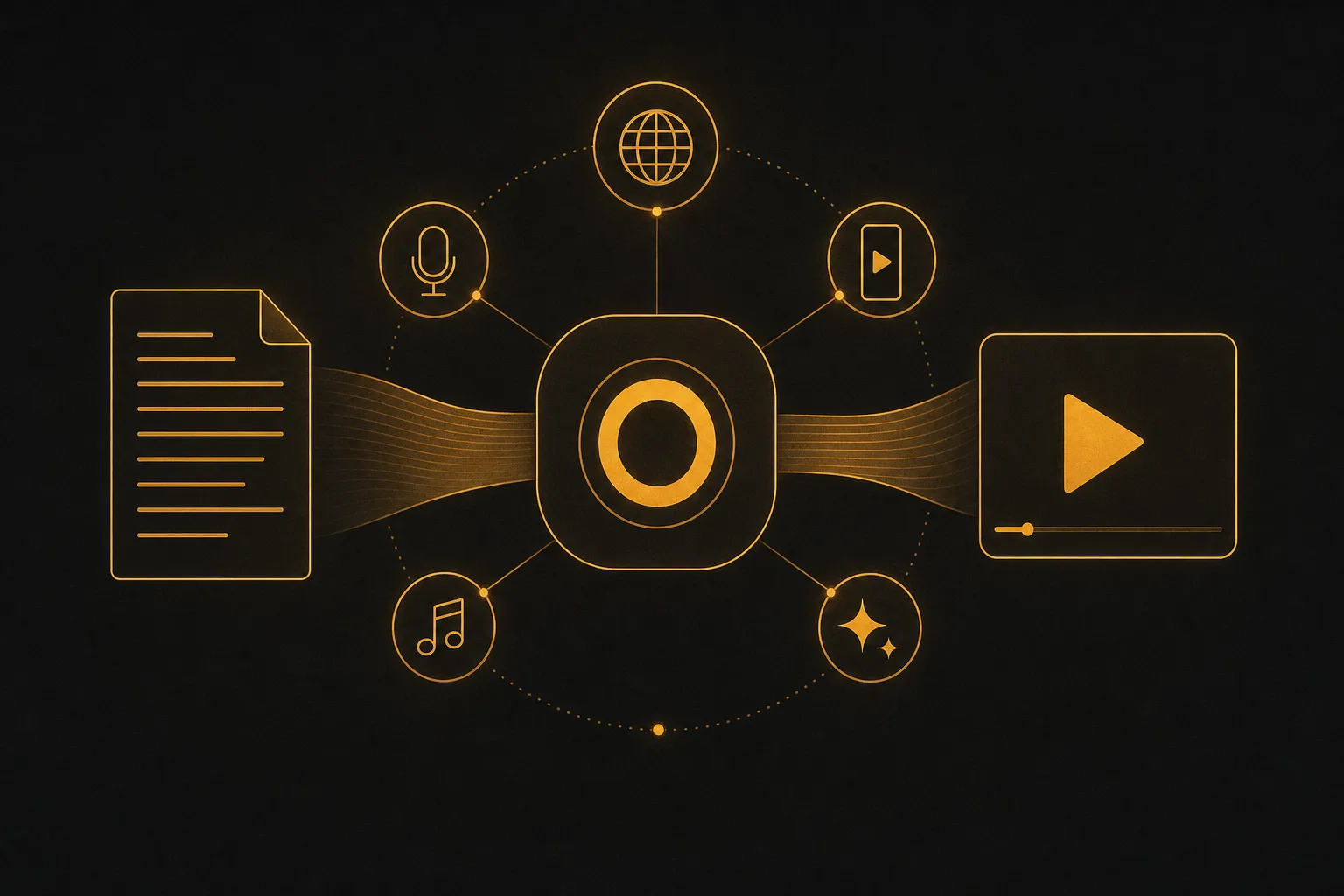
Most tools on this list hand you a raw clip and leave the rest to you. Vuela is built to take you from a script or idea all the way to a finished, postable video. You write or paste your text, and it produces video you can publish, not just a four-second snippet you still have to edit, caption, and score.
What sets it apart is the breadth. Vuela generates video from text, from an image, or from an existing video. It can clone a winning viral format and rebuild it around your own product. It translates and dubs videos into many languages with a natural matching voice, turns long videos into vertical shorts automatically, and creates UGC-style ads with AI presenters from a product image or URL. Add talking avatars, motion transfer, character swap, AI voiceover and voice cloning, music generation, transcription, plus image generation and editing, and you have one workspace instead of a stack of single-purpose apps.
Honesty matters here: Vuela does not have a free plan. Plans start at $9 per month for 500 credits, with no watermark. If your goal is a real video to publish today, and you would otherwise stitch together three or four free tools to get there, the flat fee usually wins on time alone.
Pick Vuela if you want one prompt-to-publish workflow for video, ads, dubbing, and shorts, and you value finished output over raw clips.
2. Google Flow: best for cinematic clips with sound
Google's Veo models set the bar for prompt-to-clip quality, with matching audio that most rivals still cannot generate natively. The free path now lives in Google Flow, not in the Gemini app, which requires a paid Google AI plan for video. In Flow, anyone without a plan gets 50 credits a day: a Veo 3.1 Lite clip of up to 8 seconds costs 10 credits, so about five a day, and Veo 3.1 Fast costs 20. Gemini Omni Flash, Google's newest model, costs 4 credits for 4 seconds at 360p or 12 credits for 8 seconds at 720p.
Veo 3.1 Quality costs 100 credits, so it is out of reach on free; there is no 1080p upscale; and free users can be blocked from video at peak hours. Clips carry an invisible SynthID watermark. Google AI Plus costs $7.99 a month if you need more.
Free tier reality: about five short clips a day with sound, invisible watermark. Best free quality per clip.
3. Dreamina: best model on a daily allowance
Dreamina is ByteDance's creative app and runs Seedance 2.5, one of the strongest models of 2026 for motion and prompt accuracy. It is one of the few that still refreshes free credits every day: Dreamina's own guide put the allowance at 120 credits a day in August 2026, while the official FAQ only promises "free daily credits".
Free tier reality: daily credits, watermark not guaranteed off, commercial use subject to Dreamina's terms, restricted in parts of Europe.
4. Kling: best for realistic motion
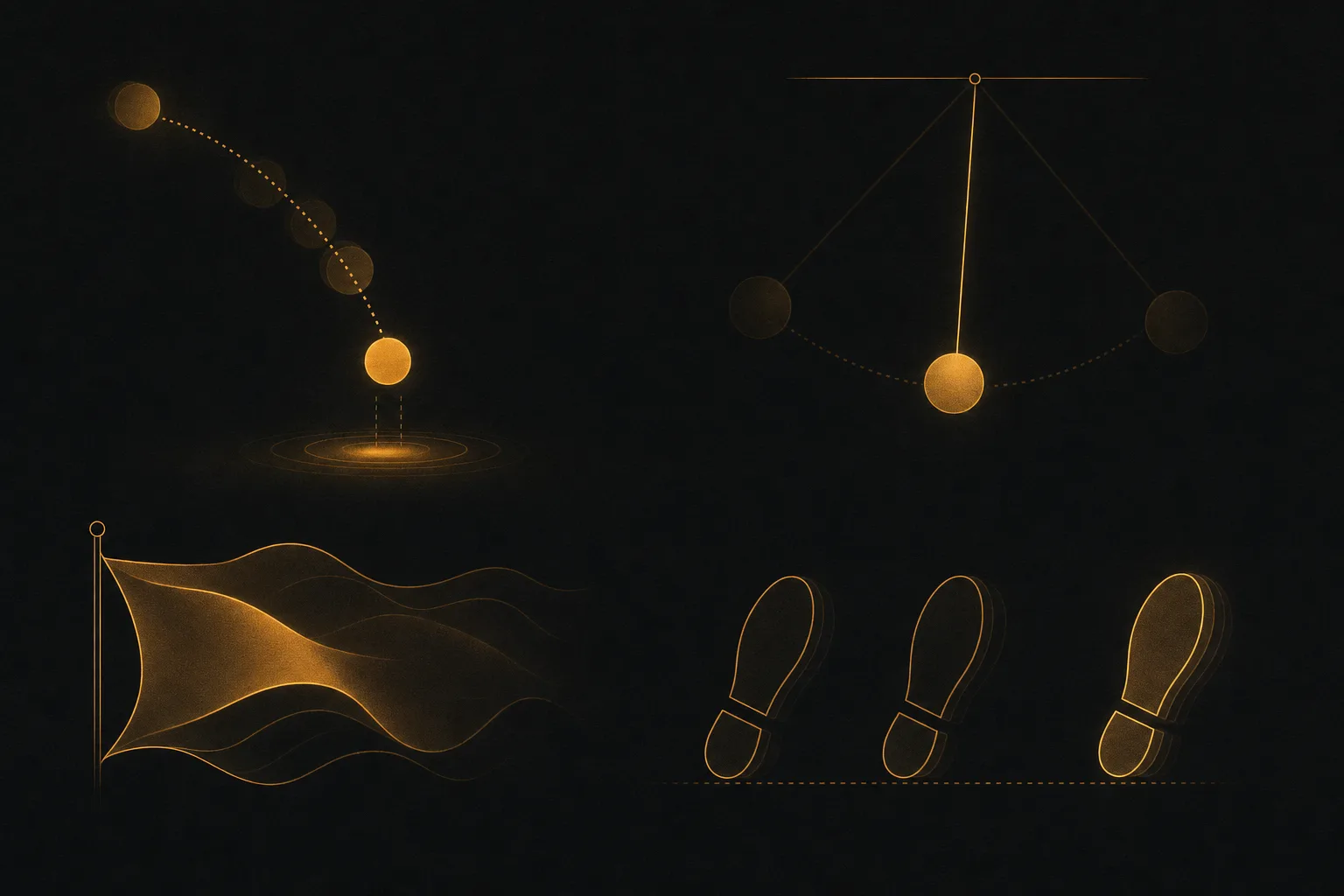
Kling earns its spot with motion that holds together. People walk, objects fall, and fabric moves the way physics says they should, which is exactly where weaker generators fall apart. For action, product motion, or anything where movement has to feel real, Kling 3.0 is a top free option. Kling 4.0 is advertised, but in October it is only in early access for top-tier subscribers.
Kling still gives free users a small daily allowance (around 66 credits in recent reports; the exact figure only shows inside your account). Free clips are 5 seconds at reduced resolution, watermarked and not for commercial use.
Free tier reality: small daily allowance, watermark, reduced resolution, 5 second clips. Best free option for realistic movement.
5. PixVerse: best for stylized and anime clips
PixVerse leans into anime and stylized looks, and its V6 model (March 2026) is a clear step up. New accounts get 90 credits at sign-up and then 60 credits a day, reset at midnight UTC, which is enough for about two short clips.
Free tier reality: daily credits, low resolution, watermark, no commercial use. Best for social-first, stylized content.
6. Synthesia: best for avatar and talking-head videos
Synthesia specializes in avatar video. You type a script, choose a presenter, and it produces a talking-head video in dozens of languages. For training, internal comms, product walkthroughs, and corporate explainers, an avatar reading your script beats hiring a presenter and a studio.
Its free Basic plan now gives 10 minutes of video creation or dubbing a month and 9 stock avatars, with a Synthesia watermark. Starter costs $29 a month, or $18 billed yearly.
Free tier reality: 10 minutes a month, stock avatars, watermark. Best for script-to-avatar corporate video.
7. Wan 2.2: unlimited if you have a GPU
Wan 2.2 is Alibaba's open-weights video model under the Apache 2.0 license. Run it on your own computer and you get unlimited clips, no watermark and full commercial rights. You need a recent NVIDIA GPU with plenty of memory, and clips are about 5 seconds at 480p or 720p. The newer Wan 3.0 is hosted only.
Free tier reality: no limits, no watermark, commercial use allowed; hardware is the cost.
8. Hailuo: a free trial, not a free plan
Hailuo now runs MiniMax H3, with a strong cinematic feel on short clips. Its daily free credits are gone: new users get a one-time welcome package (about 200 credits in recent checks) that expires after 3 days. Clips are around 6 seconds at 768p, watermarked, and not for commercial use.
Free tier reality: 3-day welcome credits, watermark, short clips.
No longer free in 2026
- Runway: the free plan still gives 125 one-time credits, but in recent tests it no longer generates video. Standard costs $15 a month.
- Pika: the free plan includes 0 monthly credits; you need a credit pack or a plan from $10 a month.
- InVideo AI: the pricing page no longer lists a free plan.
- Veo in the Gemini app: video now requires a Google AI plan; use Google Flow instead.
- Sora: OpenAI closed the Sora app in April 2026 and the API in September 2026.
- Luma Dream Machine and Grok Imagine: no free video.
For image to video, see the best free AI image to video tools; for every free option in one list, the best free AI video generators in 2026.
How to choose the right text-to-video tool

The right pick depends on the job in front of you, not the leaderboard. Run through these questions before you sign up anywhere.
- Do you need a clip or a finished video? If you want raw footage to edit yourself, Google Flow, Dreamina, Kling or PixVerse fit. If you want something ready to publish, look at Vuela for all-around work or Synthesia for avatars.
- Is it footage or animated graphics? Product demos, explainers and data videos come out sharper when the animation is written as code than when a model generates it as footage. That is how Claude makes videos.
- Can you live with a watermark? Almost every free tier adds one; Google Flow only adds an invisible mark, and Wan 2.2 run locally adds none. If the video is for a client, an ad, or your brand channel, you will usually need a paid plan.
- How much volume do you need? Daily-credit tools like Google Flow, Dreamina, Kling and PixVerse reward patience, at two to five clips a day. Welcome credits like Hailuo's run dry fast. If you publish often, a paid plan usually costs less than juggling free caps.
- Is commercial use allowed? Free tiers often restrict monetization and client work. Check the license before you use a free clip in anything that makes money.
- How many tools do you want to manage? Stitching together a clip maker, a voiceover app, a captioner, and a translator eats hours. An all-in-one like Vuela trades one plan for one workflow.
A simple rule: use free clip generators to learn the craft and test ideas, then move to a paid all-in-one once you are publishing on a schedule and the watermarks and caps start costing you real time.
Frequently asked questions
What is the best free AI text-to-video generator in 2026?
For quality, Google Flow (Veo 3.1 Lite, about five clips a day) and Dreamina (Seedance 2.5, daily credits) lead. For realistic motion, Kling. For avatars reading a script, Synthesia's 10 free minutes a month. For no limits at all, Wan 2.2 on your own GPU. There is no single best; match the tool to the job.
Can I make AI videos for free with no watermark?
Rarely on a free tier. Kling, PixVerse, Hailuo and Synthesia watermark free videos; Google Flow adds only an invisible SynthID mark; Wan 2.2 run locally adds none. If you need clean video for a brand or client without running a model yourself, budget for a paid plan. Vuela starts at $9 a month with no watermark.
Do these tools turn a full script into a video, or just short clips?
It splits two ways. Google Flow, Dreamina, Kling, PixVerse, Hailuo and Wan generate short clips, a few seconds each, that you assemble yourself. Vuela and Synthesia take a full script and produce a complete video with voiceover, captions, and scenes. Decide which output you need before choosing.
Can I use free AI text-to-video clips commercially?
Usually not. Kling, PixVerse and Hailuo forbid commercial use on their free tiers, and Google does not state it for Flow's free credits. Wan 2.2 under Apache 2.0 is the exception. The rules change often, so read the current license before you put a free clip in an ad or a paid project.
Is a paid plan worth it over stacking free tools?
If you publish occasionally, free tiers are fine. If you publish on a schedule, the math flips. Daily caps, watermarks, short clips, and juggling separate apps for voiceover, captions, and translation cost hours every week. An all-in-one like Vuela replaces that stack with one workflow, which usually pays for itself in saved time before the first invoice.