Product Walkthrough Video Maker: Screen Recording to Demo
A raw recording in, a walkthrough out
Record yourself using the product, talking or not. Vuela watches the whole recording, finds each step, removes the waiting, the loading screens and the wandering, and keeps only the moments that explain something. Then it writes the narration and voices it.
- No microphone needed: silent recordings work
- Dead time and loading screens cut automatically
- Narration in English, Spanish, French, German, Italian or Portuguese
The camera follows every click
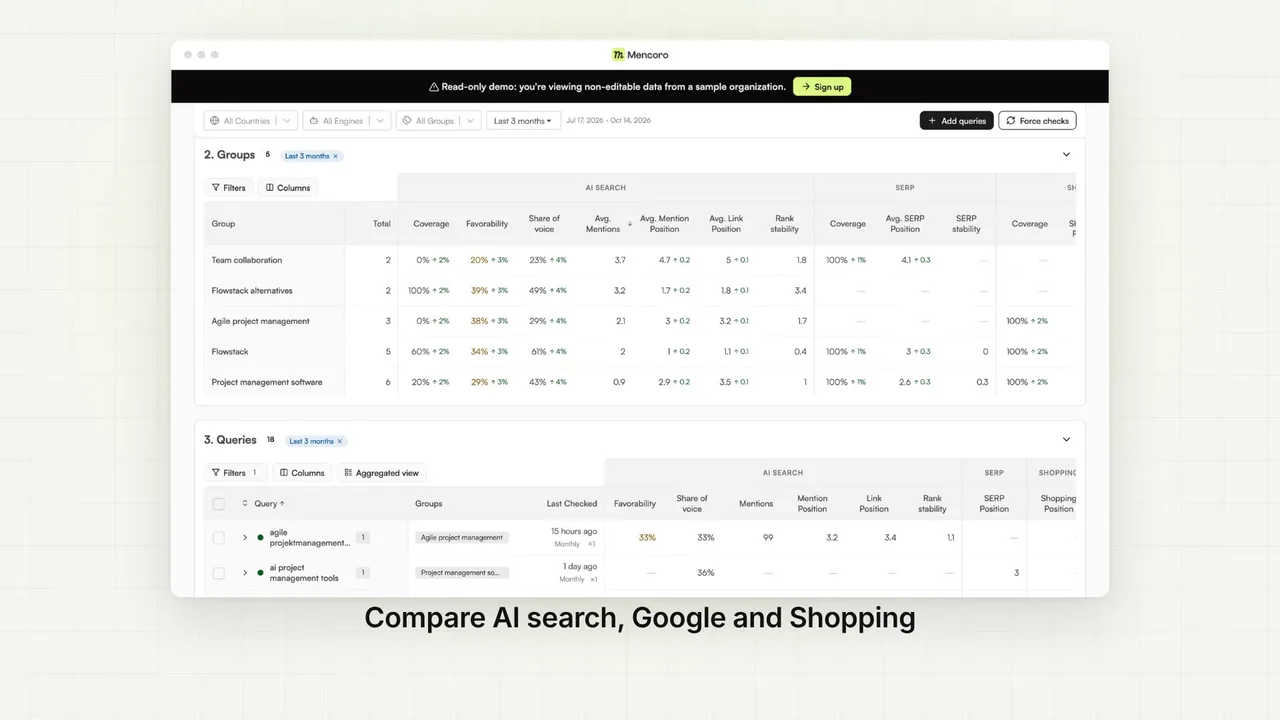
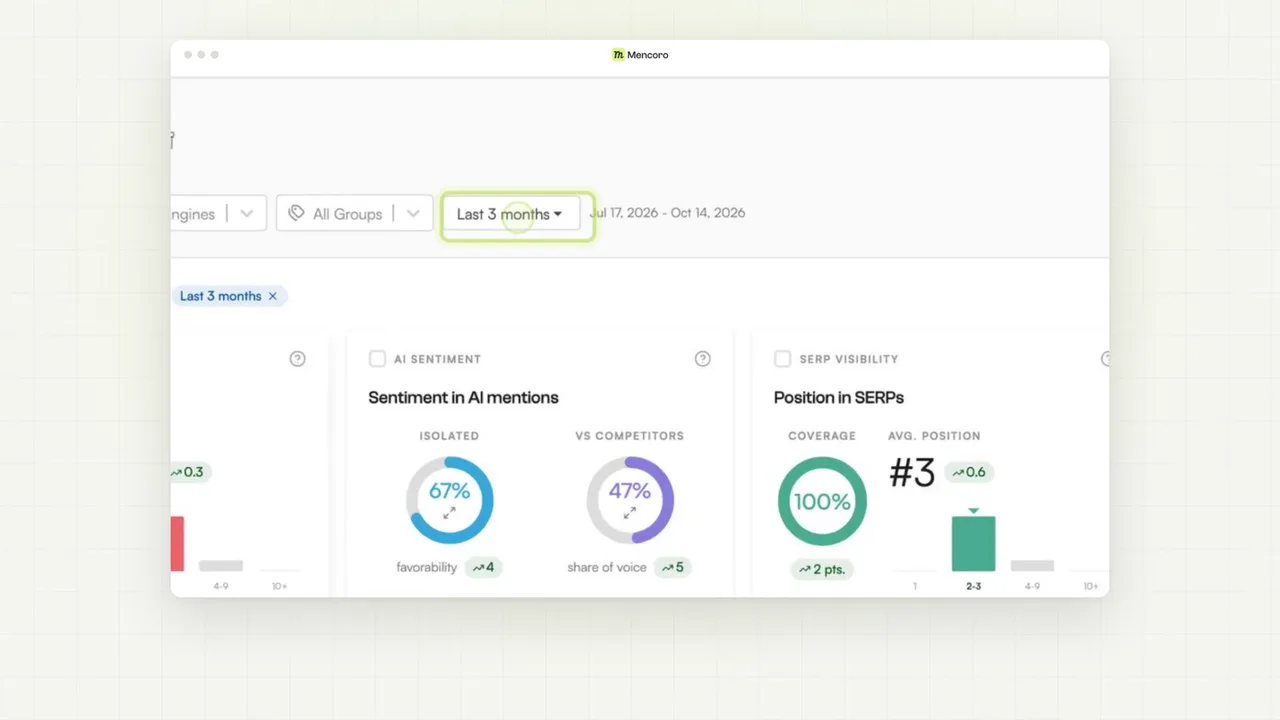
Your product plays inside a clean browser frame. When a step is about a button, a field or a chart, the camera zooms into it and the screen holds still while the voice explains it, with a short caption under the frame. You read the script line by line and change it before the video is made.
- Zooms on what the voice is talking about
- Edit the script before creating the video
How to make a product walkthrough video in 3 steps
Upload your recording
Upload a screen recording of up to 5 minutes or paste a link to it. It can be silent. Choose the language of the narration.
Review the script
Vuela finds the steps and writes the narration for each one. Read it line by line, rewrite whatever you want, and only then create the video.
Get your demo
Download a narrated walkthrough of up to 3 minutes, with zooms, titles and callouts, ready for your website, help center, onboarding emails or sales follow-ups.
Frequently Asked Questions
What is a product walkthrough video?
A video that takes the viewer through your product step by step: where to click, what happens and why it matters. It is used on SaaS homepages, in onboarding, in help centers and after sales calls.
Does my recording need a voiceover?
No. Vuela works out the steps from what happens on screen, so a silent recording is enough. The narration is written and voiced for you.
How long can the recording be?
Up to 5 minutes. The finished demo is up to 3 minutes, because the dead time is cut and each step is shown once.
Can I change the script?
Yes. Before the video is made you see the script step by step and can edit any line.
Which languages can the narration be in?
English, Spanish, French, German, Italian and Portuguese. You choose the language before the script is written.
How much does it cost?
Analysing the recording and writing the script uses 40 credits. The video itself is charged only when you approve the script and create it.
How is this different from the product demo video maker?
The product demo video maker builds an animated demo from your website URL, with no recording. Use this one when you already have a screen recording of the real product and want it edited and narrated.
Pricing
The best content. The cheapest price.
Lite
A light plan for casual creators getting started.
$9
per month
500
AI credits / monthly
- 80+ AI Creation tools
- AI Video with cloning & reimagining
- AI Images with Try-On & product shots
- Generate original background music
- Publish SEO-ready articles instantly
- Viral video inspiration
- 19+ preset & custom video styles
Starter
The essential toolkit for exploring AI content creation.
$19
per month
1,050
AI credits / monthly
- 80+ AI Creation tools
- AI Video with cloning & reimagining
- AI Images with Try-On & product shots
- Generate original background music
- Publish SEO-ready articles instantly
- Viral video inspiration
- 19+ preset & custom video styles
Growth
The perfect plan for serious content generation.
$59
$39
per month
2,200
AI credits / monthly
- 80+ AI Creation tools
- AI Video with cloning & reimagining
- AI Images with Try-On & product shots
- Generate original background music
- Publish SEO-ready articles instantly
- Viral video inspiration
- 19+ preset & custom video styles
Business
The complete solution for content-driven businesses.
$99
per month
6,000
AI credits / monthly
- 80+ AI Creation tools
- AI Video with cloning & reimagining
- AI Images with Try-On & product shots
- Generate original background music
- Publish SEO-ready articles instantly
- Viral video inspiration
- 19+ preset & custom video styles
- Priority support
Looking for a custom plan?
Adapted to your business needs (volume and customization)
Explore more AI video tools
Product Demo Video Maker for SaaS and Apps
Turn your software into an animated product demo: paste your URL and Vuela rebuilds your interface in motion on laptops and phones, feature by feature. No screen recording, no editing.
Website to Video AI Generator
Paste any webpage URL and our AI creates a video from its content — perfect for turning landing pages, articles and product pages into videos.
Corporate Video Maker: Animated Company Videos with AI
Create an animated corporate video in minutes: your website or app on screen, a launch announcement or your numbers, animated with your logo and colours. Studio finish, without the production company.
Faceless AI Video Generator Tool
Create engaging faceless AI videos perfect for storytelling, explainer videos, and educational content.
AI Image to Video Generator
Convert images to engaging videos using our advanced AI technology.
AI Video Cloner Tool
Analyze any video and create an AI-powered replica with new visuals, voices and music while keeping the same narrative structure.
Trump AI Video Generator Tool
Create AI-generated videos inspired by political speeches, debates, and viral moments. Perfect for satire, commentary, and social content.
Video to Video AI Generator
Transform any YouTube, TikTok or Instagram video into a brand-new AI-generated version. Extract the script and recreate it with your own style.
AI Video Director Tool
Chat with an AI director that plans your entire video production — scenes, camera movements, dialogues, music and sound effects.